
A practical guide for owners whose staging or preview URL has shown up in Google Search: why Disallow in robots.txt is not a hide switch, what Google documents as the real options (authentication or crawlable noindex), and the safe order of fixes when the URL is already indexed.
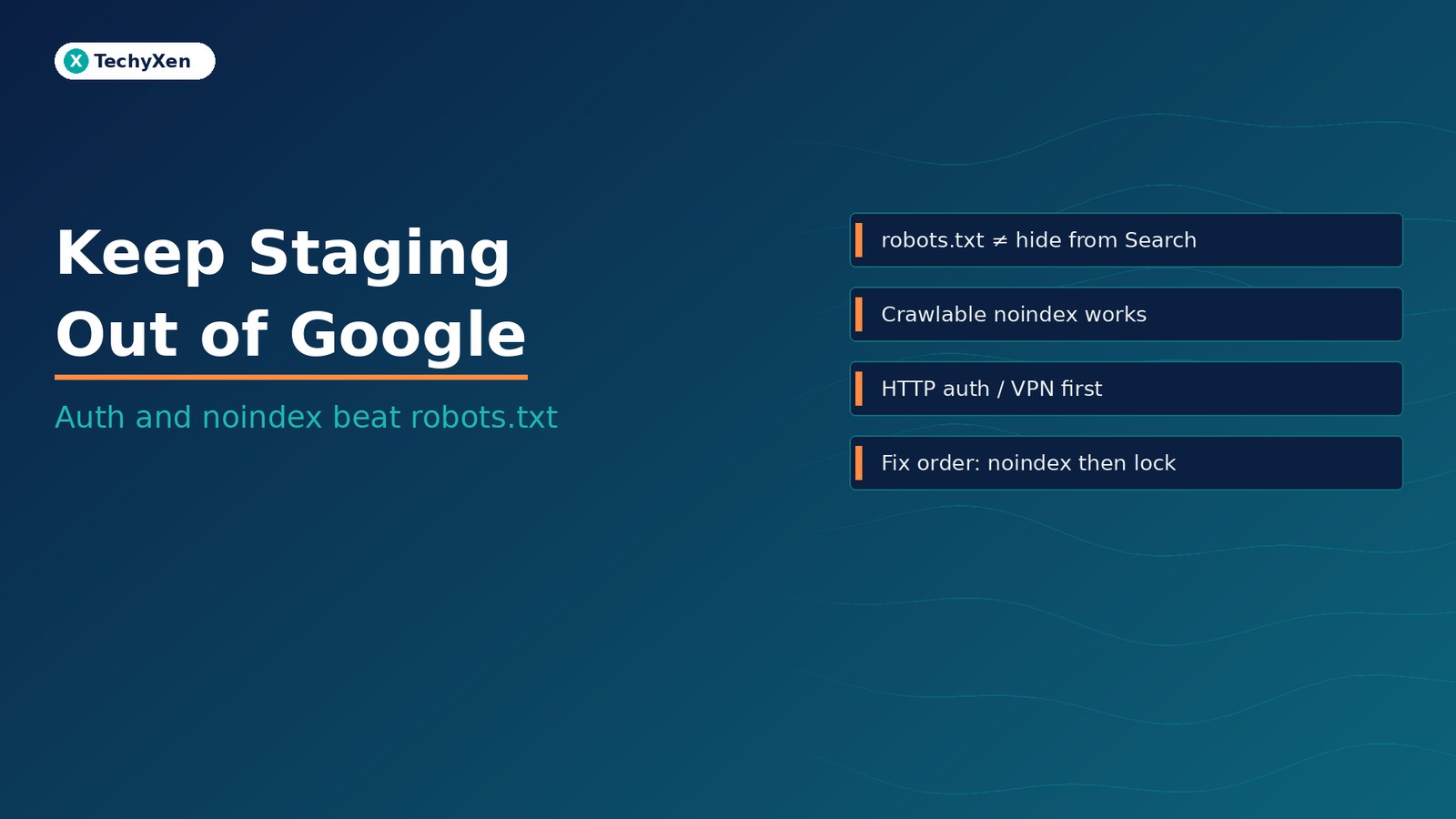
A staging or preview site that is publicly reachable can appear in Google even if you Disallow it in robots.txt. Google’s documented ways to keep a URL out of Search are password protection (or other authentication) and a crawlable noindex — via a robots meta tag or an X-Robots-Tag header. robots.txt manages crawl traffic; it is not a hide-from-Search switch. If staging is already indexed, do not lock it behind robots or auth first if you still need Google to see noindex — Google must fetch the page to drop it. The Removals tool hides a URL for about six months only; the permanent fix is authentication, removing the content, or a crawlable noindex.
Why staging shows up in Google
Staging sites get indexed for a simple reason: they are reachable on the public web. A subdomain like staging.example.com, a preview host from a hosting panel, or a temporary DNS record that anyone can open is a normal URL to a crawler. Once that URL is discoverable — from an internal link that leaked, a bookmark shared in Slack, a sitemap that included it, or another site linking to it — Google can find it.
You do not need a link from a famous site. Google’s own robots.txt introduction is clear that a disallowed URL can still appear in results if it is linked from other places on the web, often without a description, because Google never fetched the page content. Staging hosts that sit on shared platforms are especially easy to stumble into: one mistyped share, one open directory listing, one “view site” button emailed to a client, and the URL is out.
Security through obscurity is not indexing control. A long random subdomain helps a little against casual discovery; it does nothing once a link exists, and it does nothing against crawlers that already have the URL.
robots.txt is crawl control, not a hide button
Google’s robots.txt guide opens with the blunt line owners miss: a robots.txt file tells crawlers which URLs they can access, mainly to avoid overloading the server — it is not a mechanism for keeping a web page out of Google. To keep a page out of Google, the same page says to block indexing with noindex or password-protect the page.
What happens when you only Disallow staging:
- Googlebot generally will not crawl the blocked URL’s content
- The URL can still appear in Search results, often as a bare link without a snippet
- Other crawlers may ignore robots.txt entirely
- You cannot use robots.txt as the permanent way to remove an already-indexed staging URL
That last point matters for cleanup. Google’s remove-information documentation explicitly says: don’t use robots.txt as a way to block your page when you want a lasting removal from Search.
“robots.txt manages crawl traffic. It is not a hide-from-Search switch.”
The noindex trap — blocked pages never see the rule
The correct indexing control is noindex, but only if Google can fetch it. Google’s guide to blocking Search indexing with noindex states that for the rule to work, the page must not be blocked by robots.txt and must otherwise be accessible to the crawler. If robots.txt (or another block) stops the crawl, Google never sees the meta tag or header, and the URL can still appear in results when other pages link to it.
Two implementation details from the same document:
- Meta tag:
<meta name="robots" content="noindex">in the HTML<head>(orname="googlebot"for Google alone) - HTTP header:
X-Robots-Tag: noindexon the response — useful for PDFs, images, and other non-HTML files
Google also states that specifying noindex in the robots.txt file is not supported. A line like Noindex: / in robots.txt will not do what you hope. Put the rule on the page or in the response header, and keep the URL crawlable until Google has processed it.
What actually works: authentication first
For a staging environment you do not want the public (or Google) to open, authentication is the primary control. Google’s robots.txt and removals docs both list password protection as a proper way to keep a page out of Search and to make a removal permanent.
Practical patterns that work on real hosts:
- HTTP Basic Auth (or equivalent) on the whole staging host — browser prompt, credentials only for your team
- VPN or IP allowlist — staging reachable only from office / tunnel ranges
- Platform preview auth — many hosts offer password-protected preview URLs; turn that on, don’t leave the preview public “just for the client”
- Separate credentials from production — never reuse production admin passwords on an open staging box
WordPress’s Reading setting “Discourage search engines from indexing this site” only asks well-behaved crawlers to stay away (typically via a robots.txt Disallow). It is a soft CMS hint. On a publicly reachable staging host it is not enough by itself — treat it as a backup layer, never the only lock.
“If random people can open staging in a browser, crawlers can too. Auth fixes both problems.”
Defense in depth: crawlable noindex and X-Robots-Tag
Authentication should be the default for staging. When a preview must stay open for a short client review — or while you are clearing an already-indexed URL — add crawlable noindex as a second layer:
- Sitewide robots meta
noindex, nofollowon the staging theme or server config X-Robots-Tag: noindexat the web-server or CDN edge for HTML and for assets you care about- Confirm with Search Console URL Inspection → Test live URL that Googlebot receives the tag or header
- Keep staging out of production sitemaps; never submit a staging sitemap in Search Console
Defense in depth means auth for access control, and noindex only while the URL is still intentionally crawlable. Once Google has dropped the URL and you no longer need the crawler to re-check it, lock the host. Do not leave a public staging site “protected” only by noindex forever if it holds unfinished work, client data, or staging credentials.
Already indexed — fix order matters
When Search Console or a site: search shows your staging URL live, the order of fixes decides whether Google can clear it.
- Make sure Google can crawl the URL — remove the Disallow (or other block) if it is preventing a fetch.
- Serve a crawlable
noindex(meta orX-Robots-Tag) and request a recrawl with URL Inspection so Google can see the rule. - Optional temporary hide: use the Removals tool for a faster blanking. Google’s remove-information doc says Removals requests last for about six months; they are not permanent.
- Make it permanent: password-protect the host, remove or update the content, or keep a lasting crawlable noindex if the URL must remain public but non-indexed — Google lists those three as the permanent options.
- Then lock crawl if you want — once the URL is gone from results and you no longer need Google to re-read noindex, auth (and optionally robots Disallow) can stay on for traffic control.
Wrong order: Disallow staging first, then add noindex, then wonder why Search still shows the URL. Google never saw the tag. Right order: noindex while crawlable → Removals if you need speed → auth / remove content for permanence.
Launch checklist so staging settings never ship to production
Most “staging indexed” incidents are configuration drift: a noindex, Disallow, or auth rule that was meant only for preview either never existed, or got copied into production by mistake. Before every go-live:
- Auth off on production — Basic Auth or IP allowlists must not ship with the live site
- noindex off on production — robots meta and
X-Robots-Tagshould allow indexing on the live host - robots.txt is production-correct — no leftover
Disallow: /from a staging copy - WordPress Reading — “Discourage search engines…” unchecked on live; left on for staging only as a soft extra
- Sitemaps and Search Console — only the production property and production sitemap; no staging property left verified and forgotten
- Canonicals and env URLs — absolute links, Open Graph URLs, and email templates point at the live domain
- Smoke-test with curl / URL Inspection — confirm production returns indexable headers; staging returns auth or noindex as intended
If you are mid-migration and old preview hosts are still up, treat them like any other retired URL: either auth them, noindex them while crawlable, or take them down. Pair that with a redirect map when production URLs change — covered in our guide to mapping redirects before a website migration.
Keep staging private, then build for what comes next
Staging belongs behind authentication. robots.txt alone will not hide it; noindex only works when Google can crawl the page; Removals buys about six months; permanence is auth, removing the content, or a lasting crawlable noindex. Fix already-indexed staging in that order, then use a launch checklist so production never inherits the wrong robots or meta settings.
TechyXen builds and launches sites with separate staging and production controls — auth on preview, indexable live templates, clean robots and headers — and audits Search Console when a preview URL has already leaked into results. If your staging host is public or already showing in Google, we can lock it down and clear the indexed URLs without breaking the live site.
Web development · Digital marketing · Automation & AI · Contact · WhatsApp · Call

Leave A Comment