
A practical guide for business owners and operators migrating or rebuilding a website — CMS change, redesign with new URLs, HTTP to HTTPS, www/non-www, or a domain move. How to build the old-to-new redirect map before go-live so search rankings and bookmarks survive the switch.
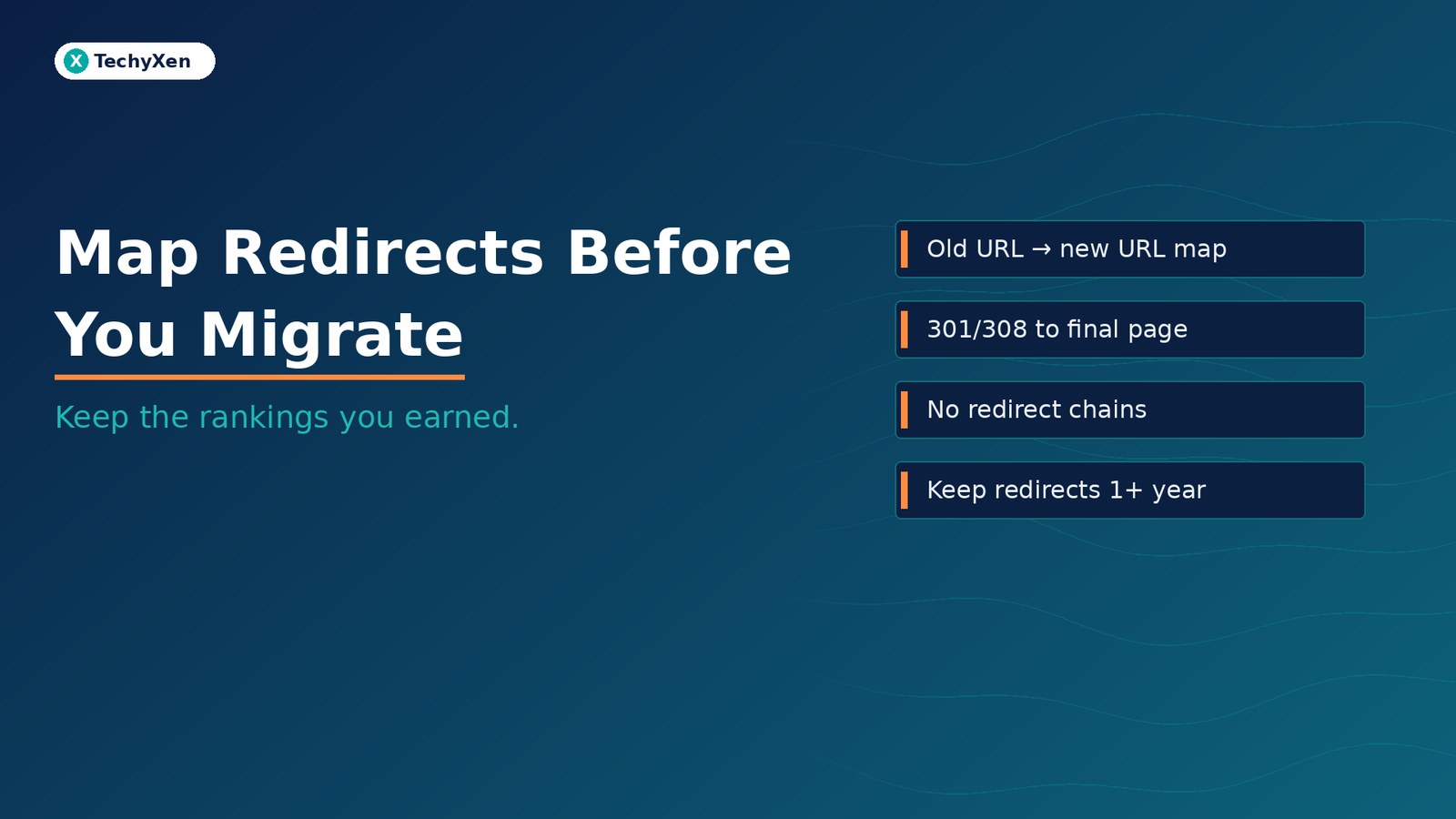
The redirect map must exist before you flip the new site live — not after traffic dips. Google’s site-move guidance is clear: prepare a URL mapping from every important old URL to its closest new destination, then turn on server-side permanent redirects (301 or 308) to those final pages. Avoid redirect chains, do not dump everything on the homepage, keep redirects generally for at least a year, and update internal links, canonical tags, and sitemaps so Google and people land on the right page.
Why a site move without a redirect map costs you rankings
When URLs change, search engines still hold the old addresses in their index. Bookmarks, emails, ads, and backlinks still point there. Without a planned redirect for each important old URL, visitors hit 404s, Google has to rediscover the new pages from scratch, and the equity you already earned is left hanging on dead addresses.
That risk shows up in everyday migrations:
- A redesign that renames every service and blog path.
- A CMS or platform rebuild with a new URL structure.
- HTTP to HTTPS, or consolidating www and non-www.
- A domain or brand change where the hostname itself moves.
Google’s Site Moves and Migrations documentation puts the mapping step before go-live for a reason. Rankings can fluctuate while Google recrawls and reindexes; a clean map shortens that period and protects users from broken links.
What Google means by a site move with URL changes
Google treats a “site move with URL changes” as any change where the address of existing pages becomes different — not just a domain swap. That includes protocol changes (HTTP to HTTPS), hostname changes, path changes, and merging sites. Pure hosting or CDN swaps with the same public URLs follow a different playbook and do not need a redirect map.
Two reassuring points from Google Search Central:
- Permanent redirects do not cause a PageRank loss. Google states that 301 and other permanent redirects do not cause a loss in PageRank.
- Expect temporary fluctuation. For medium sites, it can take a few weeks or more for new URLs to replace old ones in results; larger sites take longer. There is no fixed crawl clock — speed depends on URL count and server capacity.
An attendee recap of Gary Illyes’ timing ranges (Search Engine Journal coverage of Search Central Live) puts a typical site move at about 1–3 months end to end, with small moves sometimes settling in a few weeks and the slowest cases stretching to six months or more. Treat those as conference ranges, not a Google service-level agreement — and plan monitoring for months, not days.
“Prepare the old-to-new URL map before you turn redirects on. Go-live without that map is how migrations leak rankings.”
Build the old-to-new URL map before go-live
Google’s sequence is prepare the new site, prepare a URL mapping, then configure redirects and start the move. The map is a spreadsheet or database where each old URL has one closest new destination — the page that best replaces that content.
How to gather the old URLs:
- Sitemaps already submitted in Search Console — usually your most important pages.
- Analytics and server logs — URLs with real visits over a sensible period for your business.
- Links to your site in Search Console — pages that attract internal and external links.
- CMS export — a full list of published pages, posts, products, and categories.
- Media and downloads — images, PDFs, and other files that already rank or receive links.
For each old URL, pick the closest equivalent new URL. If several old pages consolidate into one new page, map all of those old URLs to that single new destination. If content is retired with no replacement, plan a clean 404 or 410 on the new site rather than inventing a fake match.
Simple hostname-only moves (for example example.com to example.net with the same paths) may use pattern redirects. Redesigns and CMS rebuilds almost always need a row-by-row map for the pages that matter.
Choose permanent server-side redirects — and avoid chains
Google’s Redirects and Google Search guide separates permanent from temporary redirects. Permanent redirects tell Google the new URL should become the canonical result. Temporary redirects keep the old URL as the preferred result. For a migration you intend to keep, use permanent redirects.
- Prefer HTTP 301 or 308 set on the server (Apache, Nginx, or your host/CMS redirect tools). Google ranks server-side permanent redirects as the clearest signal.
- Redirect to the final destination directly. Googlebot can follow up to 10 hops in a chain, but Google advises sending users and bots straight to the final page — ideally no more than 3–5 hops if a chain is unavoidable. Chains add latency and break in some browsers.
- Avoid client-side redirects as your primary plan. Meta refresh and JavaScript redirects are fallbacks when server-side options are impossible; they are easier for Google to miss if rendering fails.
- Test before and after go-live with Search Console’s URL Inspection tool and a crawl of the old URL list to confirm each maps to the right status and destination.
Keep redirects in place for as long as possible — Google’s site-move guide says generally at least one year, so signals and external links can transfer. From a user’s point of view, keeping them indefinitely is often smarter, while you update your own links and high-traffic external links to the new URLs.
“A permanent 301 or 308 to the final page is the migration signal Google trusts. Chains and temporary redirects leave the job half done.”
Do not dump every old URL on the homepage
One of the most common migration mistakes is sending dozens or hundreds of old URLs to a single unrelated page — usually the new homepage. Google warns that irrelevant mass redirects confuse users and may be treated like soft 404 errors.
Better rules:
- One old URL → closest equivalent new URL whenever that page still exists in some form.
- Many related old URLs → one consolidated new page when you deliberately merged content.
- No replacement → proper 404 or 410 on the new site for deleted content, not a fake “success” redirect to home.
- Pattern rules only where paths truly match — then spot-check exceptions (campaign landing pages, PDF downloads, old blog structures).
Also remove temporary noindex or over-blocking robots.txt rules used during staging before you announce the move, and give the new server enough capacity — Google often crawls harder right after redirects turn on.
Domain moves: Search Console Change of Address
If you are changing domain or subdomain (for example example.com to example.net), Google’s Change of Address tool in Search Console helps migrate Search signals after redirects are live. You must own both the old and new properties with the same Google account, and the tool only applies at domain level — not for path-only reshuffles inside one hostname.
Do not use Change of Address for:
- HTTP to HTTPS on the same host
- www ↔ non-www on the same domain
- Moving pages between folders on the same site
- Hosting changes with no user-visible URL change
For those, redirects and canonicals are enough; Google will resolve them without the tool.
Tool-specific timing from Search Console Help: implement a homepage 301 (and ideally 301s for other canonical pages) first; notifications run for 180 days; maintain redirects for at least 180 days — longer if Search still sends traffic to the old URLs; after 180 days Google stops recognizing the move relationship. Google also recommends keeping control of the old domain for at least a year so someone else cannot buy it and abuse residual trust.
Submit Change of Address for every verified old variant you care about (including www and non-www) when you move domains, even if some variants were unused.
After go-live: internal links, canonicals, sitemaps, and patience
Redirects are the safety net. Cleaning the new site is what makes the move feel finished for users and crawlers.
- Self-referencing canonicals on every new URL pointing to the new address.
- Update internal links so menus, body links, and templates use new URLs — not old paths that bounce through redirects.
- Update hreflang (if you use language or country alternates) to the new URLs.
- Submit a new sitemap of the mapped new URLs in Search Console; you can retire the old sitemap once Google is working from the new one.
- Ask high-value external sites to update their links when you can; prioritize by traffic.
- Update ads, social profiles, and email footers so campaigns stop hitting old landing pages.
Monitor both properties: Index Coverage / indexing reports, sitemap indexed counts, Search queries shifting to new URLs, server logs for Googlebot and unexpected 404s, and analytics traffic falling on the old host while rising on the new. Soft launches in quieter traffic windows reduce user impact while you watch for mistakes.
Google’s own rule of thumb: a small to medium site often needs a few weeks for most pages to move; larger sites take longer. Patience plus a correct map beats panic changes in week one.
Ship the map before you flip the switch
Website migration is not a design launch with SEO bolted on later. List the old URLs that matter, map each to the closest new page, implement permanent server-side 301 or 308 redirects to those finals with no unnecessary chains, keep the redirects for at least a year, update internal links, canonicals, and sitemaps, and use Search Console Change of Address when the hostname itself moves. That is how you keep the rankings — and the customers — you already earned.
TechyXen plans and ships website rebuilds and migrations with redirect maps, hosting and DNS cutovers, and Search Console setup as part of web development and digital marketing work. If you are redesigning, changing CMS, or moving domains and want the rankings to travel with you, we can build the map and the go-live checklist before anything flips.
Web development · Digital marketing · Automation & AI · Contact · WhatsApp · Call

4 Comments
[…] Map redirects before you migrate a website — keep the rankings you already earned […]
[…] After a migration, confirm redirects and hub links so Google rediscovers the new locations (see our guide on mapping redirects before a website migration) […]
[…] One thing not to do: block missing URLs in robots.txt. Google’s 404 help says invalid URLs should return a proper 404 and not be blocked by robots.txt; blocking them stops Google from ever seeing the 404 at all. If a large redirect clean-up is part of a redesign, plan it as a URL map first — the method is in our guide to mapping redirects before a website migration. […]
[…] If you are mid-migration and old preview hosts are still up, treat them like any other retired URL: either auth them, noindex them while crawlable, or take them down. Pair that with a redirect map when production URLs change — covered in our guide to mapping redirects before a website migration. […]