
A practical guide for site owners and operators who see “Crawled — currently not indexed” in Google Search Console. How to inspect one URL, fix what Google already crawled, and stop wasting Request indexing on pages that need a real change — not another submit.
“Crawled — currently not indexed” means Google already fetched the URL and chose not to put it in the index yet — and Google’s own Page indexing report says there is no need to resubmit that URL for crawling. The next move is URL Inspection, a live-vs-indexed check, and a hard look at duplicates, thin templates, soft 404s, rendering gaps, and weak internal links. Request indexing only after you change something meaningful; then wait — fix validation often takes up to about two weeks.
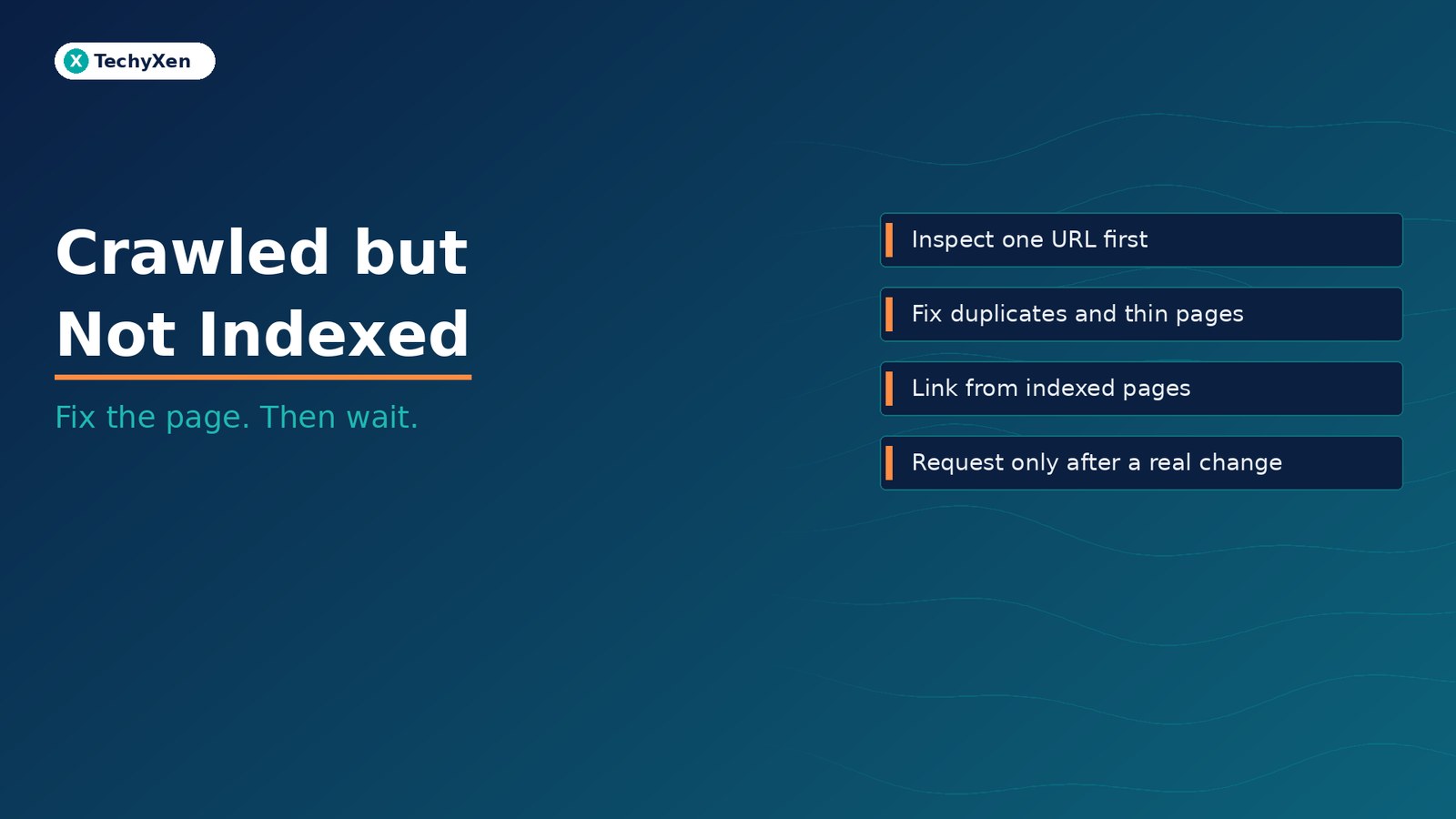
What “Crawled — currently not indexed” actually means
Google’s Page indexing report defines the status plainly: the page was crawled by Google but not indexed. It may or may not be indexed in the future. The same help page states: no need to resubmit this URL for crawling.
That is different from “Discovered — currently not indexed.” Discovered means Google found the URL but has not crawled it yet. Typically Google wanted to crawl but expected the crawl to overload the site, so it rescheduled. The last crawl date on those URLs is empty. Crawled-not-indexed is further along: Google already hit the page and still held it out of the index.
Not indexed is not automatically a failure. Google does not index every URL it knows about. Duplicates, pages with a noindex tag, robots-blocked paths, and filter or sort variants often should not be indexed. Your goal is the canonical version of every important page indexed — not 100% coverage of every parameter URL your CMS can invent.
For small sites (under about 500 pages), Google says you probably do not need to live inside the Page indexing report. Start with site: searches and the URL Inspection tool on your homepage and key pages. The Page indexing report is not the right place to hunt one specific URL’s status — URL Inspection is.
Why hammering Request indexing wastes the wrong lever
Request indexing asks Google to crawl again. On a crawled-not-indexed URL, Google already crawled. Another submit without a material change does not rewrite Google’s judgment that the page was not worth indexing yet.
People reach for Request indexing because it feels like action. The report status feels like a ticket to clear. But Google’s wording on this status is an explicit brake: do not treat resubmit as the habit. Use Request indexing when you have fixed something real — content, canonicals, status codes, internal links, or rendering — and you want Google to see the new version sooner. Even then, indexing is never instant, and Google does not guarantee every URL will enter the index.
If you are staring at a large bucket of crawled-not-indexed URLs, resist bulk-submitting them. Sample a few representatives with URL Inspection, group them by cause (duplicate, thin template, soft 404, orphan, JS shell), fix by group, then validate. Search Console’s Validate fix flow can take up to about two weeks (sometimes longer). Patience is part of the process, not a failure mode.
“Google already crawled the page. Resubmitting the same URL without a real fix asks for a second opinion on unchanged evidence.”
Inspect one URL before you rewrite the whole site
Open Search Console → URL Inspection → paste one representative URL from the crawled-not-indexed set (or a key page you care about). Read both the indexed view (what Google last stored) and the live test (what Googlebot can fetch now).
Check, in order:
- HTTP status — expect 200 for pages you want indexed. Soft 404s, unauthorized (401), forbidden (403), and hard 404s explain themselves.
- Indexing allowed? — no
noindexin HTML or headers; not blocked by robots.txt if you want a full crawl of the body. - User-declared vs Google-selected canonical — if Google chose a different canonical, that URL may sit out of the index on purpose while the chosen one ranks.
- Crawl / last crawl — confirms Google reached the URL; for crawled-not-indexed you already know it did.
- Screenshot / rendered HTML — does the main content appear after rendering, or do you see an empty shell?
One careful inspection beats rewriting the entire site template because a dashboard count looked scary. If the live test shows a clean 200, indexable page, and Google still chose another canonical, the problem is similarity or signals — not “Google forgot to crawl.”
Duplicates, thin templates, and soft 404s Google already sorted for you
Three common reasons a crawled page stays out of the index are ones Google has already decided for you:
- Duplicate without user-selected canonical — Google picked another URL as canonical and will not serve this duplicate.
- Duplicate, Google chose different canonical than user — you declared one canonical; Google disagrees and indexes the URL it prefers.
- Soft 404 — the page returns a user-friendly “not found” experience without a real 404 HTTP status. Google treats that as a soft 404. Fix by returning a real 404 (or 410) for gone pages, or by adding enough unique substance that the page is clearly a real document.
Thin template pages and filter/sort parameter URLs often land in the same bucket. If dozens of category or tag pages share almost the same boilerplate, Google may crawl them and still decline to index most of them. That can be healthy. Consolidate where content overlaps, add unique value where the page must rank, and noindex thin sets that should never compete with the canonical hubs.
Alternate pages with a proper canonical tag (mobile/desktop AMP pairs and similar) are usually fine when they correctly point at the indexed canonical — nothing to “fix” beyond confirming the relationship.
Rendering gaps: when Google crawls HTML but indexes almost nothing
Google’s JavaScript SEO basics describe three phases: Crawling → Rendering → Indexing. Googlebot queues pages for rendering (Google documents a queue on the order of hundreds of pages at a time in its processing model) and uses the rendered HTML to index. If your first response is an empty app shell and the meaningful copy only appears after client-side JavaScript, crawl success can still produce a weak or empty indexable document.
Practical checks:
- View the live test screenshot and rendered HTML in URL Inspection — is the H1, main copy, and primary links present?
- Return meaningful HTTP status codes from the server. Soft 404 patterns in single-page apps should redirect to a real 404 route or use
noindexon empty states — not pretend success with a 200 and a “page not found” message in JS. - Prefer server-side rendering or pre-rendering for important marketing and content URLs. Not every bot runs JavaScript the way Googlebot does; a usable HTML response still helps.
If Google crawled a URL and the rendered body is thin, the status “crawled — currently not indexed” is consistent with what the renderer saw. Fix the HTML Google receives, then ask for a recrawl.
“A crawl that sees an empty shell is not a queue problem. It is a rendering and content problem Google already measured.”
Internal links beat another sitemap ping
Google finds URLs through links and sitemaps. A sitemap helps discovery; it does not force indexing. For pages stuck as crawled-not-indexed, the stronger lever is often a crawlable internal link from an already indexed, relevant page — navigation, contextual body links, hubs, and related modules — not another sitemap ping.
Ask:
- Is this URL linked from the homepage, a category hub, or related articles that already rank?
- Are important links buried behind tabs that never appear in the rendered HTML?
- Did a redesign orphan older URLs that still sit in the sitemap?
Link the page you want indexed from pages Google already trusts. Update the sitemap so it lists the canonical URLs you care about. Then stop treating the sitemap as a button that overrides quality, duplication, or thinness signals.
A fix sequence you can finish in one working session
Use this sequence on one representative URL, then apply the same pattern to the rest of the bucket:
- Inspect the URL in URL Inspection (indexed + live test).
- Confirm 200, no unintended
noindex, not robots-blocked for pages you want fully crawled, and main content visible in rendered HTML/screenshot. - Compare Google-selected canonical vs user-declared canonical; align markup or differentiate content if Google is right that the pages are near-duplicates.
- Judge uniqueness — near-duplicates, thin templates, and filter URLs may belong out of the index; improve or consolidate instead of fighting every row.
- Add crawlable internal links from relevant indexed pages; do not rely on the sitemap alone.
- Improve or noindex — deepen unique pages;
noindexthin sets that should not rank; return real 404/410 for gone soft 404s. - Request indexing only after a meaningful change — Google’s crawled-not-indexed note says not to resubmit as a habit.
- Wait — Validate fix and ordinary recrawl cycles often take up to about two weeks; monitor, do not thrash.
That session ends with fewer false emergencies and a short list of pages that deserve effort. The dashboard count can stay gray for URLs that should never be indexed — that is working as designed.
Fix the page Google already saw
“Crawled — currently not indexed” is not a dare to spam Request indexing. It is Google saying the fetch already happened. Inspect one URL, fix duplicates and thin templates, repair soft 404s and rendering gaps, strengthen internal links, request indexing only after a real change, and give validation time. Aim for important canonicals in the index — not every URL your site can generate.
TechyXen builds and maintains sites with indexing hygiene in mind — clean templates, sensible canonicals, crawlable HTML, and Search Console workflows as part of web development and digital marketing. If your Search Console report is full of crawled-not-indexed rows and you want a structured triage instead of another round of blind resubmits, we can help.
Web development · Digital marketing · Automation & AI · Contact · WhatsApp · Call

3 Comments
[…] If you treat discovered-not-indexed like crawled-not-indexed, you rewrite pages Google has never seen. If you treat crawled-not-indexed like a queue stall, you spam Request indexing on evidence Google already rejected. Match the lever to the status. For the post-crawl case, read our companion guide on crawled but not indexed — fix before you resubmit. […]
[…] without changing anything — that pattern belongs to indexing issues covered in our guide to crawled but not indexed pages, not to canonical […]
[…] Crawled but not indexed — stop resubmitting and fix what Google already saw […]