
A plain-English guide for site owners whose pages show up under more than one URL: how www vs non-www, http vs https, tracking parameters and printable variants split ranking signals, and how to tell Google which version should win.
Pick one canonical URL for each piece of content before Google picks one for you. Duplicate and near-duplicate URLs — www and non-www, http and https, session IDs, sort and filter parameters, printable pages, AMP variants — split links and rankings across several addresses. Google’s own documentation says a canonical preference is a hint, not a command: if your signals conflict, Search may choose a different URL than the one you prefer. Consolidate with permanent redirects (strong), rel="canonical" annotations (strong), and sitemap inclusion (weak), stack those methods so they agree, link internally to the clean URL, and verify the result in Search Console URL Inspection.
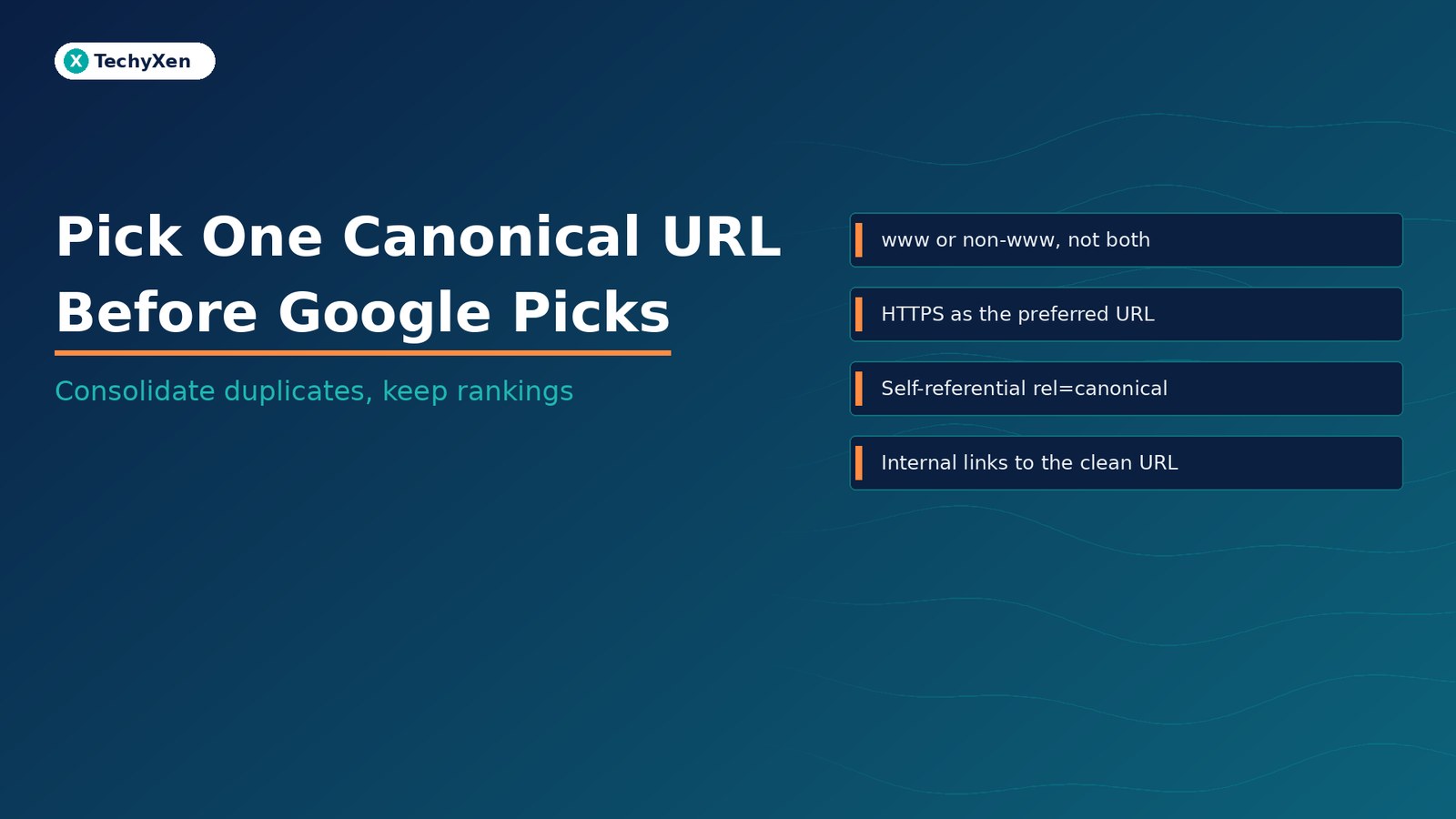
What duplicate URLs look like on a real site
Google’s guide to consolidating duplicate URLs starts from a simple fact: the same content can often be reached through more than one address. On a typical business site those variants include:
- Host variants.
https://example.com/pageandhttps://www.example.com/pageboth load the same article. - Protocol variants. The old
http://URL still resolves alongsidehttps://. - Trailing slash and case.
/servicesvs/services/, or mixed capitalisation that the server treats as different paths. - Tracking and campaign parameters.
?utm_source=…,gclid=, affiliate tags and other query strings that do not change the content. - Session and sort parameters. Session IDs, sort order, filter and pagination parameters that create a flood of near-identical URLs. Google’s notes on URL structure warn that this kind of parameter explosion can produce a very high URL count.
- Printable, AMP and “share” variants. A print stylesheet URL, an AMP page, or a lightly reformatted share link that duplicates the main article.
Each of those addresses can attract its own backlinks, appear in analytics as a separate page, and compete with the others in Search. Without a clear preference, Google will still pick a canonical — just not necessarily the one you use in your ads, email signatures and sitemap.
Why Google may ignore the URL you prefer
Google Search Central is explicit: none of the consolidation methods is required for a site to work, and a declared canonical is a preference, not a guarantee. If you do not specify one, Google identifies which version it believes is objectively best to show users. If you do specify one, Google may still choose another URL when signals conflict — for example when redirects, link annotations, sitemaps and on-page links point at different addresses, or when the HTTPS version has certificate problems.
Google lists four practical reasons to state a preference anyway:
- Control the URL shown in Search — so people land on the clean product or article URL, not a tagged campaign link.
- Consolidate signals and links — so equity from other sites accumulates on one preferred address instead of being split.
- Simplify metrics — so analytics and Search Console report one row per piece of content.
- Avoid wasting crawl budget on duplicates — so Googlebot spends time on new or updated pages rather than crawling the same content under many URLs.
“A canonical tag is a hint to Google, not a command. Conflicting redirects, sitemaps and internal links can still lose the vote.”
Three methods that stack — strongest first
Google ranks the main consolidation methods by how strongly they influence which URL becomes canonical:
- Redirects (strong). A permanent redirect tells Google that the destination is the better version. Use this when you are retiring a duplicate host, protocol or path — for example sending every non-www request to www, or every http request to https. HTTP (server-side) redirects take effect fastest.
rel="canonical"link annotations (strong). Add a<link rel="canonical" href="…">in the HTML<head>of duplicate pages, pointing at the preferred URL. Put the same self-referential canonical on the preferred page itself. Prefer absolute URLs over relative ones. For non-HTML files such as PDFs, the equivalent is aLinkHTTP header withrel="canonical".- Sitemap inclusion (weak). List only your preferred URLs in the sitemap. Google treats sitemap URLs as suggested canonicals, then decides which other URLs are duplicates based on content similarity. Useful at scale, weaker than redirects or link annotations.
These methods stack. When two or more agree on the same preferred URL, the chance that Search shows that URL rises. When they disagree — sitemap lists A, the canonical tag points to B, and internal links go to C — you have handed Google conflicting hints and invited it to pick on its own.
Best practices that keep your preference clear
Google’s consolidation guide lists several practices that matter more than the markup alone:
- Do not use robots.txt for canonicalization. Google may still index disallowed URLs without their content, which does not consolidate signals the way a redirect or canonical does.
- Do not use the URL removal tool to pick a canonical. Removal hides every version of that URL from Search, which is the opposite of consolidating.
- Do not specify conflicting canonicals across methods (one URL in the sitemap, a different one in
rel="canonical"). - Do not use URL fragments (
#section) as a canonical — Google generally does not support fragments for this purpose. - Include a self-referential canonical on the preferred page itself.
- Do not use
noindexto choose a canonical within one site.noindexblocks the page from Search entirely;rel="canonical"is the preferred way to point duplicates at a keeper. - When linking internally, link to the canonical URL, not to a tagged, http, or non-www duplicate. Consistent internal links are a signal Google reads.
- Prefer absolute URLs in the canonical element. Relative paths are supported but brittle (for example if a staging host is crawled).
- Put the link element in
<head>. Canonical annotations outside a valid head section are ignored.
If you use a CMS such as WordPress, you usually set the canonical through SEO settings (for example All in One SEO) rather than editing raw HTML. Make sure that plugin output matches the URL you redirect to and list in the sitemap.
HTTPS, www, and the parameter flood
Beyond explicit methods, Google also uses site-setup signals. The most important for most sites is the preference for HTTPS over HTTP. Google treats HTTPS as the canonical unless there are conflicting problems: an invalid SSL certificate, insecure dependencies other than images on the HTTPS page, an HTTPS→HTTP redirect, or a canonical that points at the HTTP URL. To reinforce HTTPS as preferred, redirect HTTP to HTTPS, add a canonical from HTTP to HTTPS, and consider HSTS. Do not put HTTP URLs in your sitemap or hreflang annotations.
Host choice is yours — www or non-www — but it must be one choice, enforced with permanent redirects and matching canonicals. Mix them and you recreate the duplicate set you just tried to close.
Parameters need separate hygiene. Google’s URL-structure guidance and older webmaster notes on high URL counts describe how session IDs, sort orders and filters multiply near-duplicates. Practical controls:
- Make tracking parameters optional and ignore them for content identity (so
?utm_…does not create a second indexable page). - Prefer clean path-based filters where possible, or ensure parameter URLs carry a canonical to the unfiltered (or primary) URL.
- Avoid session IDs in public links; use cookies for sessions instead.
- Block or noindex only when you truly do not want a URL in Search — and remember that
noindexis not a substitute for choosing a canonical among keepers.
“Redirects are the strongest signal. Pair them with a matching rel=canonical and a sitemap that lists only the preferred URL.”
How to verify in Search Console URL Inspection
After you set redirects, canonical tags and the sitemap, check what Google actually selected. Search Console’s URL Inspection report shows both:
- User-declared canonical — the URL your page (or HTTP header) asked for.
- Google-selected canonical — the URL Google chose to treat as the primary version.
When those two match, your preference held. When they differ, treat it as a diagnostic: look for a redirect chain that ends elsewhere, a conflicting canonical on a duplicate, HTTP still in the sitemap, internal links pointing at the non-preferred host, or an HTTPS problem that pushed Google toward HTTP. Fix the conflict, wait for recrawl, and inspect again. Do not resubmit the same URL repeatedly without changing anything — that pattern belongs to indexing issues covered in our guide to crawled but not indexed pages, not to canonical mismatches.
A short consolidation checklist
Run this when you launch a site, migrate hosts, or notice the same page ranking under two addresses:
- Choose one preferred URL per page — HTTPS, one host (www or non-www), clean path, no tracking junk.
- 301 (or equivalent permanent) redirect every duplicate host, protocol and retired path to that preferred URL. Map redirects carefully before a migration; our guide to mapping redirects before you migrate covers that planning step.
- Add
rel="canonical"on duplicates and a self-referential canonical on the preferred page, using absolute HTTPS URLs in<head>. - List only preferred URLs in the sitemap — no HTTP, no tagged campaign URLs, no print/AMP duplicates unless AMP guidelines require a separate setup.
- Update internal links, menus and CTAs so they all point at the preferred URL.
- Keep staging out of the index so test hosts never compete with production; see keeping staging out of Google.
- Inspect a sample of important URLs in Search Console and confirm user-declared and Google-selected canonicals match.
- Watch for soft 404s and thin parameter pages that look empty to Google even when they load — covered in soft 404s — so duplicates are not also quality problems.
One URL per page, enforced everywhere
Duplicate URLs are rarely a content problem. They are a consistency problem: the same page reachable under too many addresses, with redirects, tags, sitemaps and internal links that do not agree. Pick one canonical URL, make redirects and rel="canonical" and the sitemap say the same thing, link to that URL from your own site, prefer HTTPS, and verify Google’s choice in URL Inspection. When those signals line up, Search is much more likely to show the address you already use in campaigns and on your business cards.
TechyXen builds and maintains websites with clean URL structure, HTTPS redirects, SEO plugin canonicals and Search Console checks as part of the launch and care stack — so rankings and analytics stay on one preferred address per page. If your site still lists the same article under www and non-www, http and https, or a cloud of tagged URLs, we can consolidate it and confirm Google agrees.
Web development · Contact · WhatsApp · Call

2 Comments
[…] Pick one canonical URL before Google picks one for you […]
[…] Pick one canonical URL before Google picks one for you […]