
For businesses that share product pages, blog posts and landing pages on Facebook, Instagram, LinkedIn and X: which Open Graph tags control the preview card, what size the image needs to be, and how to clear an old preview that will not go away.
When someone shares your link, the platform builds the preview card from tags in your page’s HTML, not from what the page looks like. If those Open Graph tags are missing, Meta says its crawler falls back to internal heuristics and makes a best guess at the title, description and image. That guess is often a logo, a cropped banner or a blank grey box. Four tags, one properly sized image and a two-minute test fix it. Do it before the next campaign, newsletter or post sends people to that page.
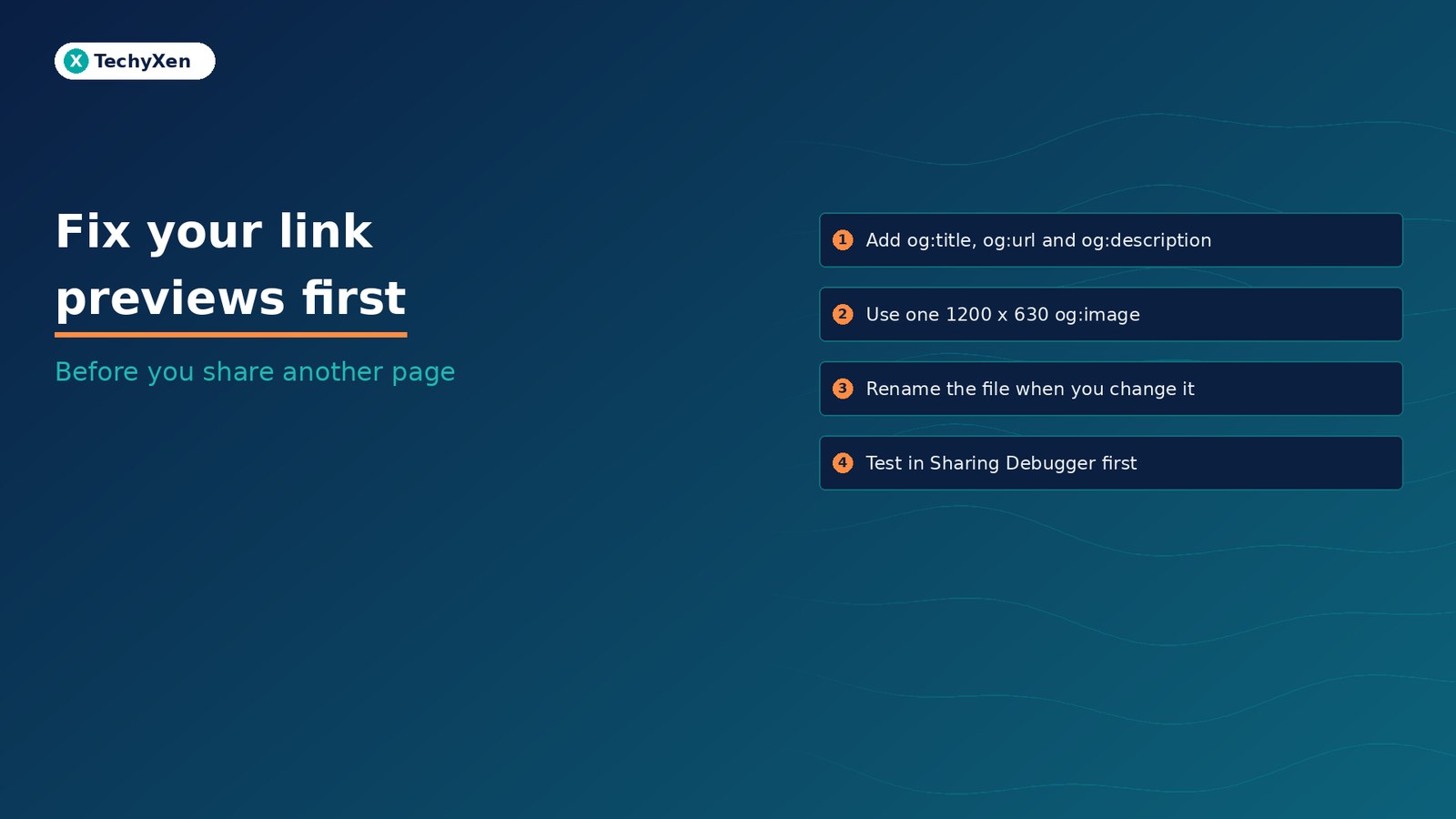
What decides how a shared link looks
Paste a URL into a post or a chat and the app sends its own crawler to fetch the page. Meta’s crawler, FacebookExternalHit, does this for links shared on Facebook, Instagram and Messenger, then caches the title, description and thumbnail it finds. LinkedIn and X run their own crawlers and keep their own copies.
All of them read the same standard first: the Open Graph protocol, a set of <meta property="og:..."> tags in the page’s <head>. The protocol lists four required properties for every page:
- og:title: the title as it should appear in the card.
- og:type: usually
websitefor pages andarticlefor blog posts. - og:image: the image URL that represents the page.
- og:url: the canonical URL that acts as the page’s permanent ID.
Add og:description as well. It is optional in the protocol, but Meta displays it under the title, and LinkedIn’s help page lists it among the tags your source code must include for sharing.
The tags also matter outside social apps. Google’s title link documentation lists content in og:title among the sources it uses to choose the title shown in search results, and its site names guide says the site name system also considers og:site_name.
The tags every shareable page needs
For a blog post or product page, a complete and clean set looks like this:
<meta property="og:type" content="article" />
<meta property="og:title" content="Fix your link previews before you share" />
<meta property="og:description" content="Which tags control the card and how to test it." />
<meta property="og:url" content="https://example.com/blog/link-previews/" />
<meta property="og:image" content="https://example.com/images/link-previews-1200x630.jpg" />
<meta property="og:image:width" content="1200" />
<meta property="og:image:height" content="630" />
<meta property="og:image:alt" content="Preview card showing the post title" />
<meta property="og:site_name" content="Example Store" />
Three details separate a working set from a broken one:
- og:url must be the clean canonical URL. Meta’s sharing guide for webmasters asks for the undecorated URL, without session variables, user identifying parameters or counters, because likes and shares aggregate at that URL. Your UTM-tagged campaign link can still be the one you post. Our guide to UTM tags covers tagging, and our canonical URL guide covers picking the clean version.
- og:title should be the page title, not the brand. Meta asks for the title of the article without branding such as your site name. The site name belongs in
og:site_name. - Image URLs must be absolute. The protocol defines a URL value as one that uses http:// or https://. A path such as
/images/card.jpgis not a valid value.
The protocol also says that a page which specifies og:image should specify og:image:alt, a description of what is in the image.
Without Open Graph tags, the crawler guesses. A guess is how a product launch gets shared with your footer logo as the picture.
Get the preview image right
The image does most of the work in a feed, and it is where most previews fail. Each platform publishes its own floor:
- Meta: the sharing best practices recommend images at least 1080 pixels wide for high resolution devices, with 600 pixels as the minimum for image link ads.
- LinkedIn: its shareable website help page sets a minimum of 1200 by 627 pixels, a recommended 1.91:1 ratio and a 5 MB file size limit. Images narrower than 401 pixels show as a small thumbnail instead of a full card.
- Dimensions in the tags: Meta recommends
og:image:widthandog:image:heightso its crawler can render the image the first time the link is shared, without downloading and processing it first.
In practice, one 1200 by 630 JPG per page clears every platform above. Keep text on the image large and away from the edges, because feeds crop cards differently on phones and desktops. Use a real picture of the product, the service or a clear headline graphic. Avoid small or transparent logos as the share image; they rarely fill the card cleanly.
Set it once in WordPress or Shopify
Your platform or SEO plugin should generate these tags from fields you already fill in.
WordPress. SEO plugins such as All in One SEO and Yoast output Open Graph tags automatically. In All in One SEO, the Facebook image settings let you choose the Default Post Image Source, such as the Featured Image or the first image in the content, plus a default image used when that source is empty. AIOSEO notes that if your theme sets a logo, it is used as the default image automatically. That is why so many WordPress posts share with a tiny logo: the post has no featured image, or the image source is not set to use it. Pick one source, set a proper default image and give every post a featured image.
Shopify. Shopify’s page_image reference says product pages, collection pages and blog posts use their featured image, and every other page uses the social sharing image set under Online Store, then Preferences. If a theme prints no og:image, Shopify generates the image tags, including width and height, for you. Shopify’s Help Center adds that images hard-coded in theme files outrank theme settings, which outrank that Preferences image, so if a new upload does not appear, check the theme code first.
Run only one source of tags. A theme that prints its own Open Graph tags alongside an SEO plugin produces two og:image values, and the protocol says the first tag on the page wins in a conflict. Our image SEO guide covers file names, sizes and alt text for the same images.
Why the old preview keeps showing
You fix the tags, share the link again, and the old card comes back. Usually that is caching, and occasionally the crawler cannot read your page at all.
- Meta caches by image URL. Its webmaster guide says images are cached based on the URL and won’t update unless the URL changes. Upload the new image under a new file name. Meta’s scraped data otherwise refreshes on a standard 24 hour cycle.
- LinkedIn keeps old posts as they were. Its Post Inspector help page says a refreshed preview only affects new posts that include the URL. Existing posts keep the old card.
- Your server can block the crawler. Meta’s crawler requirements say Open Graph tags must appear within the first 1 MB of the page, the page must be crawlable within a few seconds, and the server must support gzip and deflate encoding. Firewalls, bot protection and login walls that block the crawler’s user agent produce a blank card.
- Your own cache may be serving old HTML. Clear the page cache or CDN after changing tags, or the crawler will read the old version.
Previews are cached by image URL. If you change the picture, change the file name too.
Test every important page before it goes out
Each platform has a free tool that shows exactly what its crawler sees and forces a fresh fetch. Run the page through them before a launch, an ad or a newsletter, and again after any change:
- Meta Sharing Debugger. Shows the tags Meta scraped with any errors or warnings, and triggers a new scrape. Meta also recommends running new pages through it to pre-cache the image.
- LinkedIn Post Inspector. Shows the preview LinkedIn will build, when it last fetched the page, and lets you request a re-scrape. You need to be signed in.
- A crawler request from the command line. Meta’s crawler documentation gives a curl command that sends the FacebookExternalHit user agent, so you can confirm your server returns the full page and tags to it.
- A real share in a private chat. Send the link to yourself on WhatsApp or Messenger and look at the card on a phone, where most people will see it.
On X, a twitter:card tag set to summary_large_image asks for the wide card, and X can use your Open Graph title, description and image when the matching twitter: tags are missing. SEO plugins such as All in One SEO can output both sets, so check that they carry the same values.
Fix the card before you share the link
The card is often all a customer sees before deciding to tap. Set clean Open Graph tags from one source, give every page a 1200 by 630 image with alt text, keep og:url canonical, and test new pages in the Sharing Debugger and Post Inspector before they go out. When you replace an image, give it a new file name so the cache lets go.
TechyXen handles this as part of full-service growth work: WordPress, Shopify and custom websites built with clean sharing and SEO tags, social media management that has driven 100M+ views across client accounts, and Google and Meta campaigns tracked against real enquiries and sales. Write to [email protected], call +91 92705 93725, or use the links below.
Web development · Performance marketing · CRM and automation · Contact TechyXen · WhatsApp · Call

Leave A Comment