
A practical guide for site owners who search their own pages and see a different headline than the one they wrote: why Google swaps titles, the template mistakes that trigger it, and how to write title tags and meta descriptions Google is more likely to show.
Google rewrites a page title when it decides your <title> element does not describe the page well. It is not a penalty and nobody at Google edits your listing by hand — the process is automated. In Google’s own words, after it tuned the system in 2021, title elements are used around 87% of the time. The rest of the time it borrows from your main heading, other prominent text, links pointing to the page or structured data. Most rewrites come back to a short list of fixable patterns: empty or templated titles, stale years, titles that promise what the page does not contain, and pages with no clear main heading.
What a title link is, and where Google gets it
The clickable blue headline in a search result is what Google calls a title link. It is often the main thing people read before deciding which result to click, so a vague or wrong one costs clicks even when you rank well.
Google’s documentation on influencing title links lists the sources its system can draw from:
- The
<title>element in the page head - The main visual title shown on the page
- Heading elements such as
<h1> - The
og:titlemeta tag - Other large, prominent text styled to stand out
- Other text on the page, and anchor text on the page
- Text in links from other pages that point to it
WebSitestructured data
The title element is still by far the strongest signal. The other sources are a fallback for when the title looks broken, generic or misleading.
The five patterns that make Google look past your title
Google’s Search Central team spelled these out with real examples in its September 2021 follow-up on title generation. On business sites they usually come from a theme or SEO-plugin template, not from someone typing a bad title by hand.
- Half-empty titles. The template puts a page summary before the brand, but the summary field is blank — so the tag reads just “| Brand”. Google fills the gap from the heading.
- Obsolete titles. A page reused every year still says last year’s date in the tag while the visible headline shows the current one. Google may take the date from the headline.
- Inaccurate titles. A static title names products or services that a dynamic page does not always show. Google may shorten it to what the page reliably covers.
- Boilerplate and micro-boilerplate. Every page — or every page in one section — shares the same title, so a listing cannot tell them apart. Google may pull the distinguishing detail from on-page text.
- No clear main title. Several headings share the same size and weight, so Google cannot tell which one is the page’s real headline and may use the first.
Two smaller triggers sit alongside these: a title in a different language or script from the page body, and a site name repeated in the title that Google already shows separately as the site name.
“Google uses your title element around 87% of the time. A rewrite usually means the template, not the algorithm, is the problem.”
How to write a title Google is likely to keep
The rules are short. Most of the work is applying them to every template on the site, not just the home page.
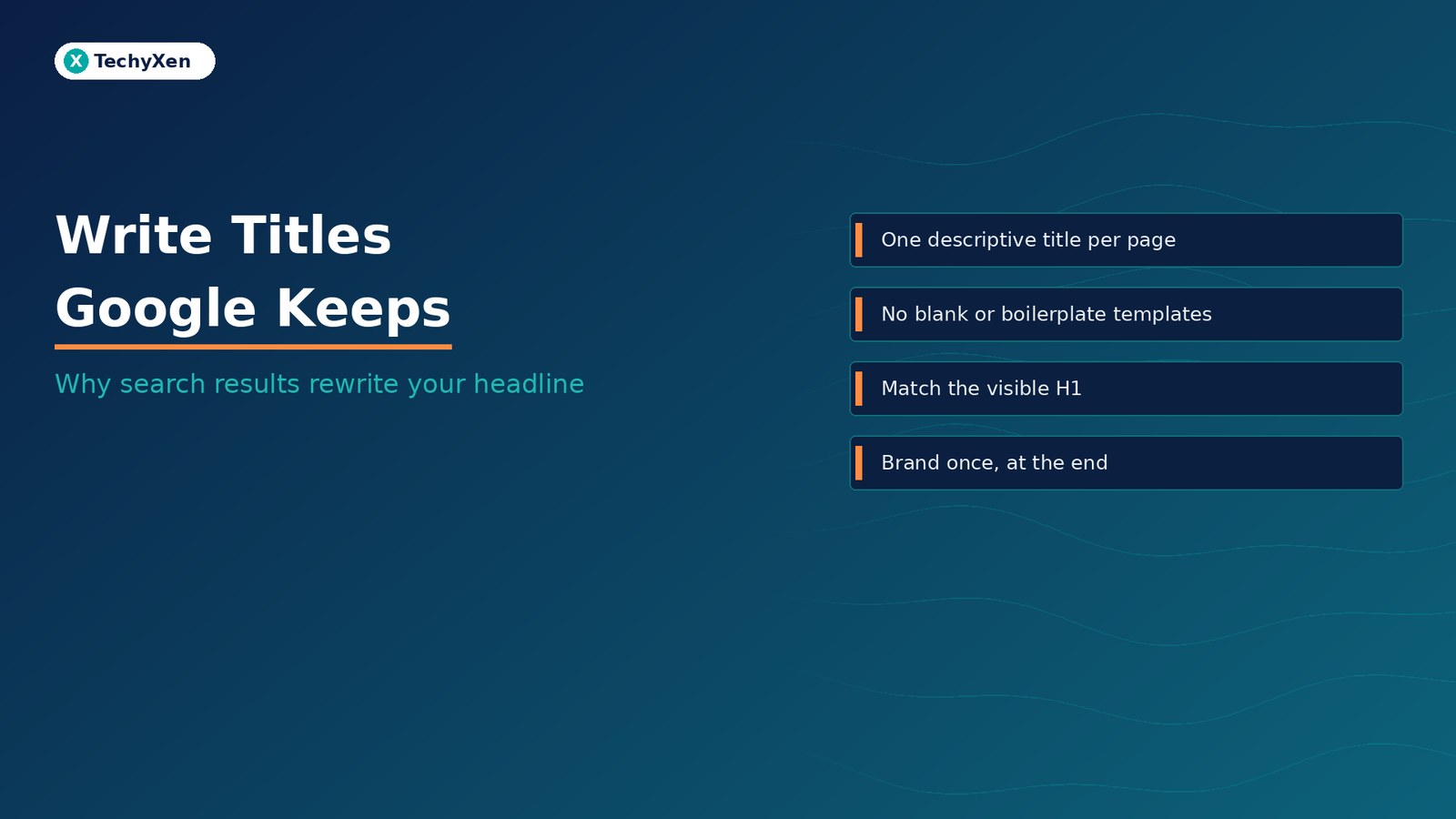
- One descriptive title per page. Name what the page is for in plain words. “Home”, “Services” or “Profile” tell a searcher nothing.
- Front-load the specific part. Google truncates long titles to fit the device width, so put the service, product or question first and the brand last.
- Brand once, concisely. Use the site name at the start or end, split off with a hyphen, colon or pipe. Keep the longer tagline for the home page only.
- No keyword stuffing. Repeating the same phrase three ways makes a result look spammy to people and to Google.
- Match the visible headline. The tag and the on-page H1 do not need to be identical, but they should describe the same thing and use the same year, product and scope.
- Same language as the page. If the page is written in Hindi, write the title in Hindi, not in English or transliterated Latin script.
Fix the templates before you touch single pages
On WordPress, Shopify and most other platforms, titles come from a pattern such as %post_title% | %site_name% in the SEO plugin or theme settings. One bad pattern can create hundreds of weak titles at once, and one fix can clean them all up.
- Crawl or sample your live titles. View the page source, or export titles with a crawler, for the home page, each service page, a few blog posts, category and tag archives, product pages and paginated lists.
- Look for blanks and duplicates. Any title that is only the brand, or that repeats across a section, points to a template that is missing a variable.
- Check archive and pagination patterns. Add the category name and page number so “Page 2” of a list does not share a title with page 1.
- Remove hard-coded years from templates unless the page genuinely changes every year — then update the tag and the headline together.
- Give each page one dominant heading. Make the H1 the largest text, and do not style section headings or promo banners to match it.
- Keep
og:titleconsistent with the title element so social previews and search do not tell different stories.
“Fix the pattern once and hundreds of titles improve. Fix titles one by one and the template quietly breaks the next page you publish.”
Meta descriptions follow the same logic
The grey text under the title link is the snippet. Google’s guidance on controlling snippets says snippets are created mainly from page content, and that Google uses the meta description when it describes the page better than the on-page text. Snippets can also change from one search to the next, depending on what the searcher typed.
- Write a unique description for each important page. Identical descriptions across a site get ignored.
- Summarise the page honestly in one or two sentences, and include useful specifics such as the service, the format or who it is for.
- Skip keyword lists. Google says strings of keywords are less likely to be shown.
- If you cannot hand-write every description, start with the pages that matter most: the home page, service pages and your best-performing articles.
Get your site name right while you are there
Google shows a site name separately from the per-page title link. To set your preference, add WebSite structured data with name and url to the home page, and use the same name in the home page title, og:site_name and headings. An alternateName gives Google a fallback, such as a short form of the brand. Once the site name shows correctly, you can drop the repeated brand from long page titles without losing recognition.
How to check whether the fix worked
Google has to recrawl and reprocess a page before it notices title changes, which its documentation says can take a few days to a few weeks. There is no manual override, so test properly instead of resubmitting every day:
- Use URL Inspection in Search Console to confirm Google can fetch the updated page, then request indexing for your most important URLs.
- Search for the exact page and compare the title link with your new tag after a recrawl.
- In the Search Console Performance report, compare clicks and click-through rate for the pages you changed, before and after.
- If Google still rewrites a title that has none of the issues above, compare its version with the queries people use. Sometimes it is a better fit, and worth adopting.
Make every listing say what the page delivers
Rewritten titles are a symptom. Fix the templates that produce blank, duplicated or outdated titles, give every page one clear headline that matches its title tag, write honest descriptions for your key pages, and set your site name with structured data. Then give Google a few weeks to recrawl before you judge the result.
If your WordPress or ecommerce site has hundreds of templated titles to untangle, TechyXen can audit them and fix the SEO-plugin patterns alongside the rest of your on-page setup.
Web development · Contact · WhatsApp · Call

Leave A Comment