
A practical guide for site owners and operators who see “Discovered — currently not indexed” in Google Search Console. How to read an empty last crawl date, check Crawl Stats, raise crawl priority with links and quality, and request indexing only for URLs that matter.
“Discovered — currently not indexed” means Google found the URL but has not crawled it yet — the last crawl date is empty — so the next move is capacity, timing, and quality patterns, not another blind Request indexing habit. Check Crawl Stats and host status, fix slow or erroring responses, strengthen thin URL patterns and internal links from already indexed pages, then request indexing only for priority URLs you actually changed or care about. This is the twin of crawled-not-indexed: discovery and queue before fetch, not rejection after fetch.
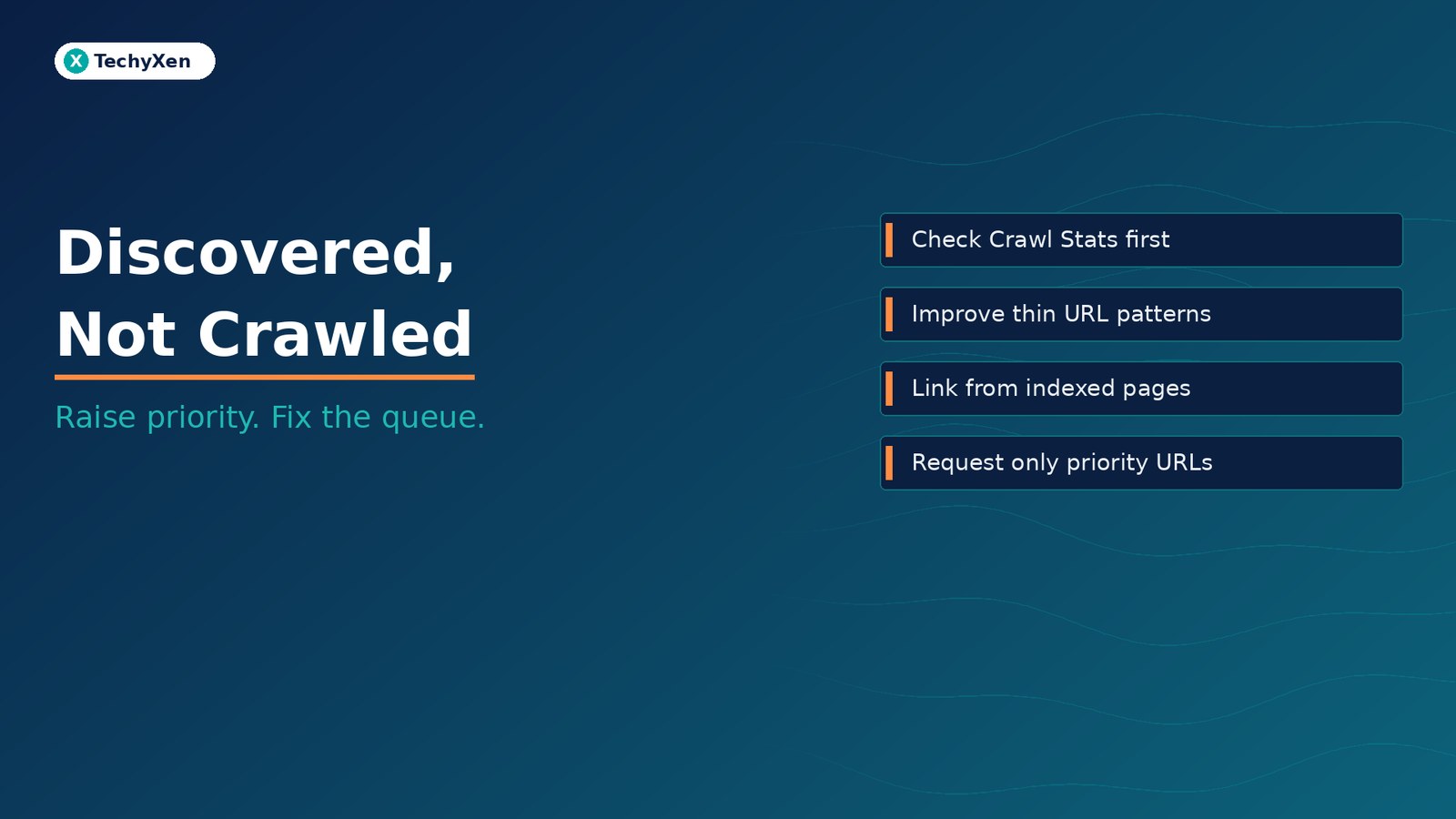
What “Discovered — currently not indexed” actually means
Google’s Page indexing report defines the status in plain language: the page was found by Google, but not crawled yet. Typically, Google wanted to crawl the URL but expected that crawl to overload the site, so it rescheduled. That is why the last crawl date is empty on the report.
Discovery usually comes from a sitemap, an internal or external link, or another known URL pattern. Google puts the URL on a to-do list. In an ideal world the fetch happens soon. In the real world the URL can sit in discovered-not-indexed until capacity, timing, or quality signals say it is worth fetching.
Not indexed is not automatically an error. Google does not promise to crawl or index every URL it knows about. For small sites (under about 500 pages), Google says you probably do not need to live inside the Page indexing report. Use site: searches and URL Inspection on your homepage and key pages when you care about a specific URL. The Page indexing report is for patterns and buckets — not the best place to diagnose one URL in isolation.
When you do care about a stuck URL, open URL Inspection. Confirm the URL is discoverable, allowed to be crawled, and linked from pages Google already trusts. Then fix what the empty last crawl date is really telling you: the fetch has not happened yet.
How this differs from “Crawled — currently not indexed”
The two statuses look similar in the dashboard and feel the same in a panic. They are not the same problem.
- Discovered — currently not indexed — Google found the URL; it has not crawled it yet; last crawl date is empty. Levers: crawl capacity, host health, queue timing, thin URL patterns, internal links, and selective Request indexing after you raise priority.
- Crawled — currently not indexed — Google already fetched the URL and still held it out of the index. Google’s help page says there is no need to resubmit that URL for crawling as a habit. Levers: duplicates, canonicals, thin templates, soft 404s, rendering gaps, and unique content — then wait. Validate fix often takes up to about two weeks.
If you treat discovered-not-indexed like crawled-not-indexed, you rewrite pages Google has never seen. If you treat crawled-not-indexed like a queue stall, you spam Request indexing on evidence Google already rejected. Match the lever to the status. For the post-crawl case, read our companion guide on crawled but not indexed — fix before you resubmit.
“Empty last crawl date means the fetch never happened. Fix the queue and the signals that keep Google from fetching — not the page Google has not seen yet.”
Why Google delays the fetch (capacity, timing, quality patterns)
In Google’s SEO Made Easy series, Martin Splitt explained Discovered-currently-not-indexed with three practical reasons, as summarized by Search Engine Roundtable (transcript of the video):
- Quality / thin patterns — When Google Search notices a pattern of low-quality or thin content, those URLs might stay in discovered. Googlebot may know about them and still choose not to proceed. If Google detects a pattern of low-quality URLs, it might skip crawling them altogether. If you care about those pages, rework the content and relate them with internal links to other existing content.
- Server slow or overwhelmed for Googlebot — Example from the talk: a shop adds 1,000 new products at once. Past crawls showed the server slowing or failing when Googlebot tried too many at once, so Google paces the crawl (for example, a smaller batch over hours instead of everything in one burst). Check the Crawl Stats report reply section for slow responses and HTTP 500s.
- Simply needs more time / queue — Googlebot put the URL on a to-do list and has not gotten to it yet. Patience is a real answer for some rows, especially on healthy sites with no thin-pattern or host issues.
Google’s own help text emphasizes the overload-and-reschedule path. Splitt’s talk adds that quality patterns are often the more common reason URLs stay discovered. Both are honest. Start with host health, then quality and links — do not assume every empty crawl date is “Google is broken.”
What Crawl Stats and host status are telling you
Open Search Console → Settings → Crawl Stats. Host status should ideally be green: Google can fetch robots.txt, resolve DNS, and connect to your servers without systemic failure. Red or yellow host issues are a reason to fix hosting, DNS, firewall rules that block Googlebot, or TLS problems before you argue about content quality.
In the reply section of Crawl Stats, look for:
- Slow responses — Googlebot is waiting too long; crawl pace drops to protect the host.
- Server errors (5xx) — failed fetches teach Google to be careful.
- Robots.txt fetch problems — if Google cannot reliably read robots.txt, crawl planning suffers.
Google’s crawl budget / hostload guidance matters most for large or fast-changing sites. Soft 404s and endless thin parameter URLs waste crawl attention. For a typical small SMB site, do not invent a “crawl budget panic.” Fix real slowdowns and errors, keep important URLs linked and in the sitemap, and leave the million-URL playbooks for million-URL sites. Smaller sites still can hit host issues — Splitt noted server problems can appear on smaller sites too — so a quick Crawl Stats check is still worth the five minutes.
Thin URL patterns that stay in the discovery queue on purpose
Google does not owe a crawl to every filter, sort, tag, session, or near-duplicate product variant your CMS can invent. When a pattern looks thin or low value, URLs can remain discovered without ever earning a fetch. That can be healthy.
Common patterns that linger:
- Faceted navigation and sort parameter URLs with almost no unique body copy
- Tag archives that only list titles already covered by better hubs
- Thin landing templates cloned across cities or keywords with the same boilerplate
- Orphan parameter and tracking URLs that entered the sitemap or an old link map by accident
If those URLs should never rank, stop fighting for them. Remove them from sitemaps, block or noindex where appropriate, and consolidate. If a subset must rank, give each URL unique substance and link it from indexed hubs — then Google has a reason to move it out of the discovery queue.
“A thin URL pattern is not a queue bug. It is Google choosing not to spend a crawl on pages it already classified as low priority.”
Internal links and sitemaps that raise crawl priority
Discovery proves Google knows the URL exists. Priority is what moves it up the to-do list. A sitemap helps discovery; it does not force a crawl or an index. The stronger lever for important pages stuck as discovered-not-indexed is usually a crawlable internal link from an already indexed, relevant page.
Practical moves:
- Link the priority URL from the homepage, a category hub, or related articles that already appear in the index
- Put the link in rendered HTML — not only behind a tab or client-only UI Google never sees
- Keep the XML sitemap limited to canonical URLs you actually want crawled; drop thin and gone URLs
- After a migration, confirm redirects and hub links so Google rediscovers the new locations (see our guide on mapping redirects before a website migration)
Splitt’s guidance matches this: if you care about pages stuck in discovered, improve the content and make sure internal linking relates that content to other parts of the site. Links from trusted indexed pages raise the chance Google fetches what it already found.
A fix sequence you can finish in one working session
Use this sequence on a short list of priority URLs — not on every row in the bucket:
- Confirm the status — Page indexing sample or URL Inspection; verify last crawl date is empty (discovered, not crawled).
- Check Crawl Stats and host status — green host preferred; investigate slow replies and 5xx; fix hosting/DNS/robots fetch issues first.
- Sample the URL pattern — is this one important page or a thin faceted/tag/clone pattern? Drop or noindex patterns that should never rank.
- Improve substance on keepers — unique copy, clear purpose, no soft-404 emptiness.
- Add crawlable internal links from relevant indexed pages; update the sitemap to canonical keepers only.
- Request indexing only for priority URLs after a meaningful change or when a key URL is stuck with no host issue — do not bulk-submit the whole discovered bucket.
- Wait and validate — Search Console’s Validate fix flow often takes up to about two weeks; monitor Crawl Stats instead of thrashing submits.
- Separate the twin status — if a URL later shows crawled-not-indexed, switch playbooks; do not keep treating it as a queue stall.
That session ends with a healthier host, fewer thin URLs competing for attention, and a short priority list Google has a reason to fetch. The dashboard can still show discovered rows for URLs that should never be crawled — that is working as designed.
Get Google to fetch what it already found
“Discovered — currently not indexed” is not a dare to spam Request indexing. It is Google saying the URL is known and the fetch has not happened yet. Read Crawl Stats, fix slow or failing hosts, stop feeding thin URL patterns, link keepers from indexed pages, request indexing only for priorities, and give the queue time. Aim for important canonicals to be crawled and then judged fairly — not for every URL your CMS can invent to leave the discovered bucket overnight.
TechyXen builds and maintains sites with crawl and indexing hygiene in mind — clean templates, sensible sitemaps, crawlable HTML, and Search Console workflows as part of web development and digital marketing. If your report is full of discovered-not-indexed rows and you want a structured triage instead of another round of blind resubmits, we can help. Keep WordPress and hosting stable while you work through it — a broken update cycle can look like a crawl problem (see updating WordPress without breaking the site).
Web development · Digital marketing · Automation & AI · Contact · WhatsApp · Call

1 Comment
[…] pages that were crawled or discovered but never indexed, our guides to crawled but not indexed and discovered but not crawled cover the next […]