
For online stores, listing sites and catalogues with colour, size, price or sort filters: how to stop filter combinations from turning into thousands of crawlable URLs, and how to keep the few filtered pages that deserve to rank.
Filters help shoppers, but each filter combination can also create a new URL that Google tries to crawl. Google’s guidance on faceted navigation warns that parameter-based filters can generate infinite URL spaces, which leads to overcrawling and slower discovery of the pages you actually want found. The fix is a decision, made once: block crawling of filter URLs you never want in Search, and give the few filtered pages that deserve to rank clean, stable URLs. Make that decision before you add more filters or more products.
How one category page turns into thousands of URLs
A category page with filters usually changes its URL every time a visitor ticks a box. Google’s own example looks like this: /items.shtm?products=fish&color=radioactive_green&size=tiny. Change any one value and a different set of items appears under a different URL.
Now multiply. A clothing category with 10 colours, 8 sizes, 5 price bands and 4 sort orders already allows 1,600 single-choice combinations, before anyone selects two colours at once or adds a page number. Most of those URLs show near-identical products. According to Google’s faceted navigation guide, this hurts in two ways:
- Overcrawling. Crawlers cannot tell whether a new filter URL is useful without fetching it, so they request a very large number of them before deciding they are not.
- Slower discovery. Time spent on filter combinations is time not spent on your new products, new blog posts and updated pages.
Google also notes that crawling faceted URLs tends to cost sites large amounts of computing resources, because every combination has to be generated and rendered by your server.
Check whether filters are already eating your crawl
Before you change anything, look at what Google is doing today. Three quick checks:
- Click your own filters. Open a category, apply two or three filters and a sort order, and look at the address bar. If it fills with
?color=,filter_,sort_by=or similar parameters, those are crawlable URLs unless something blocks them. - Open the Page indexing report in Search Console. Long lists of parameter URLs under “Discovered – currently not indexed” or “Duplicate without user-selected canonical” are a common sign. Our guides to Discovered – currently not indexed and picking one canonical URL explain both statuses.
- Look at Crawl Stats if your site is large. The Crawl Stats report (under Settings) shows how many requests Google makes and separates Discovery crawls of new URLs from Refresh crawls of known pages. Google says sites with fewer than a thousand pages should not need this report.
Google’s crawl budget guide is aimed mainly at large sites: roughly 1 million or more pages, 10,000 or more pages that change daily, or sites with a large share of URLs stuck as Discovered – currently not indexed. A small catalogue with clean filters rarely has a crawl problem. A small catalogue with uncontrolled filters can look like a large one to a crawler.
Ten colours, eight sizes, five price bands and four sort orders turn one category into 1,600 URLs. Crawlers count URLs, not products.
Decide which filtered pages deserve to be found
Not every filter page is waste. “Women’s running shoes” or “red sofas” can match real searches and deserve a page. “Size 7, blue, cheapest first, sorted by newest” almost never does. Sort the filters on your site into two groups:
- Keep and optimise: a small set of filter values that match how people search, such as a key colour, material or product type. Give these their own landing pages with a clear title, a short intro and internal links from the menu or category page.
- Keep out of Search: sort orders, price sliders, stock toggles, multi-select combinations, view options such as grid or list, and anything that only reorders the same products.
Google’s advice for the second group is direct: there is often no good reason to allow crawling of filtered items. Let crawlers reach the individual product pages and one listing page that shows the products without filters applied.
Block the filter URLs you never want crawled
For the “keep out” group, Google lists two reliable methods.
1. Disallow them in robots.txt. Google’s guide shows rules in this shape, using wildcards to match a parameter anywhere in the query string:
user-agent: Googlebot
disallow: /*?*products=
disallow: /*?*color=
disallow: /*?*size=
allow: /*?products=all$
Match the rules to the parameter names your platform actually uses. Shopify generates a default robots.txt for every store, and the generated files we checked on live Shopify stores already include rules such as Disallow: /collections/*sort_by* and Disallow: /collections/*filter*&*filter*. Open yourstore.com/robots.txt to see yours. If you need more, Shopify’s robots.txt.liquid template lets you add rules, and Shopify recommends saving a copy of the current output before you publish changes. On WooCommerce, attribute filters typically add parameters that start with filter_, so check what your theme and filter plugin produce before writing rules.
2. Put filters in URL fragments. If filters change a part of the URL after a #, such as /items#color=green, Google generally ignores them for crawling and indexing. This needs a developer, but it removes the problem at the source.
Google describes rel="canonical" pointing to the unfiltered page and rel="nofollow" on filter links as weaker options. Canonical may reduce crawling of filtered versions over time. Nofollow only works if every single link to that URL carries it.
Google still requests a noindex page before it drops it. If the goal is to save crawling, robots.txt does the job and noindex does not.
Avoid the mistakes that make it worse
Most crawl problems from filters come from mixing methods or using the wrong one. Watch for these:
- Using noindex to save crawl. Google’s crawl budget guide says not to: Google still requests the page, then drops it when it sees the noindex, which wastes crawling time.
- Using robots.txt as a canonical tool. Google’s canonicalization guide warns that disallowed URLs may still be indexed without their content. Block URLs you never want crawled, and use canonical or redirects to consolidate duplicates you still want Google to read.
- Blocking a URL and expecting Google to see its canonical tag. Once a URL is disallowed, Google cannot crawl it, so it never reads the tags on that page.
- Using robots.txt to shift crawl temporarily. Google says it will not move freed-up crawl to other pages unless your site is already hitting its crawl capacity limit.
- Listing filter URLs in your XML sitemap. Keep only canonical, indexable pages in it. Our post on pruning your XML sitemap covers the clean-up.
Build the filtered pages you keep the right way
For the filter pages you do want crawled and indexed, Google lists three rules that keep the URL space under control:
- Use the standard
&separator between parameters. Commas, semicolons and brackets are hard for crawlers to read as separators. - Keep path-based filters in a fixed order with no duplicates. If
/shoes/red/leather/exists,/shoes/leather/red/should not exist as a second copy. - Return a real 404 for empty or nonsense combinations, including duplicate filters and page numbers past the last page. Google says to serve the 404 status at the URL itself, not redirect to a shared “not found” page. Our guide to fixing soft 404s shows why a “no products found” page that returns 200 causes trouble.
After any robots.txt change, open the robots.txt report in Search Console to confirm Google fetched the new file, then use URL Inspection on a product page and a kept filter page to confirm both are still allowed. Our robots.txt audit guide walks through the checks.
Control the URL space before you add more filters
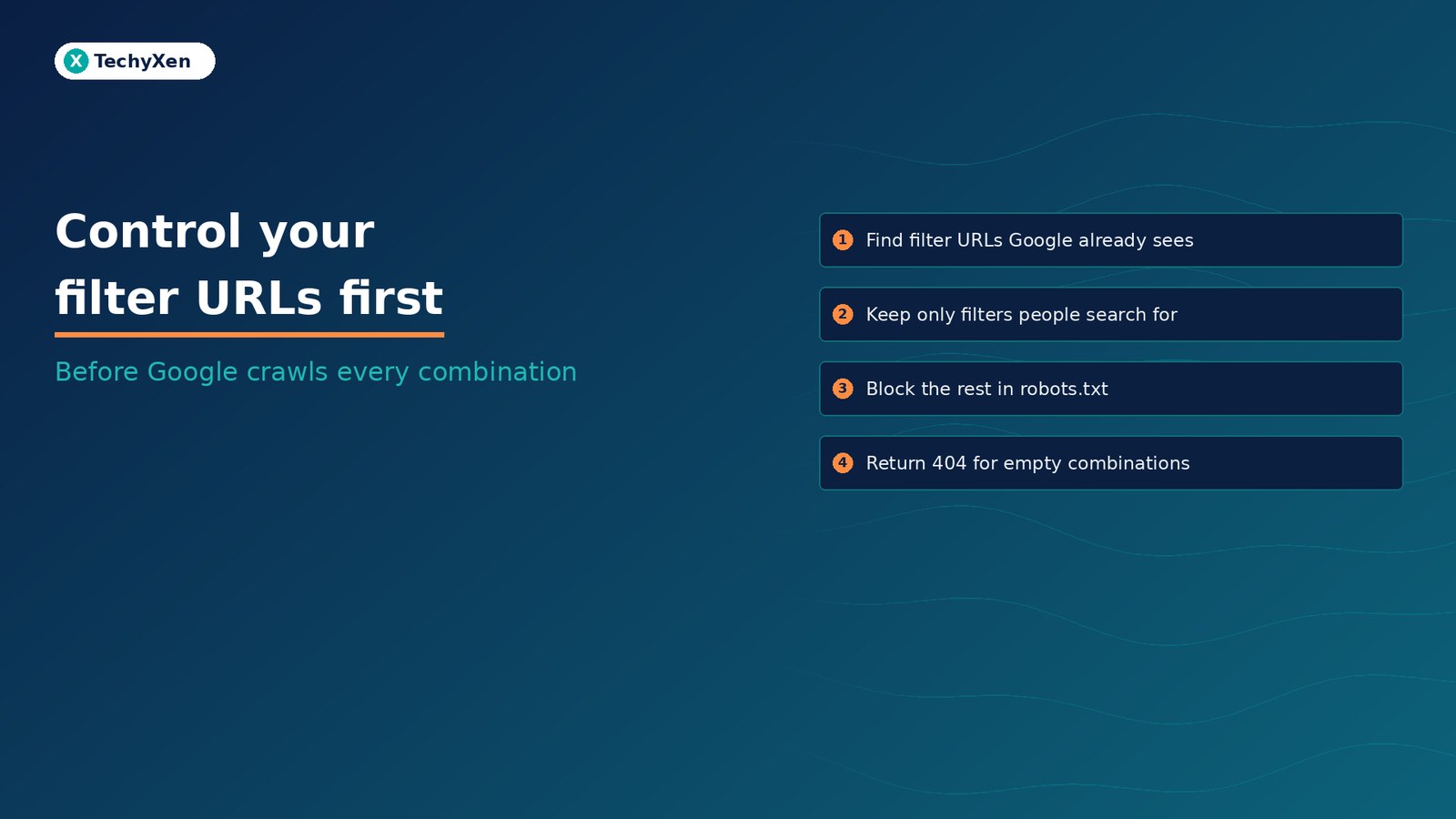
Filters are a usability feature that Google treats as a crawling problem by default. Decide which filtered pages earn a place in Search, block the rest in robots.txt or move them to fragments, keep them out of your sitemap, return real 404s for empty results, and check the Page indexing report a few weeks later. Do this once and every new product and filter starts from a clean base.
TechyXen handles this as part of full-service growth work: Shopify, WooCommerce and custom stores built with crawlable categories and clean filters, Google and Meta campaigns tracked against real enquiries and sales, and CRM and WhatsApp automation that follows up every lead. Write to [email protected], call +91 92705 93725, or use the links below.
Web development · Performance marketing · CRM and automation · Contact TechyXen · WhatsApp · Call

Leave A Comment