
A practical guide for business owners who see “Soft 404” in Google Search Console and cannot work out why: the page loads, the server says everything is fine, yet Google treats the URL as missing. What a soft 404 is, the patterns that usually cause one, and how to decide between a real 404 or 410, a relevant redirect, or a page worth keeping.
A soft 404 is a page that tells the browser “success” but tells Google “nothing here.” The server answers with HTTP 200, yet the page is empty, shows an error or “not found” message, or redirects to something unrelated, so Google treats it as missing and keeps it out of search. The fix is to make the status code honest: if the content is gone for good, return a real 404 or 410; if it moved, 301-redirect to the closest equivalent page, never a blanket redirect to the homepage; and if the page should rank, give it real content Google can recognize.
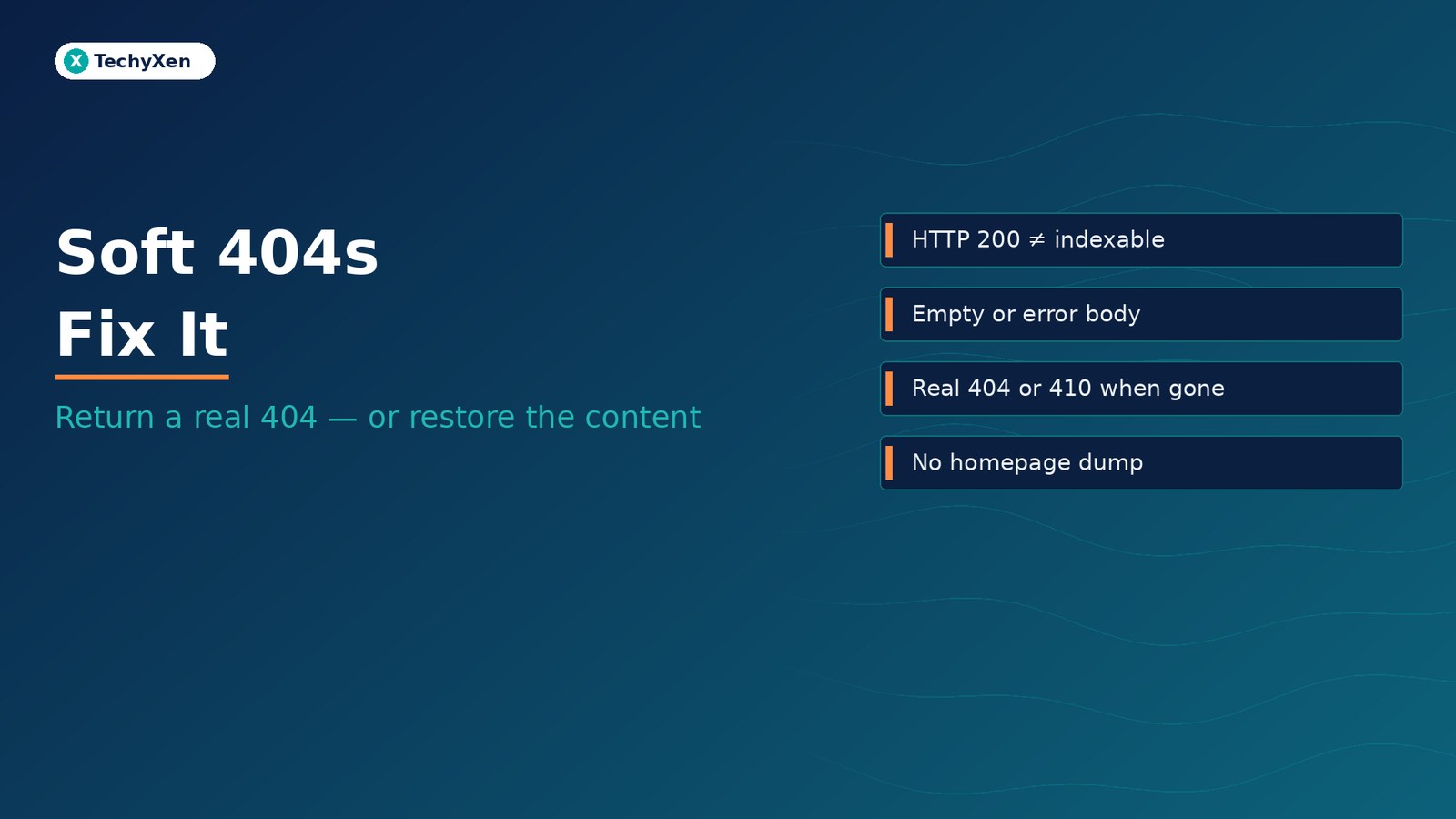
What a soft 404 actually is — a 200 that says “missing”
Every time a browser or crawler asks for a URL, the server replies with a status code before it sends the page. 200 means success, 301 means moved permanently, 404 means not found, 410 means gone. Search engines read that code first.
A soft 404 is not one of those codes. It is a label Google applies when the code and the content disagree. Google’s crawling documentation, How HTTP status codes affect Google’s crawlers, says that when a server returns a 2xx success code but the content suggests an error, an empty page, or an error message, Search Console will show a soft 404. The same page is blunt about the bigger point: for Google Search, a 2xx status code doesn’t guarantee indexing.
In practice, a soft 404 usually looks like one of these:
- A friendly “Sorry, we couldn’t find that page” message served with a 200 instead of a 404
- A product, listing, or service page whose content was removed but whose URL still loads an empty template
- A category, tag, or search page that says “Nothing found” and has nothing else on it
- An old URL that redirects to an unrelated page, most often the homepage
Where it shows up in Search Console
In Google Search Console, open Indexing → Pages and look under Why pages aren’t indexed. Soft 404 appears as its own reason, with a list of example URLs.
Google’s Page indexing report help defines it as a page that returns a user-friendly “not found” message but not a 404 HTTP response code. Its advice runs in two directions: return a 404 for pages that are truly not found, and add more information to pages that are real so Google can tell they are not soft 404s.
That second point matters, because not every flagged URL is actually dead. To see what Google saw, run URL Inspection → Test live URL → View tested page on an example. The screenshot and rendered HTML show whether Google received the full page or an empty shell, an error state, or a loading spinner.
“A status code is a promise about the page. A soft 404 is what Google calls it when the page breaks that promise.”
Why a soft 404 is worse than an honest 404
Many owners panic about 404s and try to make them disappear. Google’s Search Console help on 404 (Page Not Found) errors says the opposite: in general, 404 errors won’t impact your site’s search performance, and if a deleted page has no replacement, returning a 404 is the right thing to do. Those entries should drop out of the report after about a month.
A real 4xx response is a clean instruction. According to Google’s crawling documentation, Google doesn’t index URLs that return a 4xx code, removes already-indexed URLs that start returning one, ignores any content sent with it, and gradually crawls those URLs less often.
A soft 404 removes that clarity. The server claims the page exists; Google has to judge from the content that it doesn’t. Google’s 404 help says pages like this can be confusing to both users and search engines, and that fake content, homepage redirects, and robots.txt-blocked 404s all make it harder for Google to recognize your site’s structure and process it properly. Meanwhile real visitors arriving from old links, ads, or bookmarks land on a dead end that still looks like a working page.
There is a quieter cost too. If a live page is thin enough to look empty — a service page with one line of text, a product page with no description — Google can file it as a soft 404 even though you meant it to rank.
Common causes on business websites
Most soft 404s on small and mid-sized sites come from a handful of repeat patterns:
- Deleted products or listings that still load — the item is removed from the catalogue, but its URL keeps showing an empty template or “This product is no longer available” with a 200.
- Empty category, tag, and archive pages — on WordPress, an archive for an existing category with no posts typically loads a “Nothing found” template with a 200 rather than a 404.
- Internal search result pages — URLs like
/?s=anythingthat say “No results” and get linked or crawled. - Placeholder pages — “Coming soon,” “Under construction,” or a heading with no body, published before the content existed.
- Custom “not found” templates that return 200 — a designed error page that forgets to send the 404 status, common on custom builds and some page-builder setups.
- Redirect-everything-to-the-homepage settings — a plugin, server rule, or migration shortcut that sends every missing URL to the homepage.
- JavaScript apps that handle errors in the browser — the server returns 200 for every route and the app decides later that the page doesn’t exist.
What to return instead: 404, 410, 301, or a better page
Every soft 404 comes down to one question: does this URL still have a reason to exist? Work through each flagged URL with this decision:
- Gone for good, no replacement → 404 or 410. Google’s 404 help says to let a permanently deleted URL return 404 or 410, and that Google currently treats 410 (Gone) the same as 404. Pick one and be consistent; for Search, the difference is not meaningful.
- Moved or replaced → 301 to the closest equivalent. An old service page goes to the new service page; a discontinued product goes to its direct successor or the specific category it belonged to. Google’s crawling documentation describes a 301 as a strong signal that the target should be processed instead.
- Never redirect many old URLs to one irrelevant page. Google’s site move guidance warns that redirecting many old URLs to a single irrelevant destination, such as the homepage, can confuse users and might be treated as a soft 404. Consolidating several old pages into one new page that genuinely covers them is fine.
- Real page, thin content → make it a real page. Add the description, specifics, pricing approach, FAQs, or proof a visitor needs. Don’t pad it with filler; Google’s 404 help explicitly says not to create fake content.
- Useful to visitors but not worth ranking → noindex. Internal search results and empty filter states can stay usable for people while carrying a
noindexrobots meta tag.
One thing not to do: block missing URLs in robots.txt. Google’s 404 help says invalid URLs should return a proper 404 and not be blocked by robots.txt; blocking them stops Google from ever seeing the 404 at all. If a large redirect clean-up is part of a redesign, plan it as a URL map first — the method is in our guide to mapping redirects before a website migration.
“Sending every dead link to the homepage feels tidy. To Google, it is a hundred pages pretending to be one.”
JavaScript apps and client-side error routes
Sites built as single-page applications (SPAs) — React, Vue, or Angular front ends where the browser handles routing — are especially prone to soft 404s. Google’s guide to fixing Search-related JavaScript problems explains why: when an SPA handles errors with client-side JavaScript, it often reports a 200 status code instead of the appropriate one, which can lead to error pages being indexed and shown in search results.
Google gives two fixes, and you can use one or both:
- Redirect to a URL where the server returns a real 404 — for example, a JavaScript redirect to
/not-foundthat the server is configured to answer with a 404 status. - Add a robots meta tag set to
noindexon the error view, using JavaScript, when the requested item does not exist.
Google’s JavaScript SEO basics repeats the same two strategies for client-rendered apps. If your site can render on the server, the cleaner answer is to send the correct status code with the first response, so there is nothing for Google to guess.
A soft 404 fix checklist you can run this week
- Export the list. In Search Console, open Indexing → Pages → Soft 404 and export the example URLs.
- Check the real status code. Open each URL in a browser, then confirm what the server sends — a free HTTP header checker, or
curl -I https://yoursite.com/old-page/if you are comfortable with a terminal. You are looking for 200, 301, 404, or 410. - See what Google saw. For a sample, run URL Inspection → Test live URL → View tested page. Empty shells and error states usually point to a template or JavaScript problem, not a content problem.
- Sort into four buckets. Gone (404/410), moved (301 to an equivalent), keep and improve (real content), keep but noindex (search and filter states).
- Test your error page. Visit a URL that has never existed, such as
/this-page-does-not-exist-123/, and confirm the server returns 404, not 200 or a redirect to the homepage. - Turn off blanket redirects. Remove any plugin setting or server rule that sends all missing URLs to the homepage. Replace it with specific, page-to-page redirects where a real equivalent exists.
- Clean the sitemap and internal links. Remove gone URLs from the XML sitemap, and update menus, footers, and in-content links that still point to them.
- Validate the fix. Back in the Soft 404 report, click Validate fix and give Google time to recrawl. Don’t keep re-requesting indexing for URLs you meant to remove.
Expect Google to keep checking some old URLs for a long time. Its 404 help notes that once a URL has been crawled successfully, Google can try to crawl it indefinitely. A 404 in the report for a page you deliberately removed is not a problem to solve; it is the correct answer.
Get the status codes honest, then build for what comes next
Soft 404s are a signal mismatch, not a penalty. Fix the mismatch and Google stops guessing: gone pages return 404 or 410, moved pages 301 to a real equivalent, thin pages get the substance they were missing, and your custom error page sends a true 404. If Search Console is also showing pages that were crawled or discovered but never indexed, our guides to crawled but not indexed and discovered but not crawled cover the next layer.
TechyXen builds websites and online stores with correct status codes, clean redirect maps, and indexable templates from day one, and audits existing sites when Search Console reports stop making sense. If your Pages report is full of soft 404s and you are not sure which URLs to keep, redirect, or retire, we can sort them with you and fix the templates behind them.
Web development · Digital marketing · Automation & AI · Contact · WhatsApp · Call

1 Comment
[…] Soft 404s — why Google treats your page as missing when it still loads […]