
A decision guide for founders and ops leads whose contact form, CRM, and booking calendar do not talk to each other — how to unify website intake, ownership, and bookable slots, and which metrics prove the stack is working.
Leads rarely die on the website. They die in the gap between a form submission, a spreadsheet row, and a calendar that nobody owns. One stack means website intake feeds a named CRM owner, and that owner can offer a bookable slot without re-typing the lead. Tools are secondary; ownership, fields, and SLAs come first.
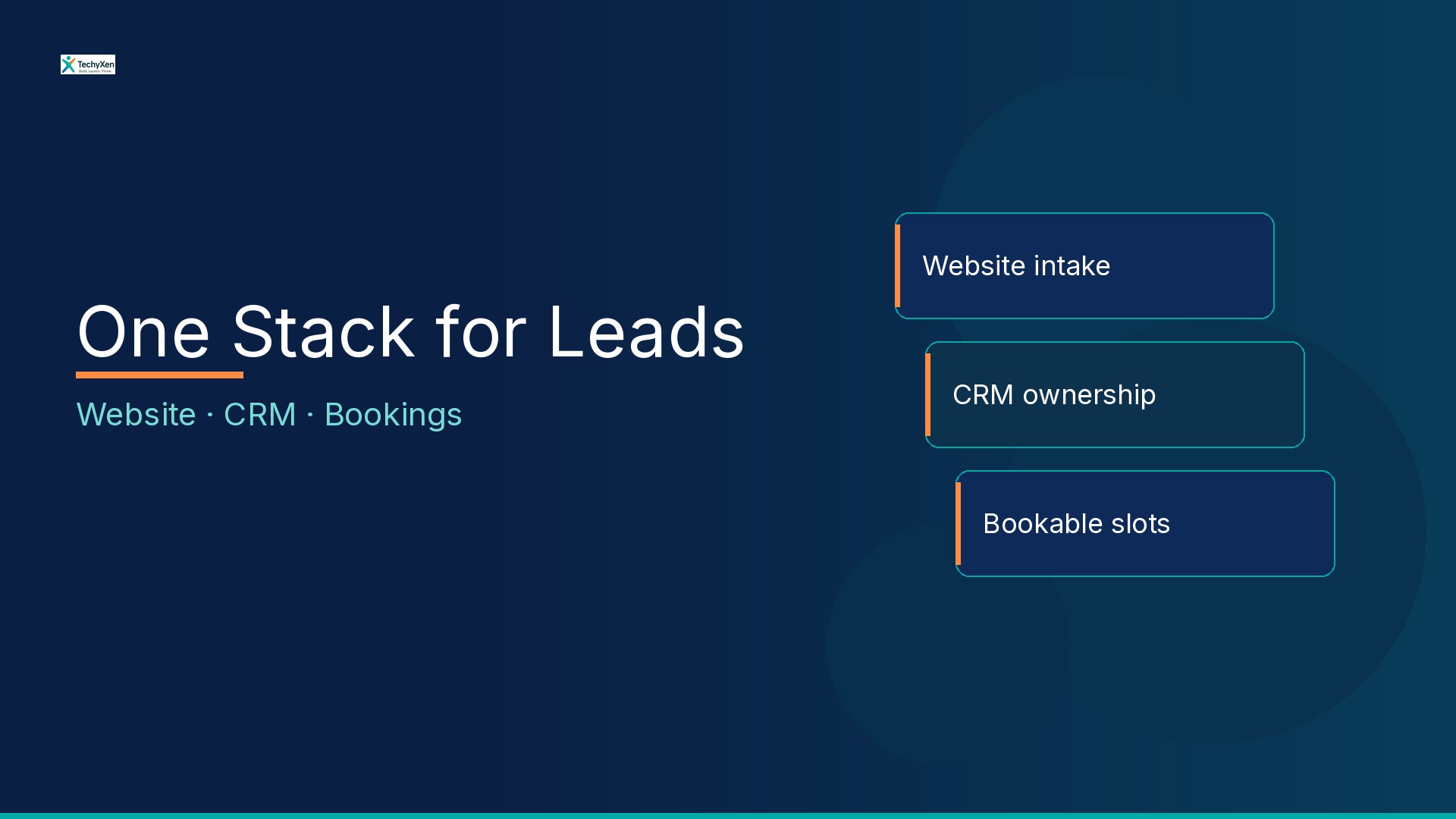
Where separate tools quietly leak revenue
Most service businesses do not start with a “bad stack.” They start with three sensible choices that never got wired together:
- A contact form — Captures name and email into an inbox or plugin notification.
- A CRM or spreadsheet — Where someone is supposed to remember the next step.
- A booking calendar — Where the meeting actually happens — often a personal Calendly, Google Calendar, or phone call.
Each tool can work alone. Together, without ownership rules, they create silent leaks: the form email gets buried, two people chase the same lead, the prospect books a slot with no context, or the meeting never gets offered because “someone will follow up tomorrow.”
“A lead without a named owner and a next slot is not a pipeline — it is a hope.”
What “one stack” actually means
One stack is not “buy one vendor logo.” It is a short operating definition:
- Intake — Every enquiry (form, chat handoff, or booked page) lands in one place with the same required fields.
- Ownership — A person or rota owns the lead within a published first-touch SLA — not “the team.”
- Bookable next step — Qualified leads can be offered a real slot without leaving the CRM record or re-asking basics.
- Feedback loop — Show / no-show / won / lost writes back so marketing and ops see the same truth.
You can implement that with a lean CRM plus a booking tool, a website form plus a shared inbox, or a fuller automation layer. The test is whether a second staffer can pick up a lead cold and still know who owns it and what to offer next.
When to unify — and when separate tools are fine
Stay separate (for now) if one person answers every enquiry, volume is low enough to scan in minutes, and you already update a list after every form or chat. A disciplined sheet beats an unused “suite.”
Unify when any of these show up:
- Two or more people reply — and leads get double-touched or dropped.
- After-hours forms sit unread until the next morning with no queue.
- You pay for ads or SEO traffic that dies in email notifications.
- Prospects ask “can I book a time?” and staff paste calendar links with no CRM context.
- No-shows and reopen chats have no owner history — only chat scrollback.
Unifying early is cheaper than rebuilding habits after the leak is cultural. Unifying too early — buying seats nobody updates — is just an expensive spreadsheet.
“Buy integration for the handoff you can name. Not for the demo that looked seamless.”
Fields, SLAs, and no-show rules worth writing down
Before you connect plugins, write one page of rules the stack must enforce:
- Required intake fields — Name, phone or email, service interest, source, consent line. Optional: preferred window, location/branch, budget band. Cut vanity fields that kill completion.
- First-touch SLA — e.g. human acknowledgement within X hours in staffed windows; clear after-hours message that still creates a CRM row.
- Qualification gate — Which answers mean “offer a slot now” vs “nurture” vs “not a fit.” Keep it short enough that staff will use it.
- Booking ownership — Whose calendar, buffer times, and which services map to which lengths.
- No-show / late cancel — Reminder cadence, reschedule path, and whether the CRM stage moves automatically.
- Reopen rule — Same contact, same issue within N days returns to the prior owner unless reassigned.
If you cannot fill that page, you are shopping for software to hide an ops gap. Fix the rules first; then pick tools that can hold them.
Metrics that prove the stack works
Skip vanity “form fills this month” charts. Track a short scoreboard tied to the handoffs:
- Time to first touch — Minutes/hours from intake to a useful human reply (during staffed hours).
- Booked rate — Share of qualified leads that receive and confirm a slot within your target window.
- No-show rate — Confirmed meetings that did not happen — watch by source and by owner.
- Reopen rate — Same enquiry returning because the first close was hollow or context was missing.
- Orphan leads — Rows with no owner or no next action after 24 hours — your real leak counter.
Use your own quiet week and busy week as baselines. Do not paste industry averages you cannot verify. If first touch is slow and orphan leads are high, buy staffing clarity or routing — not another form plugin.
A one-week checklist before you rip out tools
Before you migrate CRMs or rebuild the site:
- Map last 20 enquiries: form, chat, call, walk-in — and where each one stalled.
- Name the owner rota and first-touch SLA in writing; put a person on the weekly review.
- List the minimum fields every intake must capture; remove the rest from the form.
- Decide which outcomes get a bookable slot vs a callback vs a nurture sequence.
- Wire reminders and no-show handling to the same CRM stages you already use.
- Pilot one intake path (e.g. website form → CRM → booking link) for 7–14 days before you touch ads or other channels.
- Only then compare vendors on whether they enforce ownership, fields, and slot handoff — not on feature checklists alone.
If the pilot cuts orphan leads and improves booked rate without adding busywork, expand. If staff still live in the inbox, the integration is unfinished.
Build for what comes next
Website, CRM, and bookings pay when they behave as one operating system: intake creates ownership, ownership offers a slot, and outcomes write back. Start with the rules and the scoreboard — then choose web, CRM, and automation pieces that enforce them. Tools follow ops; they do not replace it.
TechyXen helps startups and SMBs design and ship the website + CRM + booking spine — with clear scopes, honest handoffs, and automation only where it protects speed and trust.
Web development · Automation & AI · Contact · WhatsApp · Call

4 Comments
[…] Website, CRM, and bookings as one stack […]
[…] Website, CRM, and bookings as one stack […]
[…] Website, CRM, and bookings as one stack — stop losing leads between tools […]
[…] Website, CRM, and bookings as one stack — stop losing leads between tools […]