
For business owners running Facebook and Instagram ads who want to spend more: how to add the Meta Conversions API next to your Pixel, stop the same sale or lead being counted twice, and read Event Match Quality before you raise the budget.
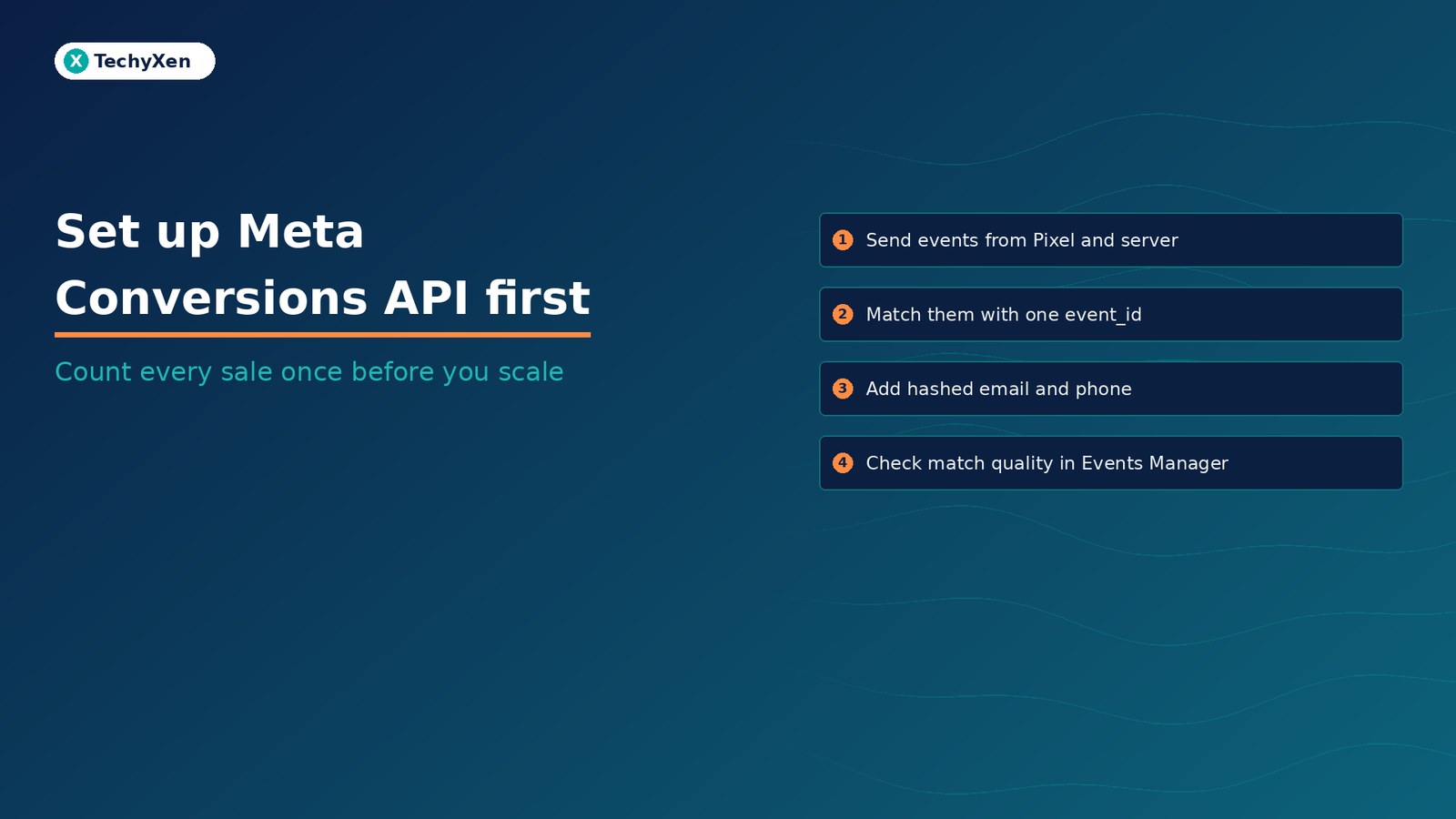
Before you scale Meta ads, make sure Meta is seeing your real sales and leads. The Meta Pixel runs in the visitor’s browser, so a blocked script, a crashed page, or a dropped connection can lose a conversion. Meta’s own recommendation is to send the same events from your server through the Conversions API as well, give each event a matching event ID so it is counted once, and send enough customer detail for Meta to match the event to a person. Get those three things right, check them in Events Manager, and only then add budget.
Why the Pixel alone can undercount your results
Meta optimizes delivery toward the conversion events you send. If those events are missing or doubled, a bigger budget is spent against a picture that is not real.
Meta’s end-to-end implementation guide says server-side sharing “may be more reliable than browser-based methods alone” and is less exposed to browser crashes and connectivity problems. Shopify’s Facebook data sharing page is more direct: a browser-based ad blocker can stop the Meta pixel from sharing data, while data sent server to server cannot be blocked that way.
The server can also report what the browser never sees, such as purchases on a separate website, lead conversions, and phone calls.
What the Conversions API adds next to your Pixel
The Conversions API connects marketing data from your server, website platform, app, or CRM to Meta. Server events are processed like Pixel events for measurement, reporting, and optimization.
Meta describes three ways to run it:
- Redundant setup (recommended): send every event through both the Pixel and the Conversions API, with the same event name and event ID on each copy.
- Split setup: send some events from the browser (for example PageView) and others from the server (for example Lead or Purchase). Meta calls this less optimal.
- Server-only: drop the browser and send everything from the server. Meta says to run a redundant or split setup first.
Meta’s Conversions API best practices give a plain example: if the Pixel sends Purchase, Initiate Checkout, and Contact, your server should send those same three events too. If you already have a Pixel, Meta says the server connection should be built as an extension of it, using the same Pixel ID, not as a separate setup.
Raising the budget on broken conversion data does not fix the data. It just teaches the campaign the wrong lesson faster.
Pick the setup route that fits your website
You rarely need custom code to start. Meta’s getting started page points to its guide to comparing Conversions API setup options, which vary by effort, cost, and features. The common routes:
- Events Manager: if a Meta Pixel is already on your site, Meta says you can set up the Conversions API for website events from Events Manager with no code and no setup fees.
- Shopify: in Sales channels, Facebook & Instagram, Settings, Data sharing settings, choose Enhanced or Maximum. Both add the Conversions API, which sends the purchase event between Shopify’s and Meta’s servers. Standard is Pixel only.
- WooCommerce: the Meta for WooCommerce documentation says the Conversions API is built in once the extension is set up, and Pixel and server events are deduplicated with a unique event ID.
- Other WordPress sites: Meta’s Meta pixel for WordPress plugin installs the Pixel and includes Conversions API support.
- Direct integration: for custom sites, booking systems, or CRMs, a developer sends events to the API with an access token generated in Events Manager under Settings, Conversions API.
Pick one route per event. A platform app plus a second plugin or hand-coded tag sending the same Purchase invites double counting.
Make every sale and lead count once with event_id
In a redundant setup Meta receives two copies of each conversion. Its deduplication guide explains how it keeps one: the Pixel’s eventID must match the server’s event_id, and the Pixel’s event name must match the server’s event_name.
- Use a real ID where you have one. The server event parameters page suggests an order number or transaction ID. Two orders, 123 and 456, should reach Meta as two purchases, not four.
- For leads and other events without an ID, generate a random value and send the same value from browser and server.
- Keep event names identical. Lead on the Pixel and Form Submit on the server will not match.
- Send both copies close together. Matching copies are only deduplicated within 48 hours of the first one arriving. If both arrive within about 5 minutes, Meta favors the browser event.
Meta also supports matching on fbp or external_id, but that method generally only works when the browser event arrives first. Event ID plus event name is the recommended option, and Meta suggests sending all of these parameters.
Send the customer details that raise Event Match Quality
Meta can only use an event for attribution and ad delivery optimization if it matches the event to a Facebook or Meta account. The best practices page says unmatched events are still counted for basic measurement, but not for attribution or optimization.
Event Match Quality, or EMQ, is the score out of 10 that shows how well your server events’ customer information can be matched. Meta lists email, IP address, first and last name, and phone number as examples of high-quality parameters. The customer information parameters page sets the rules:
- Hash contact details such as email, phone, and name with SHA-256 after normalizing them. Email is trimmed and lowercased. Phone numbers lose symbols and leading zeros and always include the country code.
- Do not hash the client IP address, user agent,
fbc, orfbp. The browser adds IP and user agent automatically; the server must add them itself. - Pass the click ID. Meta’s fbp and fbc guide recommends always sending the
_fbcand_fbpcookie values when available, refreshed with the latest value. - Follow the same consent rules. Meta says any consent logic you apply to Pixel data should apply to Conversions API data too.
For website events, action_source, event_source_url, and client_user_agent are required. Meta’s Event Match Quality help page covers how the score is shown in Events Manager.
Meta’s developer docs suggest aiming for an Event Match Quality score of 6.0 or higher where possible.
Check Events Manager before you raise the budget
Meta’s verifying your setup guide covers four checks. Run them in this order:
- Test an event. Use the Test Events tool and submit a real enquiry or order with your own details. Meta notes test events can be discarded if they do not match an account.
- Confirm both channels arrive. On your Pixel’s Overview in Events Manager, Connection Method shows whether each event came from the browser, the server, or both. Meta says events should appear within 20 minutes.
- Read the Event Deduplication tab under Event Details. Higher deduplication rates are better, and low Overlap means your event IDs are not unique or only one source sends them.
- Check Event Freshness. It shows average delay from Real Time to Weekly. Server events should go out as close to real time as possible, and an
event_timemore than 7 days old is rejected. - Open Event Match Quality for Lead or Purchase and follow the recommendations shown there. EMQ is currently available only for web events.
- Compare against your own records. Put a week of Meta-reported leads or purchases next to your CRM or order list. A large gap either way means something is missing or doubled.
Once these pass, give the campaign a week of stable data before raising spend. If your best leads close later by phone or WhatsApp, the Conversions API can also send those offline and CRM events, the same idea as sending qualified leads from your CRM back to Google Ads.
Scale on numbers you can trust
Bigger budgets reward clean signals. A redundant Pixel and Conversions API setup, matching event IDs, and a healthy Event Match Quality score mean Meta optimizes toward the people who actually buy or enquire.
TechyXen handles this as part of full-service growth work: Meta and Google campaigns set up and measured against real enquiries and sales, Pixel and Conversions API tracking configured and tested, websites and Shopify or WooCommerce stores built with clean tagging, and CRM and WhatsApp automation that follows each lead to a sale. Write to [email protected], call +91 92705 93725, or use the links below.
Meta ads and performance marketing · Web development · CRM and automation · Contact TechyXen · WhatsApp · Call

1 Comment
[…] Set up Meta Conversions API before you scale your Meta ads […]