
A practical guide for business owners whose website feels slow on a phone. What Google’s Core Web Vitals actually measure, why a lab score is not the same as what your customers feel, and the fixes that usually matter most before anyone suggests a redesign.
Most slow business websites do not need a rebuild. They need a short list of fixes on the pages people actually land on: a lighter hero image, fewer third-party scripts, reserved space for anything that loads late, and hosting that answers quickly. Google measures this through three Core Web Vitals, judged on real visits from real phones, and roughly half of all websites still fail them on mobile. Start with the field data, fix the biggest cause first, and measure again before spending money on a new design.
What Core Web Vitals measure, in plain terms
Core Web Vitals are three measurements Google uses to describe how a page feels to a visitor. Each one has a published “good” threshold:
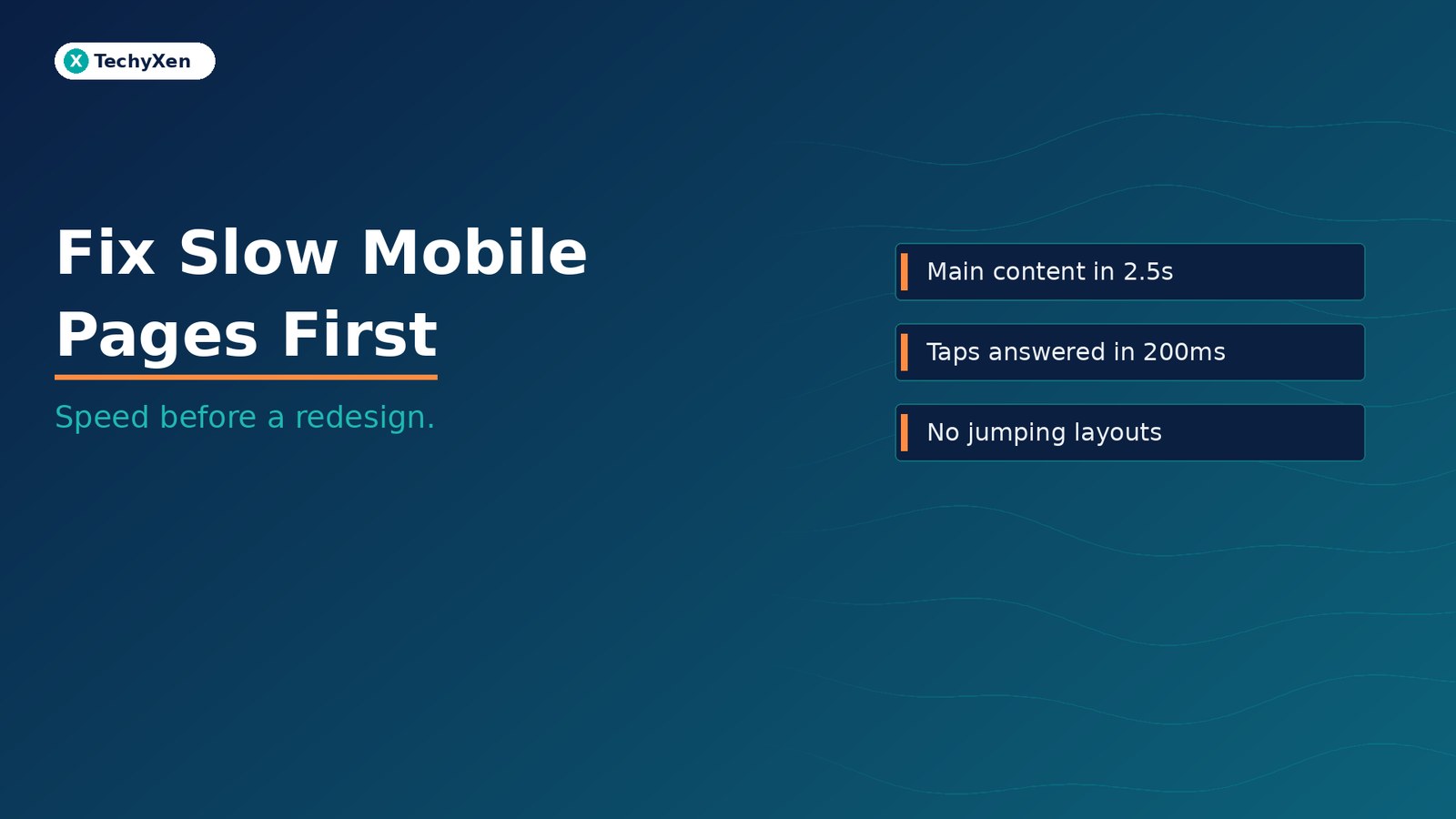
- Largest Contentful Paint (LCP) — how long the main content, usually the hero image or headline, takes to appear. Good is 2.5 seconds or less.
- Interaction to Next Paint (INP) — how quickly the page responds when someone taps a button, opens a menu, or types in a form. Good is 200 milliseconds or less. INP replaced the older First Input Delay metric on 12 March 2024, and it is stricter, because it looks at every interaction on the page, not just the first.
- Cumulative Layout Shift (CLS) — how much the page jumps around while it loads. Good is 0.1 or less.
The scoring is deliberately demanding. A page passes only if at least 65% of real visits meet the threshold, measured separately for mobile and desktop, and a site needs all three metrics in the good range to pass overall.
What the data says about how most websites perform
The HTTP Archive’s 2025 Web Almanac, which analyses Chrome’s real-user data from July 2025, shows how common the problem is:
- Only 48% of websites passed all three Core Web Vitals on mobile, against 56% on desktop.
- Loading is the hardest part. On mobile, 62% of sites had good LCP, compared with 67% for INP and 81% for CLS.
- Responsiveness is a mobile problem. 97% of sites had good INP on desktop but only 67% on mobile.
- Home pages fared worse than inner pages: 45% of mobile home pages had good Core Web Vitals, against 56% of secondary pages.
That last point matters for a business site. The home page is where sliders, videos, chat widgets, and tracking tags tend to pile up, and it is often the first page a new visitor sees.
“Roughly half of all websites still fail Core Web Vitals on a phone. Passing them is not perfection; it puts you ahead of half the web.”
Why speed shows up in enquiries, not just rankings
Google states that Core Web Vitals are used by its ranking systems, but it is equally clear that a good score does not guarantee top positions and that relevant, helpful content still comes first. Chasing a perfect score purely for SEO is rarely the best use of a budget.
The stronger reason to care is what happens on the page. In Milliseconds Make Millions, a study commissioned by Google and carried out by Deloitte and 55 across 37 brand sites, a 0.1-second improvement in mobile speed was associated with:
- 8.4% more conversions and 9.2% higher average order value on retail sites.
- 10.1% more conversions on travel sites.
- 8.3% lower bounce rate on lead-generation information pages.
The study measured correlation over a few weeks, not a guaranteed return for every site. The direction is still consistent: when pages respond faster on a phone, more people move to the next step, whether that is a booking, a cart, or an enquiry form.
Measure real visits before you change anything
Most confusion about speed comes from mixing up two kinds of data:
- Field data comes from real Chrome users on real devices and connections. It is what Google uses for Core Web Vitals. You can see it in the top section of PageSpeed Insights and in the Core Web Vitals report in Google Search Console.
- Lab data is a single simulated test, such as the Lighthouse score in the lower half of PageSpeed Insights. It is useful for finding causes, but a lab score of 60 or 95 is not your Core Web Vitals result.
Smaller sites often have too little Chrome traffic for page-level field data. In that case, PageSpeed Insights may show data for the whole site instead, or none at all. Use the lab diagnostics as a guide, test on an actual mid-range phone over mobile data, and keep a simple before-and-after log of what you changed.
Check the pages that bring in business first: the home page, your top service or product pages, your landing pages for ads, and the contact or booking page.
Fix slow loading: the hero, the server, and blocking files
When LCP fails, the cause is usually one of a few familiar culprits:
- An oversized hero image — a 3 MB photo exported straight from a camera or stock site. Resize it to the size it is actually shown at, compress it, and use a modern format such as WebP or AVIF.
- A lazy-loaded hero — lazy loading is good for images further down the page, but applying it to the main image above the fold delays the very element LCP measures. Load the hero immediately and give it priority.
- Sliders and background videos — a rotating carousel at the top of the page often means several large images and extra scripts before anything useful appears. One strong image and a clear headline usually load faster and communicate better.
- A slow server response — if the server takes a second or more just to start sending the page, every other fix has less room to work. Page caching, a content delivery network, and hosting sized for your traffic make a real difference.
- Render-blocking CSS, JavaScript, and fonts — page builders and plugins can load their files on every page whether they are needed or not. Remove unused plugins, limit font families and weights, and load non-essential scripts later.
“Loading is where most sites fail. On mobile, only 62% of websites have a good Largest Contentful Paint.”
Fix slow taps and jumping layouts
A page can look loaded and still feel broken if buttons lag or the layout moves under a visitor’s thumb. For INP, the usual suspects are scripts competing for the phone’s processor:
- Third-party tags — chat widgets, heatmaps, multiple ad pixels, and tag managers that load every tool on every page. Audit them, remove what nobody uses, and delay the rest until after the page is usable.
- Heavy menus, popups, and form scripts — mega menus, animation libraries, and form plugins can add long delays to every tap. Simpler components often respond faster.
For CLS, the fix is to reserve space for anything that arrives late:
- Set width and height, or a fixed aspect ratio, on images, videos, and embeds so the browser can hold their space.
- Do not insert banners, cookie notices, or offer bars above existing content after the page has started showing. Overlay them or reserve their space.
- Load web fonts so that swapping from the fallback font does not reflow whole paragraphs.
Know when a speed fix is not enough
Targeted fixes solve most speed problems. A rebuild becomes the sensible option when the slowness is structural: a theme or builder that loads megabytes of code on every page, dozens of overlapping plugins nobody can safely remove, or hosting and a platform the business has outgrown. If you have already fixed images, scripts, caching, and layout shifts and the field data still fails, that is a strong sign the foundation, not the content, is the problem.
- Fix first when one or two pages fail and the causes are clear.
- Consider a rebuild when every template fails for the same structural reason.
- Either way, re-check field data four weeks after changes, because Chrome’s real-user data is reported over a rolling 28-day window.
Build a fast site that keeps enquiries moving
Speed is not a vanity score. It is part of whether a visitor on a phone sees your offer, taps the button, and completes the form. Start with field data on the pages that bring in business, fix the largest cause first, usually the hero image or third-party scripts, reserve space for anything that loads late, and measure again before deciding on a redesign.
TechyXen builds and tunes websites with performance built in, from image handling and caching to script audits and hosting choices, and connects them to the forms, bookings, and WhatsApp flows that carry your enquiries. If your site feels slow on a phone, we can review your Core Web Vitals, find what is holding the key pages back, and tell you honestly whether it needs fixes or a rebuild.
Web development · Digital marketing · Automation & AI · Contact · WhatsApp · Call

1 Comment
[…] Fix slow mobile pages before you redesign — a Core Web Vitals guide for business websites […]