
For business owners and marketers who send traffic from ads, email, WhatsApp and social posts: how to set one UTM naming rule, keep it lowercase and consistent, and stop GA4 splitting the same campaign into several rows or dumping it in Unassigned.
If your UTM tags are inconsistent, GA4 cannot tell you which campaign worked. UTM values are case sensitive, so Facebook, facebook and fb become three different sources. A medium GA4 does not recognise lands the visit in Unassigned instead of Paid Social or Email. Before you compare campaigns or move budget, write one naming rule, tag every outside link with source, medium and campaign, and let Google Ads auto-tagging handle Google Ads clicks.
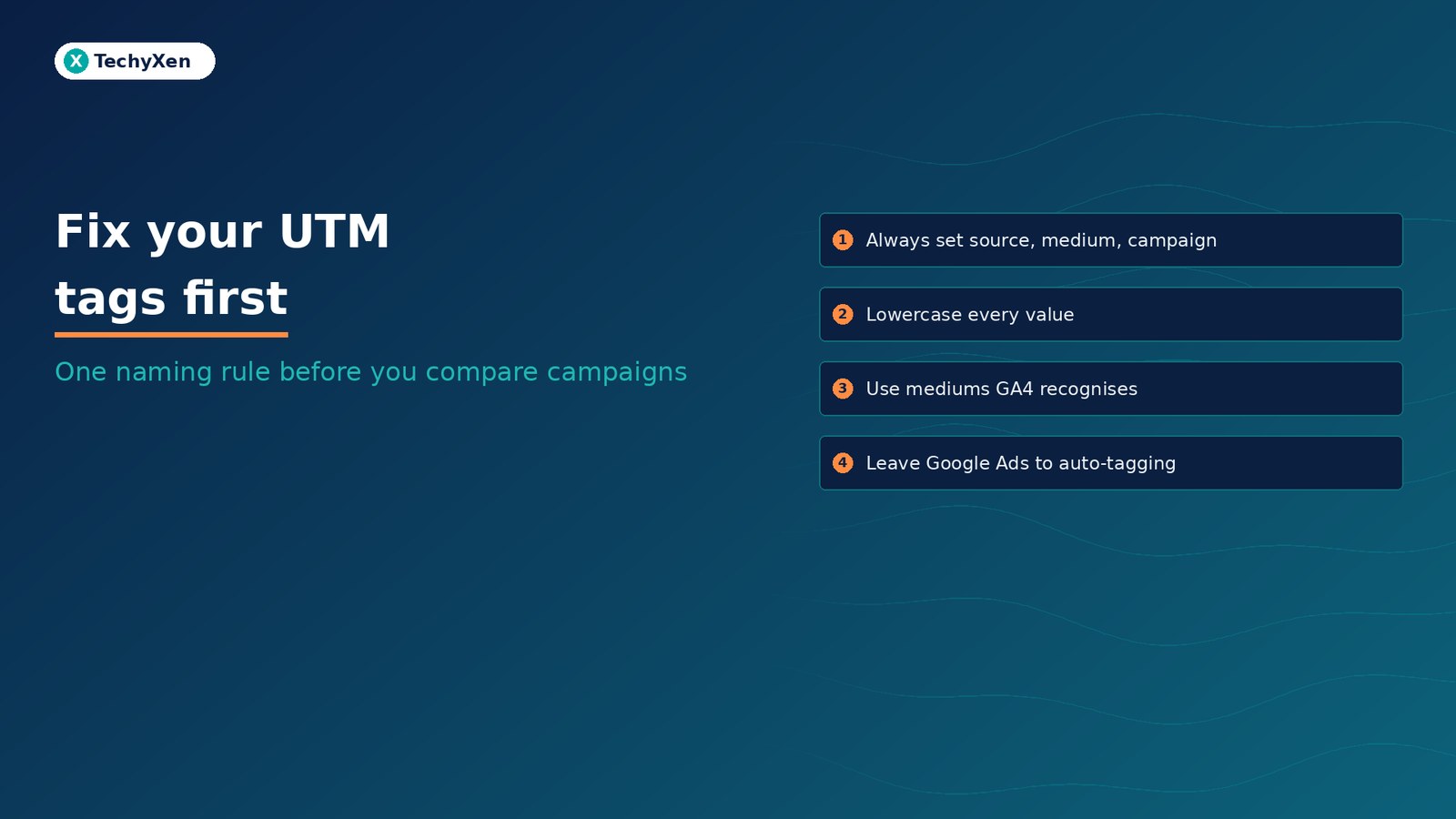
Why messy UTM tags break campaign reports
A UTM tag is a set of parameters added to a link, such as ?utm_source=newsletter&utm_medium=email&utm_campaign=festive-sale. When someone clicks it, GA4 records those values and shows them in the Traffic acquisition report as session source, medium and campaign.
The problem is what happens when different people tag links their own way. Google’s URL builders help page is clear on three points:
- Values are case sensitive.
utm_source=googleis different fromutm_source=Google, andSpringSaleandSpring_Saleare two separate campaigns. - Missing parameters show up as (not set). Google strongly recommends that if you set one UTM parameter, you set all the relevant ones.
- Inconsistent tags fragment reports. A standard UTM approach also decides whether traffic is grouped into the right channel.
The result is a campaign that looks small because its clicks are spread across five rows, and a report nobody trusts enough to act on.
Always set source, medium and campaign
Google says that when you add parameters to a URL, you should always use utm_source, utm_medium and utm_campaign. The others are useful when you need them:
- utm_source: where the click came from, for example
google,newsletter,fborinsta. - utm_medium: the type of channel, for example
cpc,emailorpaid_social. - utm_campaign: the campaign, offer or promo name, matching the name in your ad account.
- utm_content: which creative or link was clicked, such as two buttons in the same email.
- utm_term: the paid keyword.
- utm_id: a campaign ID, used when you upload campaign data to GA4.
Google also lists utm_creative_format and utm_marketing_tactic, but notes that neither is currently reported in Google Analytics properties. Skip them unless another tool needs them.
To GA4, Facebook, facebook and fb are three different sources. Pick one and write it down.
Choose medium values GA4 already recognises
GA4 sorts every session into a channel such as Paid Social, Email or Organic Social using fixed rules on source and medium. Google’s default channel group page lists them. Channel rules are not case sensitive, but your medium still has to match a pattern GA4 knows. A few that matter for most businesses:
- Paid Social: source matches a social site and medium matches a paid pattern such as
cpc,ppc,retargetingor anything starting withpaid. - Organic Social: source matches a social site, or medium is one of
social,social-network,social-media,sm. - Email: source or medium is
email,e-mail,e_mailore mail. - SMS: source or medium exactly matches
sms. - Display: medium is
display,banner,expandable,interstitialorcpm. - Referral: medium is
referral,apporlink.
Anything that matches no rule is reported as Unassigned. A medium like whatsapp, story or bio is the usual cause. Put that detail in utm_source or utm_content and keep the medium on a recognised value.
The default channel group cannot be edited. If you need your own buckets, for example a separate WhatsApp channel, GA4 lets you build custom channel groups on top of clean tags.
Leave Google Ads to auto-tagging
Google Ads adds its own click ID, the GCLID, to ad clicks when auto-tagging is on. Google’s auto-tagging help page says it is needed to track conversions on all browsers, import GA4 key events into Google Ads and bring cost data into GA4. It is on by default for new accounts.
You can still add UTM tags to Google Ads URLs, but the same page notes that in GA4 auto-tagging is prioritised over manual tagging, with no override option. So for most accounts:
- Check auto-tagging is on under Admin, Account settings, Auto-tagging.
- Click your own ad once and confirm the landing page loads with
gclidin the address bar and does not error. - If your site redirects, make sure the GCLID survives to the final page.
- Use UTM tags for everything else: Meta, LinkedIn, email, WhatsApp, QR codes and influencer links.
For Meta and other ad platforms that support them, Google recommends dynamic parameters, such as {{campaign.name}} for the campaign value, so the tag always matches the real campaign name and nobody types it by hand.
Write a one-page naming rule your team can follow
Most UTM mess comes from three people tagging links from memory. A short shared sheet fixes it. Based on Google’s best practices, a workable rule looks like this:
- Lowercase everything. Google recommends lowercase as standard practice.
- One source per platform. For example
fbfor Facebook andinstafor Instagram, never bothigandinstagram. - One medium per channel. For example
paid_socialfor paid Meta ads,socialfor organic posts,emailfor newsletters. - Campaign equals the ad account name. If the campaign in Ads Manager is
festive-sale-2026, the tag is the same. - Use hyphens or underscores, not spaces, and pick one separator for the whole team.
- Build links in one place, such as Google’s Campaign URL Builder or a shared sheet that joins the parts for you, and log every tagged link with its date and owner.
Keep UTM tags on links that bring people in from outside your site. Your own menus, buttons and internal links should stay untagged, so a visitor who came from an ad is still credited to that ad.
A naming rule only works if links are built from it. Tagging from memory is how the same campaign ends up in five rows.
Check GA4 before you compare campaigns
Run these checks once after setting the rule, then monthly:
- Click a tagged link yourself and confirm the parameters are still in the address bar on the landing page.
- Open Reports, Acquisition, Traffic acquisition and switch the dimension to Session source / medium. Look for near-duplicates such as
Facebook / cpcandfb / paid_social. - Filter for Unassigned and (not set) in Session default channel group and Session campaign. Each row points to a missing or unrecognised tag.
- Fix the source links, not just the report. Update the ad, email template, WhatsApp broadcast or QR code that carries the bad tag.
- Compare against your own records. Leads and sales by campaign in GA4 should roughly match your CRM or order list once key events are set up.
Old data keeps its old labels, so compare campaigns from the date your rule went live. If visits still look inflated, check the basics in our guide to cleaning up GA4 data first.
Compare campaigns on data you can trust
Clean UTM tags are cheap to set up and make every other report more useful. One naming rule, the three required parameters on every outside link, recognised medium values and auto-tagging left on for Google Ads will show you which campaign actually brings enquiries and sales.
TechyXen sets this up as part of full-service growth work: Google and Meta campaigns tracked against real leads and sales, GA4 and tagging configured and tested, websites and Shopify or WooCommerce stores built with clean measurement, and CRM and WhatsApp automation that follows each enquiry to a sale. Write to [email protected], call +91 92705 93725, or use the links below.
Performance marketing · Web development · CRM and automation · Contact TechyXen · WhatsApp · Call

1 Comment
[…] aggregate at that URL. Your UTM-tagged campaign link can still be the one you post. Our guide to UTM tags covers tagging, and our canonical URL guide covers picking the clean […]