
A plain-English guide for site owners whose XML sitemap still lists deleted pages, redirects, thank-you URLs and noindex drafts: what belongs in a sitemap, what to cut, and when a Search Console resubmit is worth it.
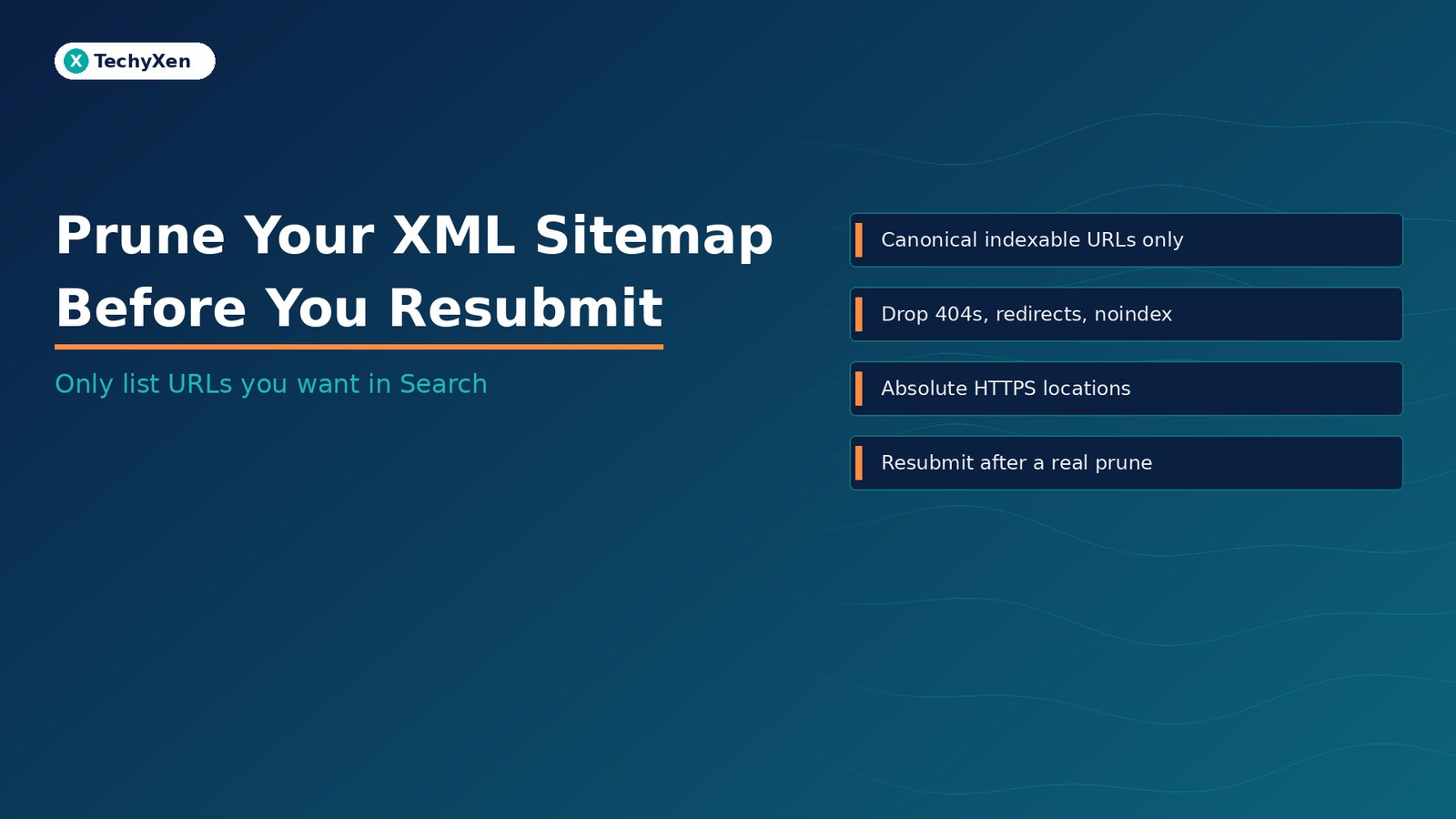
Prune your XML sitemap before you resubmit it. A sitemap is a hint about the canonical URLs you want Google to know about — not a dump of every path your CMS ever created. Google’s own documentation says to include the URLs you want to see in Search results, keep the file up to date, and use absolute addresses. Listing 404s, redirect hops, noindex drafts, parameter variants and staging leftovers wastes crawl attention and muddies the Sitemaps report. Clean the list first; resubmit only after the file reflects the live, indexable inventory.
What a sitemap is allowed to promise
Google Search Central’s guide to building and submitting a sitemap is blunt: you are telling search engines which URLs you prefer to show in results — the canonical ones. If the same content lives under several addresses, put the preferred URL in the sitemap, not every variant.
Practical limits from the same docs and the sitemaps protocol:
- Size. One sitemap file: at most 50,000 URLs or 50 MB uncompressed. Split larger inventories and use a sitemap index.
- Encoding and location. UTF-8. Prefer the site root so descendants are covered unless you submit via Search Console.
- Absolute URLs. Fully qualified
https://…locations. Relative paths and host mismatches (www vs non-www, http vs https) are common parse failures. - lastmod. Google uses
<lastmod>when it is consistently and verifiably accurate for a real content change — not a nightly rewrite of the copyright year. - priority and changefreq. Google ignores both.
Submitting a sitemap is still a hint. It does not guarantee crawl or indexing of every listed URL.
What usually pollutes a business sitemap
On WordPress and similar stacks, plugins regenerate large files that quietly keep stale rows. Typical junk:
- Deleted pages that still return 404 or 410 — or soft-404 shells that look fine in a browser but empty to Google.
- Redirect sources — old paths that only 301/302 to the real page. Search Console flags “URLs not followed” when hop chains get long; list the destination instead.
- Noindex and private drafts — thank-you pages, cart/checkout steps, account areas, internal search results, and “preview” URLs that should never rank.
- Parameter and sort variants — filtered catalogue URLs that duplicate the same product grid.
- Host and protocol twins — both www and non-www, or leftover http rows after an HTTPS move.
- Orphan CMS artefacts — attachment pages, author archives you do not want, tag spam, or Elementor/theme demo leftovers.
“Include the URLs you want in Search — not every URL your CMS can invent.”
Why a dirty sitemap still costs you
For most small sites, crawl budget is not the headline risk. The crawl-budget guide itself says that if you are not huge and fast-changing, keeping the sitemap current and watching the Page indexing report is enough. The damage from a dirty file is still real:
- Wrong inventory signal. Google reads sitemaps regularly. Feeding it dead and duplicate URLs teaches it a larger, messier site than you operate.
- Noise in Search Console. “Discovered pages” counts and sitemap-filtered indexing views get harder to trust when half the rows are junk.
- Wasted fetch attempts. Googlebot still has to resolve redirects, soft 404s and blocked paths before it can focus on money pages.
- False confidence after “Submit”. Resubmitting the same bloated file feels like progress; it is not a fix for crawled-not-indexed or discovered-not-crawled rows that need on-page work.
Google’s crawl guidance is explicit: keep sitemaps up to date with the content you want crawled, return 404/410 for permanently removed pages, and eliminate soft 404s. A prune is how you align the file with that advice.
How to prune in one working session
You do not need a six-week SEO project. Run this checklist once, then put a light monthly review on the calendar:
- Export or open the live sitemap (often
/sitemap.xmlor a sitemap index that points to post, page and category files). - Sample the risky rows — anything deleted this year, anything with a query string, anything under
/tag/,/author/,/cart/,/checkout/,/thank-you/, or staging hosts. - Spot-check with URL Inspection (or a simple curl/browser check): does the URL return 200, redirect, noindex, or 404?
- Configure the generator — in AIOSEO, Rank Math, Yoast or your CMS, exclude noindex types, archives you do not want, and attachment pages. Turn off “include every taxonomy by default” if that flooded the file.
- Regenerate and re-open the XML. Confirm money pages (home, services, key articles, contact) are present as absolute HTTPS URLs on the preferred host.
- Cross-check robots.txt. Do not block the sitemap itself. Do not use robots.txt to “hide” 404s — that creates soft-404 confusion.
- Only then resubmit in the Search Console Sitemaps report if you made a material change — or let Google’s regular recrawl pick up a healthy file listed in robots.txt.
“Resubmit after a real prune. Clicking Submit on the same dirty file is theatre.”
When Search Console says the sitemap is “Success” but pages still fail
A green Sitemaps status means Google could fetch and parse the file. It does not mean every listed URL is indexed. Search Console help is clear: discovered page counts are not a crawl or index guarantee.
If money pages still show as crawled-not-indexed, discovered-not-indexed, soft 404, or duplicate-without-user-selected-canonical, fix those conditions on the page — content quality, canonicals, redirects, indexing directives — instead of hammering Submit again. Deleting a sitemap from the report also does not make Google forget the URLs it already learned; stopping unwanted revisits needs robots rules, noindex, or removing the URLs from the live file and the site.
A short owner checklist you can reuse
- Only canonical, indexable HTTPS URLs you actually want in Search
- No 404/410, no long redirect chains, no noindex drafts in the list
- Host and protocol match the preferred site (www or non-www — one choice)
- File under size limits; split with a sitemap index when needed
lastmodonly when the content really changed- Sitemap reachable, not blocked by robots.txt
- Resubmit reserved for material updates, not weekly superstition
Build a sitemap that matches the site you run
Treat the XML file like an inventory list for Search: accurate, current, and intentionally small. Prune deleted and non-indexable URLs, keep absolute canonical locations, regenerate from settings that exclude junk by default, then resubmit once the file is honest. Pair that with clean redirects, real 404s for retired pages, and focused indexing work on pages that still fail URL Inspection.
If you want help auditing a bloated WordPress or ecommerce sitemap — or wiring AIOSEO so new drafts never leak into the public file — TechyXen can take that as a scoped site-ops job.
Web development · Contact · WhatsApp · Call

Leave A Comment