
For clinics, salons, coaching centres, restaurants and service firms: a short routine for replying to Google reviews, good and bad, that builds trust with the next customer who reads them.
Every review on your Google Business Profile is read by people deciding whether to call you, and your reply is read with it. A short, specific owner reply shows that someone is listening. Silence, or a copy-paste “Thanks for your feedback”, tells the reader the opposite. Google’s own review management help recommends replying to reviews, and it costs nothing but ten minutes a week.
Why replies matter more than the star count
- Readers judge the business by how it responds. A calm reply to a 2-star review often reassures more than ten 5-star reviews with no response.
- Replies show the profile is active. An owner who answers looks open and reachable, which matters when people compare three clinics or salons on the same map.
- Replies add useful detail. Mentioning the service the customer used (“your root canal”, “the bridal package”) helps readers see what you actually do.
How to reply to a good review
Keep it to two or three sentences and make it about that customer:
- Thank them by first name.
- Mention the service or detail they wrote about.
- Close with a simple, human line, such as an invite back.
Thank you, Priya. Glad the hair spa helped before your sister's wedding.
See you at the next one. Team Salon Name
Avoid stuffing keywords or your city name into every reply. It reads as spam to customers and adds nothing.
How to reply to a bad review
A negative review is the one most people will read closely. Reply within a day or two, stay calm, and move the details offline:
- Acknowledge the problem without arguing in public.
- Apologise for the experience, not for things you didn’t do.
- Give a direct way to resolve it: a named person, a number or an email.
- Never share the customer’s personal, medical or billing details in the reply.
Sorry the wait was longer than promised, Rahul. That isn't the visit we want for anyone.
Please call our front desk manager Asha on 98XXXXXXXX so we can put it right.
If a review is fake, abusive or from someone who was never a customer, you can report it for removal. Still post a short, polite reply while you wait, because removal can take time and may not happen.
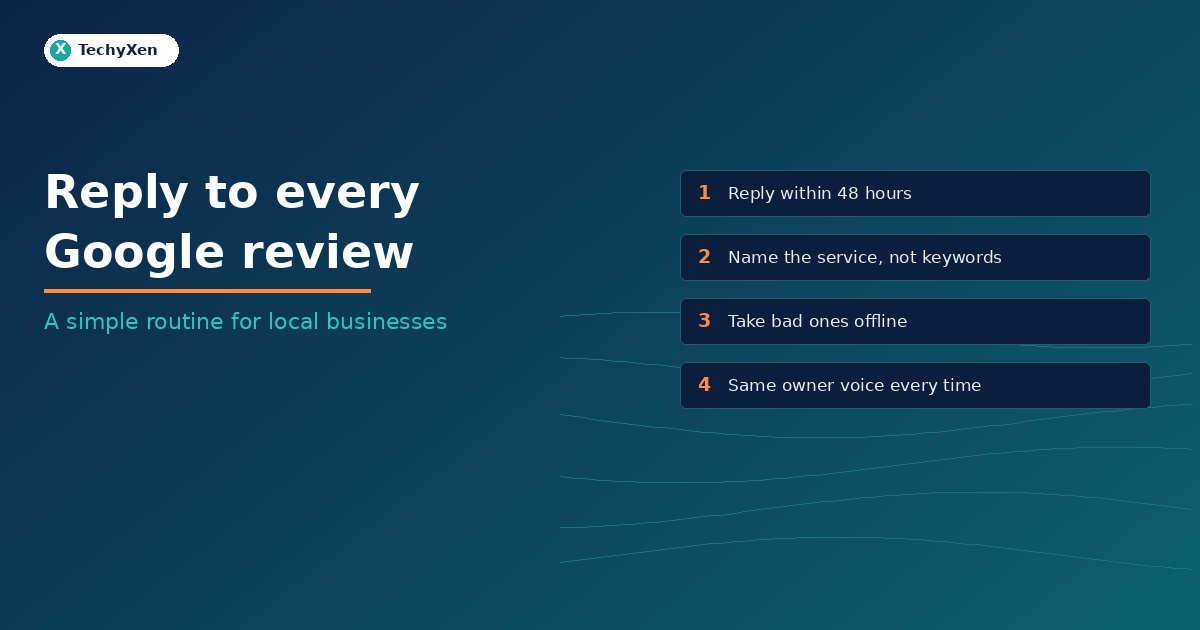
A weekly routine that takes ten minutes
- Turn on review notifications in your Business Profile so new reviews reach your phone.
- Pick one owner of replies, so the voice stays the same.
- Reply to every new review within 48 hours, starting with the negative ones.
- Keep a short note of repeated complaints. Three reviews about parking or wait times is a business fix, not a reply problem.
- Pair this with a steady flow of new reviews by asking after every job.
Turn reviews into enquiries
Reviews work best when the rest of your profile and website back them up: correct hours, a clear service list, a working WhatsApp button and a site that loads fast on mobile. TechyXen can set up and tidy your Google Business Profile, connect review requests to your WhatsApp or CRM, and make sure the people who read your reviews can reach you in one tap. Write to [email protected] or use the links below.
Web development · Digital marketing · Contact · WhatsApp · Call

Leave A Comment