
For business owners with a blog and a handful of service pages: how Google uses the links between your own pages, how to find the pages nothing links to, and a short audit to run before you spend time on new content.
If your service pages get little search traffic while your blog keeps growing, check the links between your own pages first. Google finds most new pages by following links and reads the visible link text to understand what the target page is about. Every page you care about should have at least one crawlable link from another page on your site, with link text that describes where it goes. Find the pages with no links pointing to them, link each blog post to the service page it supports, replace “click here” with specific words, and only then write the next post.
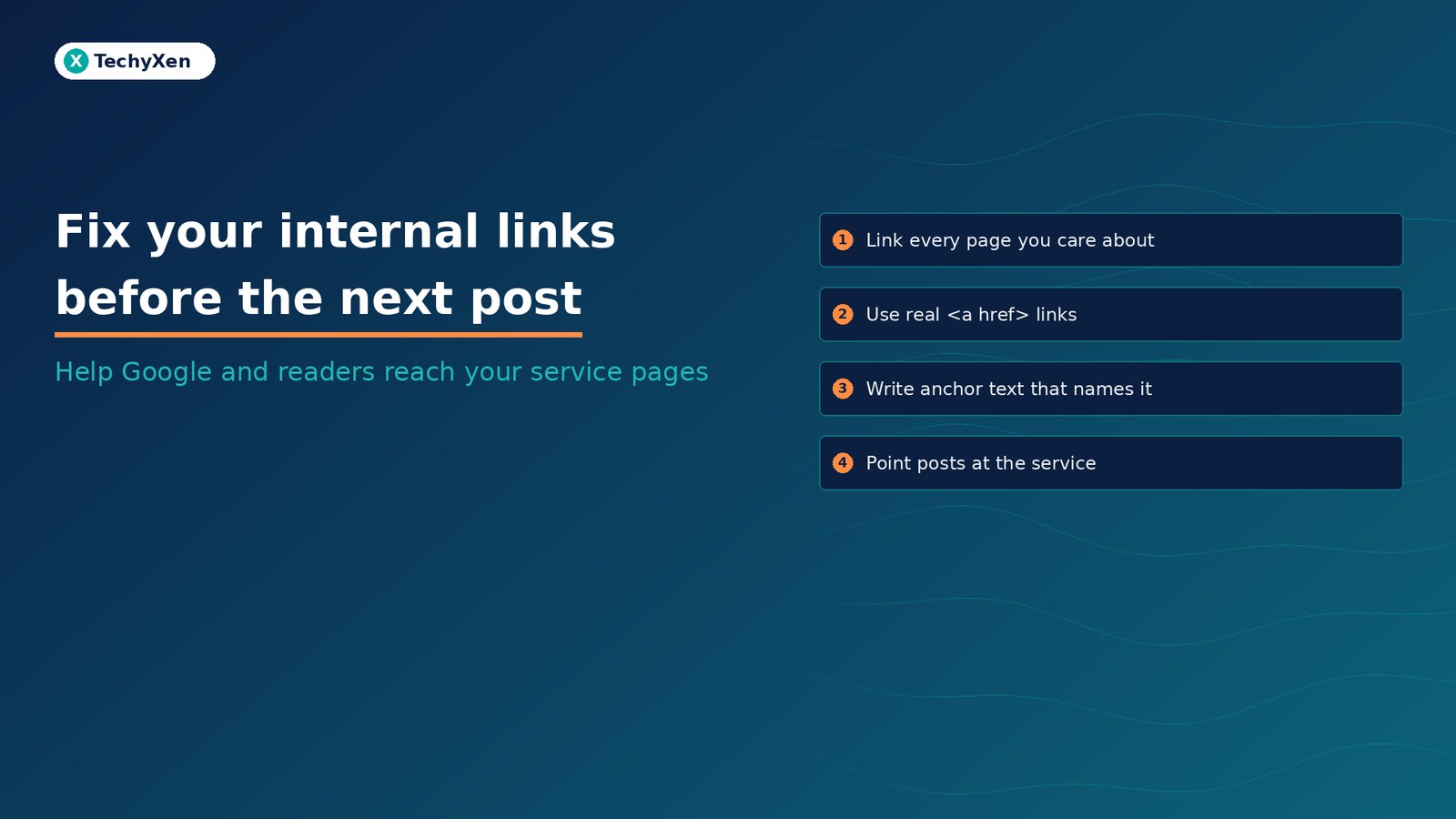
Why the links between your own pages matter to Google
Google’s SEO starter guide says the vast majority of new pages Google finds every day are found through links. Its link best practices add that Google uses links as a signal when determining the relevancy of pages, and that internal links help both people and Google make sense of your site.
The same page sets a simple rule: every page you care about should have a link from at least one other page on your site. Google’s sitemaps overview describes “proper linking” in the same terms: all pages you consider important can be reached through your menu or through links placed on other pages.
A sitemap helps Google discover URLs, but it does not tell a reader on your blog that you offer the service they are reading about. Internal links do both jobs.
Google’s rule is short: every page you care about should have a link from at least one other page on your site.
Make sure each link is one Google can follow
Many small sites lose links without noticing, usually through page builder buttons, sliders, or menus built with scripts. Google says it can generally only crawl a link if it is an <a> element with an href attribute. Check these cases on your key pages:
- Buttons that run a script instead of linking. An element that only has an
onclickevent, or anhrefthat starts withjavascript:, is listed by Google as not recommended. - Links with no text. If the visible link text is empty, Google can fall back to the
titleattribute, but it is better to put real words inside the link. - Images used as links. Google uses the image’s
alttext as the anchor text, so a linked logo or banner with empty alt text tells Google nothing about the target page. - Links added by JavaScript. They work if the final HTML uses a normal
<a href>. Google suggests checking the rendered HTML with the URL Inspection tool in Search Console.
A quick test: right-click a button on your page and choose Inspect. If you see <a href="https://..."> around it, Google can follow it.
Write link text that says where the link goes
Google defines anchor text as the visible text of a link, and says good anchor text is descriptive, reasonably concise, and relevant to both pages. Its examples of bad anchor text are “Click here to learn more” and “Read more”. Its tip is useful for any business owner: read only the link text, out of context, and ask whether you would know what the page is about.
- Weak: “To get a quote, click here.”
- Better: “See our website maintenance plans for monthly updates and backups.”
- Too much: a full sentence turned into one long link, or a link stuffed with every keyword you want to rank for. Google reminds site owners that keyword stuffing breaks its spam policies.
Google also advises against chaining several links next to each other, because readers cannot tell them apart and each link loses the surrounding words that explain it. Give each link its own sentence or clause.
Read only the link text. If it could point anywhere, it tells Google and your reader almost nothing.
Find the pages nothing links to
Search Console’s Links report has an Internal links table that lists your pages by how many links from your own site point to them. Google suggests using it to confirm that core pages, such as the home page and contact page, are properly linked within your site.
- Open Search Console, choose Links in the left menu, and open “Top linked pages” under Internal links.
- Export the table and sort by the number of linking pages, lowest first.
- Compare it with your service page list and your sitemap. A service page with very few internal links, or missing from the table, needs links from related posts.
- Click a page to see which pages link to it, and check that those pages are relevant.
Two notes from Google’s help page. The report is a sample, not a full list of every link, and it can include links Google found earlier that have since been removed. Use it to spot gaps, then confirm on the live page.
Point each blog post at the service it supports
Blog posts usually collect more search visits than service pages, so they are the natural place to send readers onward. A simple pattern works for most small sites:
- One link to the matching service page, placed where the post explains the problem that service solves, not only in the footer.
- Two or three links to related posts that answer the next question a reader is likely to have.
- Links to the final URL. If an old link goes through a redirect, update it to the current address so readers and crawlers skip the extra hop.
- A logical structure: Google’s sitelinks guidance recommends a site structure that is easy to navigate, links to important pages from other relevant pages, and concise anchor text that is relevant to the target page.
Breadcrumbs help too. Google’s breadcrumb structured data documentation says a breadcrumb trail indicates a page’s position in the site hierarchy and recommends trails that represent a typical user path, such as Services, then Web development, then Website maintenance.
There is no ideal number of links per page. Google says that if you think it is too much, it probably is.
A 30-minute internal link audit
Run this once a quarter, and every time you add a new service page:
- List your five to ten most important pages: services, pricing, case studies, and contact.
- Check the Links report for each one and note any page with few or no internal links.
- For each weak page, pick two or three existing blog posts on the same subject and add a contextual link with descriptive anchor text.
- Replace every “click here”, “read more”, and “learn more” link on those posts with words that name the destination.
- Inspect your main buttons and menus to confirm they are real
<a href>links, then request indexing for the edited pages in Search Console.
Then measure. In the Search Console Performance report, compare clicks and impressions for the pages you linked over the next four to eight weeks. Results depend on many factors, but a page that nothing links to starts at a disadvantage you can fix in minutes.
Turn the content you already have into enquiries
Most small sites do not need more posts first. They need the posts they have to lead readers to the pages that sell. Fix the links, check the anchor text, and make sure every important page can be reached in a few clicks.
TechyXen handles this as part of full-service growth work: SEO audits and content plans, websites built with clean navigation and crawlable links, Google and Meta campaigns, and CRM and WhatsApp automation that tracks every enquiry to an outcome. Write to [email protected], call +91 92705 93725, or use the links below.
SEO and performance marketing · Web development · CRM and automation · Contact TechyXen · WhatsApp · Call

Leave A Comment