
A practical guide for founders and business owners who would rather not find out about their domain renewal date from a customer. What stops working when a domain expires, how long you have to get it back under ICANN rules, why renewal reminders so often go missing, and a short checklist that keeps your website and email online.
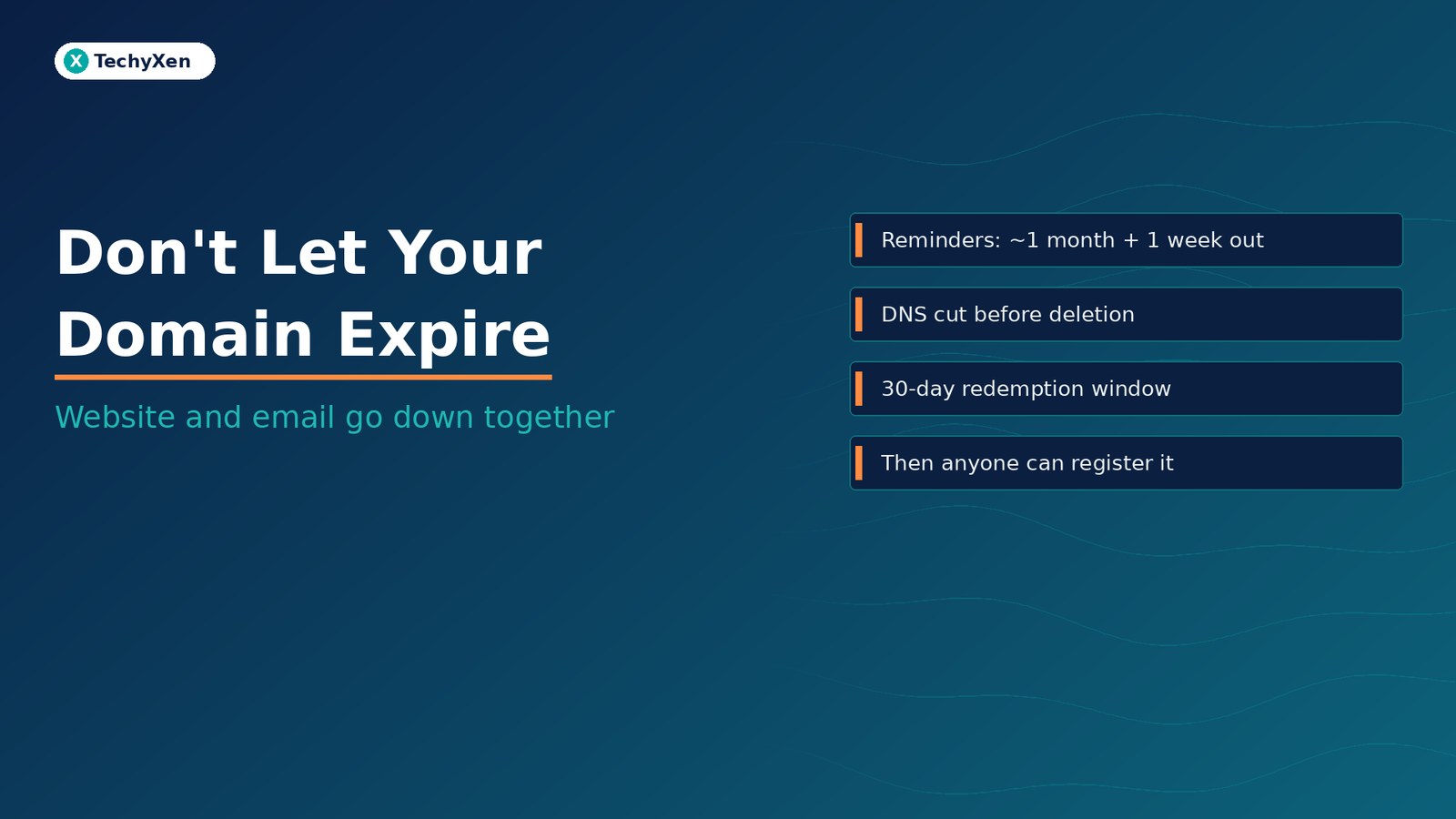
When your domain registration expires, your website and your business email can stop working together. Some registrars delete an expired domain straight away, and others hold it for a grace period of up to 45 days. Either way, ICANN policy requires the registrar to cut off your domain’s DNS for a period before it is deleted. After deletion you get a 30-day Redemption Grace Period to restore it, usually for an extra fee. About five days after that, the name is released and anyone can register it, including someone who can then set up email on your old addresses. To prevent all of this: confirm who is the registrant, turn on auto-renew with a card that will still be valid, send renewal notices to an inbox that is not on the same domain, and renew for more than one year.
What actually stops working when a domain expires
A domain name is not something you buy once. You register it for a set term, usually one to ten years, and you have to renew it before that term ends. ICANN, the organisation that sets the rules for generic domain endings such as .com, .net and .org, says in its registrant guide to renewals that once a domain expires, any services associated with it, such as email or a website, may be disabled.
In practice, an expired domain rarely breaks just one thing. Everything that relies on that name in DNS is at risk:
- Your website stops loading, or shows the registrar’s “this domain has expired” parking page
- Business email stops arriving. Google’s Workspace help on what happens if your domain expires warns that you may not receive email if your MX records are reset, and Microsoft’s Exchange Online documentation says that once domains expire, users on them no longer receive email
- Booking links, payment pages and landing pages on the domain or its subdomains go dark with it
- Logins tied to your email addresses can no longer receive password resets or verification codes
Search visibility goes too. Google’s crawling documentation on network and DNS errors says Google treats DNS errors much like server errors, and that already indexed URLs that are unreachable will be removed from Google’s index within days. A lapse of only a few days can be enough to start losing pages from Search.
“A domain renewal is the one invoice that can take your website, your inbox and your search rankings offline on the same day.”
The expiry timeline, stage by stage
For generic domains, ICANN’s Expired Registration Recovery Policy (ERRP) and its renewal and expiration FAQs set out the minimum steps. Your registrar’s own terms decide the exact timing within those limits.
- About one month and one week before expiry: the registrar must send you at least two reminders. The policy treats notices sent 26–35 days and 4–10 days before expiry as compliant.
- Expiry day: the registration ends. The registrar is allowed to delete the domain at any time after this point, so do not assume there will be a grace period.
- Within five days after expiry: if you have not renewed, the registrar must send at least one more notice with renewal instructions.
- Grace period, if your registrar offers one: ICANN describes an Auto-Renew Grace Period that can last anywhere from 1 to 45 days, during which you can usually still renew, often at a fee your registrar sets. During this window the registrar must interrupt your DNS for at least the last eight days you are still able to renew, or from the day it expires if the domain is deleted within eight days. Any parking page it shows must say the domain has expired and explain how to renew.
- Redemption Grace Period, 30 days: once the registrar deletes the domain, the registry holds it for 30 days (this applies to almost all generic endings). DNS stays switched off, transfers are blocked, and only the registrar that deleted it can restore it for you. A restore fee usually applies.
- Pending delete, about five days: according to ICANN’s guide to EPP status codes, a domain that was not restored stays in this state for several days and then drops out of the registry. At that point it becomes available to anyone.
If you do not renew during a grace period, the registrar may delete the name, auction it, or move it into its own portfolio, depending on its terms. ICANN is direct about one point: it does not have the authority to transfer domain names, including expired ones, back to you. Once the name is released, the only option left is the open market.
Country-code domains (the two-letter endings) are managed by their own registries and are not covered by the ERRP. Check those registries’ rules separately. The grace periods may be shorter or longer.
Why renewal reminders never reach the right person
Registrars do send reminders. Most lapses happen because the reminders go somewhere nobody reads, or because auto-renew fails without anyone noticing. Look out for these common gaps:
- The registrant email is on the same domain. If you renew from
[email protected]and the domain expires, the after-expiry notice may never arrive, because your email has stopped working too. ICANN’s policy notes recommend giving your registrar a secondary email that is not tied to the domain for this reason. - The domain was registered by a former vendor or employee. Reminders go to their inbox, or to an address that no longer exists.
- Auto-renew is on, but the card has expired. ICANN’s FAQ reminds registrants that auto-renew only works if your payment information is kept up to date.
- Notices land in spam. The ERRP best practices suggest saving your registrar’s sending address as a safe sender.
- Several domains, several registrars. The main domain renews, but the one your booking system, email service or old brand depends on does not.
Microsoft 365 admins get extra help here. The Exchange admin center shows a “Domain expiring soon” alert when a domain is 90, 60 or 30 days from expiry. Even so, that alert reaches the admin, not necessarily the person who pays the bill.
The quieter risk: a stranger owning your old domain
Losing the website is visible. Losing control of the name itself is worse, because whoever registers it next controls where its email goes. Google’s Workspace help states it plainly: once a domain expires, you no longer own the domain, making it possible for someone else to purchase it. If that domain is your Workspace primary domain, you have to delete the account.
The new owner can set up mailboxes with your old addresses. Any service that still sends password resets or sign-in links to those addresses is now within their reach. Truffle Security showed how this plays out in its January 2025 research on “Sign in with Google” and defunct startup domains. After buying one failed company’s lapsed domain and recreating former staff email accounts, the researcher was able to sign in to old accounts on services including ChatGPT, Slack, Notion, Zoom and an HR system.
This also matters when you rebrand or retire an old domain on purpose. Keep the old name registered for as long as any account, invoice, customer or backlink still points to it. Before you finally let it go, change every login that uses it and delete the data stored in tools linked to it.
“When a domain drops, the next owner does not just get the name. They get every email still sent to it.”
Fake renewal notices and other renewal traps
Expiry dates are public enough that scammers target them. ICANN has published several warnings about fake renewal notices, including its tips on keeping your domain name secure. These messages pretend to come from ICANN or your registrar, and they aim to collect a fee you do not owe, move your domain to another registrar, or capture your login and transfer code.
- ICANN does not collect renewal fees. Its alert on fraudulent renewal emails says it does not process registrations or take payments from registrants. Renewals are always between you and your registrar.
- Renew only from inside your registrar account. Type the address yourself. Do not click the link in an unexpected email.
- Never share your transfer (EPP) authorization code unless you started a transfer yourself.
- Know your true expiry date. Look it up with ICANN Lookup so a fake “final notice” cannot rush you.
Two honest traps catch people too. Renewal prices are often higher than the first-year promotional price, which ICANN’s FAQ describes as common practice, so check the renewal fee before you choose a registrar. And if you are moving registrars, ICANN advises finishing the transfer well before expiry. Renewing an expired name and then transferring it during the auto-renew grace period can mean paying both registrars for a single extra year.
Already expired? Recover it in this order
If your website or email has just gone down and the cause is the domain, speed matters more than anything else. Work through these steps in order:
- Confirm it is the domain. Run an ICANN Lookup and check the expiry date and status codes.
redemptionPeriodmeans the domain has been deleted but can still be restored.pendingDeleteon its own means the restore window has closed. - Find the registrar and log in. The lookup shows the registrar. If the account belongs to a former vendor, contact them now. Only the registrar of record can renew or restore the name.
- Renew or restore immediately. During the grace period this is usually a renewal, sometimes with a late fee. During redemption it is a paid restore. Registrars must publish these fees, so you can check them on the registrar’s website.
- Check DNS once it comes back. The registrar must restore your DNS as soon as is commercially reasonable after renewal. Then confirm your website records and MX records are correct. Google notes that DNS changes can take up to 72 hours to spread.
- Test email both ways, then ask key customers and suppliers to resend anything that bounced while the domain was down.
- Use Search Console URL Inspection on key pages once the site loads again, so Google re-crawls the URLs it may have dropped.
- Escalate if the registrar falls short. If you did not receive the required reminders, could not redeem during the 30-day window, or renewed and the domain still does not work, ICANN accepts complaints through its domain renewal complaint process.
A 15-minute domain renewal checklist
Do this once for every domain your business uses, then put a reminder in the calendar every year:
- List every domain: main brand, old brands, campaign domains, and any domain that sends email or hosts a booking, payment or app subdomain.
- Look up each one with ICANN Lookup and note the registrar and expiry date in one shared document.
- Confirm the registrant is your business. If a vendor or ex-employee holds it, fix that now, while things are friendly.
- Turn on auto-renew and attach a payment method that will not expire before the renewal date, with a backup card if the registrar allows one.
- Add a second contact email that is not on the domain, so notices still arrive if the domain goes down.
- Save the registrar’s sending address as a safe sender, and set a calendar reminder 60 days before each expiry.
- Renew for more than one year on domains you rely on. ICANN’s FAQ notes many registrars let you renew for longer at a time.
- Check renewal, late-renewal and restore fees on your registrar’s pricing page, so a lapse never turns into an unexpected bill.
- Turn on two-step verification on the registrar account, and keep the transfer lock on unless you are moving the domain.
- Keep retired domains registered until no account, invoice or customer depends on them.
The ownership side of this checklist, including who should be the legal registrant and how to give vendors access without giving them control, is covered in our guide to owning your domain, hosting and logins before you hire a web vendor.
Treat the renewal date like a business deadline
An expired domain is one of the few problems that can take your website, email, logins and search visibility offline all at once. ICANN’s rules give you reminders, a possible grace period and a 30-day redemption window, but your registrar can delete the name the day it expires. After redemption and pending delete, anyone can register it. The fix is simple: know who owns each domain, keep auto-renew working with a valid card, send notices to an inbox that does not depend on the domain, and renew your important names for several years.
TechyXen sets up and maintains websites, DNS and business email for startups and growing businesses, and that includes checking registrants, renewal settings and contact emails. If your domain is close to expiry, sits in a vendor’s account, or has already lapsed, we can help you secure it and bring your website and email back without guesswork.
Web development · Digital marketing · Automation & AI · Contact · WhatsApp · Call

Leave A Comment