
A practical guide for online store owners who see full carts and too few orders. Why shoppers leave at checkout, which of those reasons you can actually fix, and the changes to cost display, accounts, forms, payment, and recovery that usually win back the most sales.
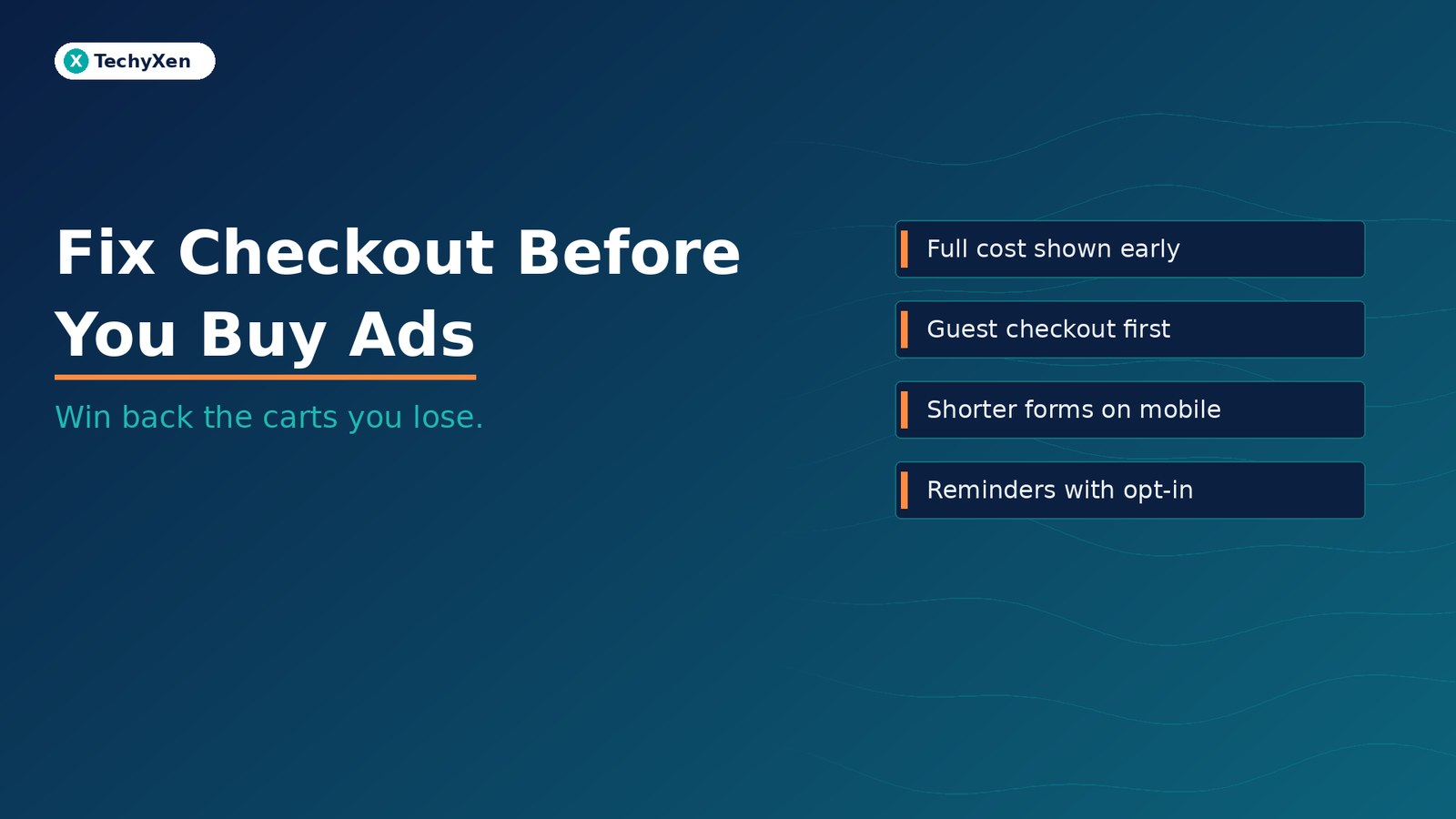
About seven in ten online shopping carts are abandoned, and many of those exits have nothing to do with price or product. Shoppers leave because the total jumps at the last step, the store insists on an account, the form is long and fiddly on a phone, or the payment page does not feel safe. Show the full cost early, make guest checkout the obvious choice, cut the form to what you need, make payment feel trustworthy, and follow up only with people who agreed to hear from you. Fix the checkout before you spend more on ads that send people to it.
How many shoppers really leave at checkout
The Baymard Institute, which has studied ecommerce checkout usability for well over a decade, keeps a running average of published cart abandonment studies. Across 50 studies, the documented average is 70.22% (list last updated 22 September 2025). In other words, for every ten people who add something to a cart, about seven leave without buying.
Not all of that is recoverable. In Baymard’s survey of US online shoppers, 42% said they had abandoned a cart because they were “just browsing” or not ready to buy. People save items and compare prices, and no checkout design changes that.
The useful question is what happens with everyone else: the shoppers who intended to buy and were stopped by something the store did.
The reasons shoppers give, and which ones you control
When Baymard set aside the “just browsing” group, the remaining reasons US shoppers gave for abandoning an order were:
- 40% — extra costs too high (shipping, tax, fees)
- 20% — delivery was too slow
- 19% — did not trust the site with their card details
- 18% — the site wanted them to create an account
- 17% — the checkout was too long or complicated
- 17% — the website had errors or crashed
- 13% — the returns policy was not satisfactory
- 12% — could not see or calculate the total order cost up front
- 10% — the card was declined
- 9% — not enough payment methods
Almost every item on that list is a decision the store owner makes: how costs are shown, whether accounts are forced, how long the form is, which payment options are offered, and how well the site is tested. Baymard’s research across large US and European stores estimates that better checkout design alone can lift conversion rate by about 35% for the average large ecommerce site. Smaller stores will see different numbers, but the causes are the same.
“Most checkout exits are not about the product. They are about surprises, forced accounts, long forms, and doubt at the payment step — all things the store controls.”
Show the full cost and delivery date before the last step
Extra costs are the single biggest reason shoppers give, and the damage is usually done by timing rather than the amount. A delivery fee or handling charge that appears only on the payment page feels like a trick, even when it is fair.
- Show delivery costs early. Put a clear line on product pages and in the cart: free delivery above a set order value, or a flat fee, or a simple estimate based on the postcode.
- Show the total, not just the subtotal. Taxes, fees, and delivery should be visible in the cart so the number at payment matches the number the shopper expected.
- Give a delivery date, not a speed. Baymard found that 48% of leading sites still show a delivery speed, such as “3–5 business days”, instead of an estimated arrival date, which forces shoppers to work it out themselves.
- Make the returns policy one tap away. A short summary near the order button, linked to the full policy, answers the question before it becomes a reason to leave.
Let people buy without creating an account
Forced registration is one of the easiest problems to remove. In Baymard’s survey of 1,026 US adults who had shopped online in the previous three months, 18% had abandoned an order because they did not want to create an account. Offering guest checkout is not enough on its own: Baymard’s 2025 checkout benchmark found that 62% of leading sites fail to make guest checkout the most prominent option, so some shoppers never find it.
- Make “Continue as guest” the most visible choice on the account step, not a small link at the bottom.
- Offer account creation on the order confirmation page, when you already have the shopper’s name, email, and address. Baymard reports that 54% of sites ask earlier, interrupting the purchase.
- Keep password rules simple. Baymard observed that strict password rules can drive up to 19% checkout abandonment among existing account holders who struggle to sign in.
Google’s web.dev guidance on payment and address forms gives the same advice in plain terms: make guest checkout the default, and make account creation simple once checkout is complete.
Shorten the form and make it work on a phone
Baymard’s testing shows an ideal checkout can be as short as 12–14 form elements, or 7–8 fields. The average US checkout shows 23.48 form elements by default, including 14.88 fields. Most stores can remove a fifth to well over half of what they ask for without losing anything they need.
Google’s web.dev checklist for payment and address forms covers most of the fixes that matter on a phone:
- Do not ask for data you do not need. Use one field for the full name and set the billing address to match delivery by default, with a link to change it.
- Turn on autofill. Use the correct
autocompletevalues for name, address, phone, and card fields, and the right input types so phones show the right keyboard. - Validate as people type, not only when they press the button, and disable the order button after the first tap so nobody pays twice.
- Remove distractions. Many successful retailers hide navigation, search, and promotions during checkout so the only way forward is to finish the order.
Baymard’s benchmark adds three details that cause quiet failures:
- Mark both required and optional fields. 61% of sites do not. In testing, 32% of participants missed at least one required field on forms where only optional fields were marked.
- Write specific error messages. 94% of sites use generic errors. “Your card number is incomplete” recovers a sale that “Invalid card number” loses.
- Explain why you need a phone number. 49% of sites do not, and over 70% of shoppers in a Baymard survey said they were reluctant to give one. A short line such as “Only used by the courier for delivery” is often enough.
Make the payment step feel safe and dependable
Nearly one in five shoppers in Baymard’s survey abandoned because they did not trust the site with their card details, and 17% left because the site had errors or crashed. Payment is where doubt costs the most, because the shopper has already done all the work.
- Use a well-known payment gateway and show its familiar payment screen or logos, rather than an unfamiliar custom form.
- Offer the payment methods your customers already use — cards, wallets, bank transfers, or cash on delivery where it fits your business. 9% left because their preferred option was missing.
- Handle declined payments gracefully. 10% had a card declined. Keep the cart intact, explain what happened, and offer another method instead of sending the shopper back to the start.
- Keep the whole site on HTTPS, with a clear contact route and policies visible in the checkout footer.
- Test real orders on a phone and a desktop after every plugin, theme, or payment update, because a broken checkout loses sales silently.
“By the time a shopper reaches payment, they have already decided to buy. Every error message, surprise fee, or unfamiliar form at that point is a sale you paid to lose.”
Recover the carts that still get away, with consent
Even a well-designed checkout loses some orders, so a recovery message is worth setting up. It only works when the shopper has already given you a way to reach them, which is one more reason to ask for email or phone early in checkout.
- Shopify treats a checkout as abandoned when it stays incomplete for more than ten minutes after the customer has entered their email, and can automatically send a link back to the checkout. Abandoned checkouts older than three months are deleted from the admin, so review them regularly for patterns.
- WooCommerce stores usually need an extension or automation tool to capture abandoned carts and send reminders, and it should be tested like any other plugin.
- WhatsApp reminders need opt-in. WhatsApp’s Business Messaging Policy allows a business to message someone only if they have shared their number and given opt-in permission to receive messages from that business. A clear, unticked checkbox at checkout, naming your business and the kind of messages you will send, covers this properly.
Keep recovery messages short: what was left in the cart, a direct link back, and a way to ask a question. Answer questions from a real person when a shopper replies, and do not lead with a discount by default, or customers learn to abandon carts on purpose.
Measure every checkout step before and after you change it
You cannot fix what you cannot see. Google Analytics 4 provides recommended ecommerce events — add_to_cart, begin_checkout, add_shipping_info, add_payment_info, and purchase — that show exactly where shoppers drop off. Most store platforms and their analytics integrations can send these for you.
- Build a simple funnel from cart to purchase and note the step with the biggest drop.
- Track checkout validation errors. Baymard recommends fixing first the errors that happen most often and lead to the most abandonment.
- Change one thing at a time where you can, and compare the same period before and after so seasonal swings do not mislead you.
Build a checkout that keeps the sale you already earned
A shopper who reaches your cart has already found you, chosen a product, and decided to buy. Show the full cost and delivery date early, make guest checkout the obvious path, cut the form to what you need, make payment feel safe, and send consented reminders to the few who still slip away. Then measure each step and fix the biggest drop first. That work usually returns more than the next increase in ad spend.
TechyXen builds and improves Shopify and WooCommerce stores with checkout, payments, analytics, and WhatsApp order updates designed to work together. If your store gets carts but not enough orders, we can review your checkout on a real phone, find where shoppers drop off, and fix the causes in a sensible order.
Ecommerce solutions · Web development · Digital marketing · Automation & AI · Contact · WhatsApp · Call

1 Comment
[…] Why shoppers abandon checkout — and the fixes that win back online sales […]