
A practical guide for service businesses and startups whose review count has stalled. How to trigger a review request from every finished job, stay inside Google’s review rules, reply to every review without sounding templated, and show proof on your website the right way.
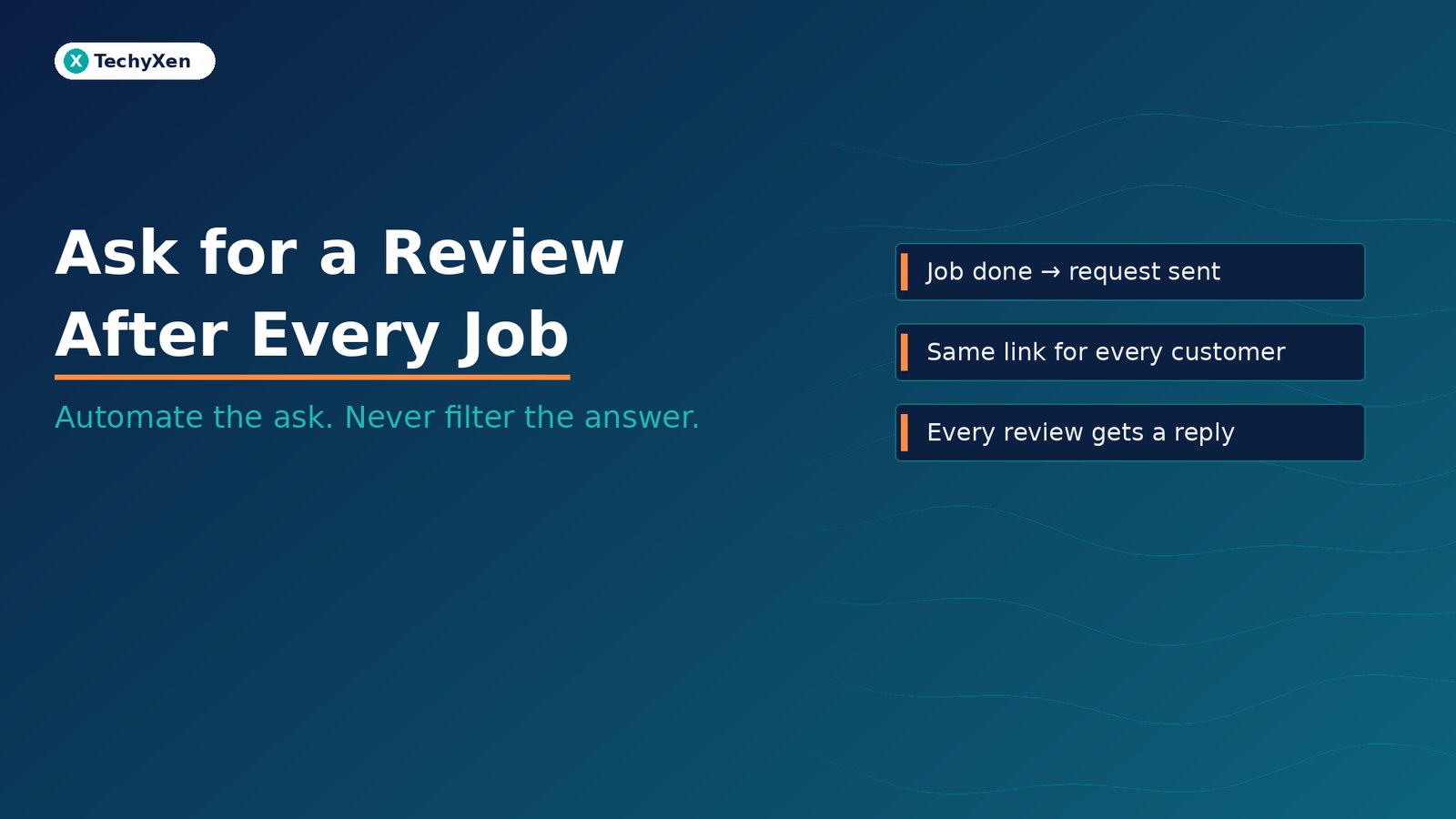
Ask every customer for a review as soon as the job is done, with the same link for everyone, and reply to every review that comes in. Most service businesses do not have a review problem. They have an asking problem: requests go out in bursts when someone remembers, only to customers who seemed happy, and replies happen once a quarter. Tie the request to the moment a job is marked complete in your CRM, automate the message, and keep the reply human. That turns reviews from an occasional campaign into a steady flow of recent proof.
Why recent reviews now decide who gets the enquiry
Buyers shortlist on reviews before they ever open your contact page, and they are getting stricter about what counts. BrightLocal’s Local Consumer Review Survey 2026 (a panel of 1,002 US adults) found:
- 97% of consumers read reviews for local businesses.
- 47% won’t use a business with fewer than 20 reviews.
- 74% only care about reviews written in the last three months.
- 45% used AI tools such as ChatGPT for local business recommendations, up from 6% a year earlier, and 82% read AI-generated review summaries.
Google says the same thing from the ranking side. Its Business Profile help lists prominence as one of three main local ranking factors and states that more reviews and positive ratings can help your business’s local ranking. Reviews are no longer a nice extra on your profile. They are evidence that you are active, and evidence that answer engines and buyers both reuse.
“When three in four buyers only weigh the last three months, a profile full of old reviews reads like a quiet business. Recency is now part of the proof.”
What Google allows — and what gets reviews removed
Automating the ask only helps if every review it produces survives. Google’s Maps user-generated content policy is specific about what merchants may not do:
- No incentives — No payment, discounts, free goods, or services in exchange for a review, or for changing or removing a negative one.
- No review gating — Do not discourage negative reviews or selectively solicit positive reviews from customers. A flow that asks “How did we do?” and sends only happy customers to Google is selective solicitation.
- No pressure or scripts — Do not require or pressure customers to review while on your premises, and do not request specific content in the review.
- No staff quotas — Do not ask staff to collect a set number of reviews, or reviews that mention a staff member by name.
- No conflicts of interest — Reviews from current or former employees, family, or business partners count as biased content and can be removed.
What Google does allow is simple: asking customers to share a genuine experience, without incentives and without steering the rating or the wording. Google even provides the tools. In your Business Profile, Read reviews → Get more reviews gives you a short review link and a downloadable QR code, and Google suggests sharing it on receipts, in thank-you emails, at the end of a chat, or by WhatsApp. Customers need to be signed in to a Google Account to post.
Read reviews → Get more reviews gives you a short review link and a downloadable QR code, and Google suggests sharing it on receipts, in thank-you emails, at the end of a chat, or by WhatsApp. Customers need to be signed in to a Google Account to post.Trigger the request from the finished job, not a monthly campaign
The fix for a stalled review count is a trigger, not a reminder in someone’s calendar. The request should fire from the same system that tracks your work:
- Pick one completion event — Job marked done in your CRM, booking status changed to “attended”, order marked delivered, or project signed off. One event, one owner, no judgement calls.
- Send it while the job is fresh — Same day or next morning for visits and appointments; right after sign-off or go-live for projects.
- Send to every customer — The trigger fires for every completed job, which keeps you inside the no-gating rule by design and gives you an honest sample of how you are doing.
- Use the channel they already used — If the customer booked and chatted on WhatsApp, ask there. If the relationship ran on email, ask by email.
- One reminder, then stop — A single follow-up a few days later is reasonable. More than that turns a request into pressure.
- Log it — Record on the CRM record that the request was sent, so nobody asks the same customer twice from a personal phone.
If you send through the WhatsApp Business Platform, only message customers who have agreed to hear from you there. Meta also classifies templates by content: a feedback request tied to a specific order or interaction can qualify as a utility template, while a generic “rate our service” message — or one that mixes in an offer — is treated as marketing, which is priced differently.
Write a request customers can finish in under a minute
Short and specific beats clever. BrightLocal found that 78% of consumers were asked to leave a review in the past 12 months, so yours is competing with plenty of others. A request that works usually has five parts:
- Their name and the job — “Thanks for choosing us for your kitchen repair on Saturday” jogs memory without telling them what to write.
- One honest sentence on why it matters — Reviews help other people decide whether to trust you.
- One link — Your Google review link, not a menu of five platforms.
- A route for problems — “If anything wasn’t right, reply here and we’ll fix it” — sent to everyone, alongside the review link, never instead of it.
- No offer attached — No discount, entry into a draw, or “leave five stars” wording.
Keep the tone of a person, not a system. The automation decides when the message goes out. It should not read like it was written by one.
Reply to every review — let AI draft, let a person send
The ask is half the system. The reply is what the next buyer reads. In the same BrightLocal survey, 89% of consumers expect owners to respond to reviews, 80% are likely to use a business that responds to all of its reviews, and 81% expect a response within a week. The warning sign: generic or templated replies make 50% of consumers unlikely to choose the business.
That makes reply drafting a good job for AI with a human in the loop:
- Route new reviews to one owner — An alert to the person responsible, with a reply target such as two working days.
- Draft from the review and the job record — AI can suggest a reply that mentions the actual service and any detail the customer raised.
- Edit before posting — A person checks tone, facts, and privacy. Never confirm a customer’s health, finance, or legal details in a public reply.
- Take negatives offline, visibly — Acknowledge, apologise where it is fair, and give a direct contact route. Then fix the issue the review describes.
“Automate when the request goes out. Keep a person on what it says back.”
Show reviews on your website without breaking the rules
BrightLocal found that 54% of consumers visit the business website after reading positive reviews, so your site should carry that proof forward. Two rules keep it clean:
- Do not expect star snippets for your own reviews — Google’s review snippet guidelines say that when a business controls the reviews about itself, its pages using LocalBusiness or Organization structured data are not eligible for star review rich results. That includes reviews shown through an embedded Google or Facebook widget.
- Show real reviews, unedited — Display the reviewer’s name as shown publicly, the date, and the original wording, and link to your full profile so buyers can verify. Place relevant reviews next to the service they describe rather than on one testimonials page nobody opens.
Pair reviews with deeper proof. A review says customers were happy; a problem-led case study shows how the work was done. Together they give buyers and AI assistants something specific and verifiable to cite.
A one-week setup for an always-on review system
You do not need a reputation platform to start. You need one trigger, one link, and one owner:
- Day 1: Claim and verify your Business Profile if you have not, then copy your review link and download the QR code from Get more reviews.
- Day 2: Choose the completion event in your CRM or booking tool and name the owner for review replies.
- Day 3: Write the request and one reminder for each channel you use, with no incentives and the problem route included.
- Day 4: Connect the trigger so every completed job sends the request automatically and logs it on the customer record.
- Day 5: Reply to every existing unanswered review, oldest negative ones first.
- Day 6: Add a few recent reviews to your key service pages, linked to your profile, without review star markup.
- Day 7: Put a weekly check in the calendar: requests sent, reviews received, replies pending, and themes in the feedback worth fixing.
Measure the system, not the stars: the share of completed jobs that received a request, the share that produced a review, the time to reply, and the number of reviews from the last 90 days.
Make every finished job ask for proof
Reviews compound when asking becomes part of finishing the job. Trigger one request from every completed job, use the same link for every customer, offer nothing in return, and give unhappy customers a direct route to you without filtering who gets the link. Reply to every review with a human-checked response, and carry real reviews onto your website next to the services they describe. Within a quarter, you have the recent, consistent proof buyers and AI answers look for.
TechyXen builds the pieces that make this run on its own: CRM and booking triggers, WhatsApp and email automation, AI-assisted reply drafting with human approval, and websites that present reviews and case studies where buyers decide. If your review count has stalled, we can map the trigger with you.
Web development · Automation & AI · Digital marketing · Contact · WhatsApp · Call

1 Comment
[…] link or QR code, without offering anything in return or steering what they write. Our guide to automating review requests after every job shows how to build that into your […]