
A decision guide for clinics, consultancies, and service SMBs who stack Calendly, Google Calendar, and WhatsApp booking — and still get no-shows and double-books. When to fix the booking path on your site versus bolting on another scheduling SaaS.
Fix the booking path before you buy another calendar logo. No-shows and double-books rarely mean you lack a scheduling product. They usually mean confirmation is weak, reminders are missing, availability lives in three places, and reschedule is harder than silence.
Another Calendly-style tool can help when you truly have one gap — sync, buffers, or deposits. It cannot repair a path where the website, chat, and staff calendars disagree. This is not “website + CRM + bookings as one stack” in full. That post covers intake ownership. This one is narrower: rebuild booking UX on the path you already have, or add one more scheduler?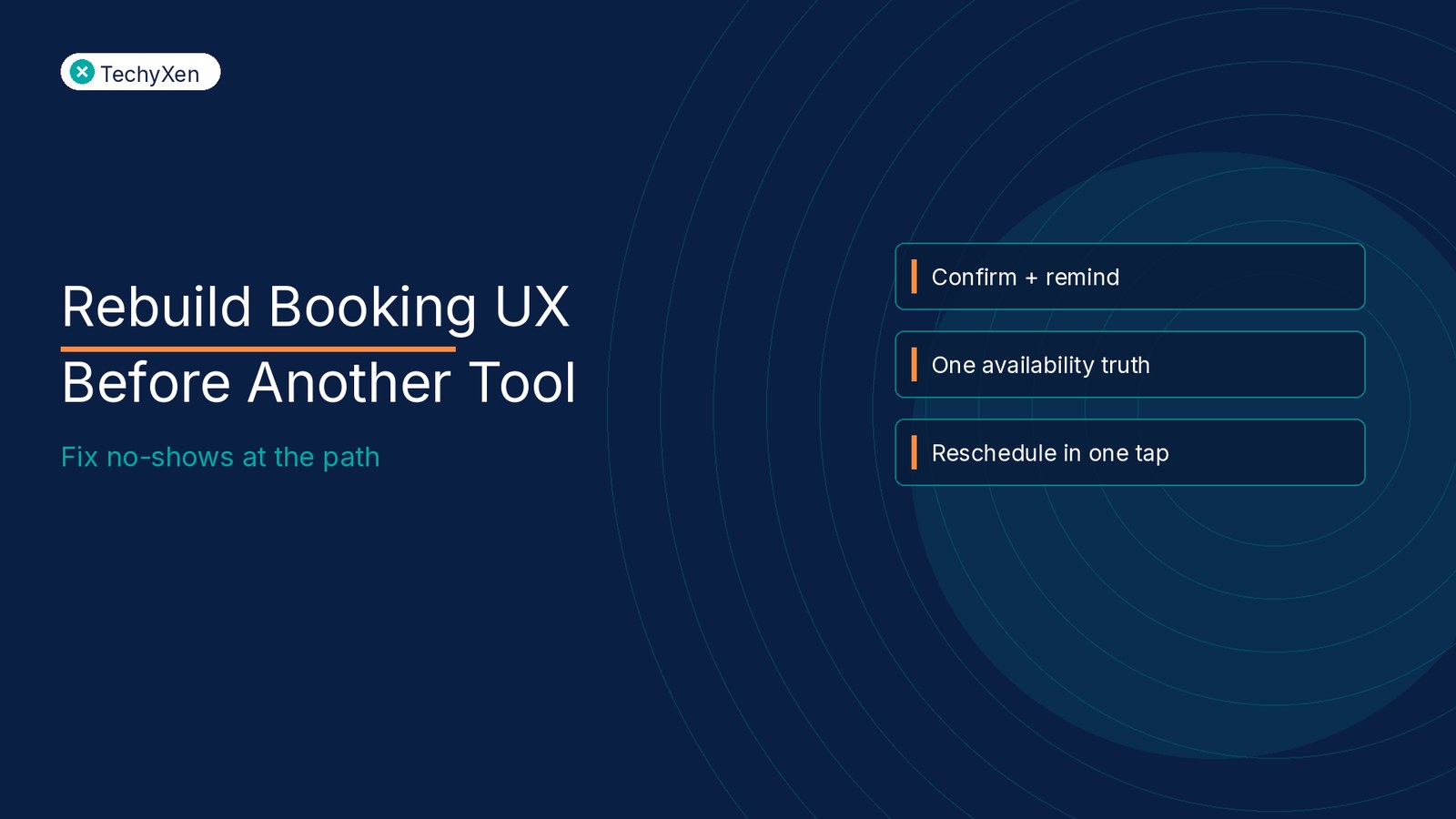
Why another calendar tool feels like the fix
When a client vanishes or two people show up for one slot, the reflex is familiar: search “better booking software,” start a trial, paste a new link into WhatsApp.
That reflex is understandable under load. It is also how clinics and consultancies end up with:
- Link sprawl Personal Calendly, a shared Google Calendar, a WhatsApp “send me times,” and a site form that never syncs.
- Staff as the real scheduler — Tools exist, but availability is still negotiated in chat because the public page shows stale or empty slots.
- Confirmation as a receipt — An email lands, but no add-to-calendar, no clear location/video, no one-tap reschedule.
- Reminders as an afterthought — Or three tools each sending a different message at the wrong hour.
Buying another scheduler treats the symptom category (“calendar”) as the root cause. Often the root is the path: how a slot is offered, confirmed, reminded, and changed.
“A new booking logo does not create one availability truth. Your operating rules do.”
What booking UX” actually means on a service site
Booking UX is not a pretty calendar widget. For service SMBs it is a short chain the client can finish without a phone call:
- Offer — Clear services, durations, and next available windows (not a blank month grid that looks empty).
- Choose — Slots that are genuinely free across every calendar that can conflict — with buffers visible as blocked time, not hope.
- Confirm — Instant confirmation that works as a document: time, place/link, what to bring, add-to-calendar, cancel/reschedule path.
- Remind — Timed nudges (commonly ~24 hours and morning-of) with the same one-tap reschedule — not a new thread to invent.
- Write-back Show / no-show / reschedule updates the same record staff already use, so the next offer is honest.
If any link in that chain is missing, another SaaS seat usually papers over one step and leaves the rest broken.
Signals you should rebuild the path not add a tool
Stay with what you have (and fix UX) when most of these are true:
- You already pay for one or more schedulers, but staff still paste free-text times in chat.
- Double-books happen because Google Calendar, a personal tool, and WhatsApp each hold “truth.
- No-shows cluster where confirmation has no add-to-calendar and reminders lack a reschedule link.
- The website “Book button opens a page that asks for details before showing availability or dumps clients into a form with no slots.
- Cancellation policy and buffers live in someone’s head, not in the flow the client sees.
In those cases, add another calendar product and you get a fifth place for availability to lie. Rebuild the path: one public booking entry, one availability source, confirmation + reminders that convert silence into released slots.
“If reschedule is harder than not showing up, your no-show rate is a UX metric — not a client character flaw.”
When bolting on another calendar tool is the right move
Add or switch a scheduling tool when you can name a specific gap your current stack cannot cover without painful workarounds — and you have a retire rule for what it replaces:
- Real-time multi-calendar sync — You need one booking page that reads several staff calendars before showing slots (and your current tool syncs too slowly or not at all).
- Service + staff + deposit rules Duration, resource, and payment-at-book requirements that a simple meeting link cannot express.
- Team routing — Round-robin or skill-based assignment you cannot enforce in a shared personal calendar.
- Compliance or audit needs — Written consent, retention, or role access your current tool cannot hold.
Do not buy “AI scheduling” as a vibe. Buy the one capability that closes a named failure mode then wire confirmation, reminders, and write-back before you scale ads to the booking page.
A practical decision frame: fix path vs add tool
Force one outcome before anyone starts another trial:
- Rebuild path (default) — One book entry on the site, one availability source of truth, confirmation + two reminders with one-tap reschedule, buffers and cancel rules written where clients see them. Keep the scheduler you already have if it can hold those rules with configuration — not a new logo.
- Add / switch tool — Only after the path rules are written and you can point to a feature gap (sync, deposits, routing) that blocks those rules. Pilot with one service line; retire the old public link on a date.
- Integrate, don’t pile — If WhatsApp is where clients ask, the bot or handoff should open the same booking path — not invent a parallel “send three times” ritual.
This sits beside a general process audit before SaaS: audit the booking job first; architecture second. It also sits beside “one stack” thinking: intake ownership matters, but booking UX is the slice that kills show-up rate even when the CRM row looks clean.
A one-week checklist before the next scheduler trial
Use this as a gate:
- Map the last 15 bookings and near-bookings: site, WhatsApp, phone — and where each stalled or double-booked.
- Name the single availability source of truth; list every other calendar that can still create conflicts.
- Rewrite confirmation: add-to-calendar, clear place/link, cancel/reschedule URL in the same message.
- Turn on (or fix) two reminders with one-tap reschedule; kill duplicate reminder spam from old tools.
- Put buffers and daily caps in the tool not only in a staff Slack note.
- Measure baseline no-show and double-book rates for two weeks on your numbers — not industry averages.
- Only then: if a named gap remains, trial one tool against that gap with a retire date for the old public link.
Skip feature-matrix theatre. A shorter path with honest slots beats a richer product nobody finishes.
Metrics that prove the booking path works
Track the path, not the logo count:
- Completion rate — Share of booking starts that reach a confirmed slot (watch drop-off before details vs after).
- No-show rate — Confirmed appointments missed — by channel (site vs chat) and by whether reminders fired.
- Double-book / conflict rate Collisions that reached a human apology — your availability-truth scoreboard.
- Reschedule vs ghost Share of at-risk appointments that move via the link instead of vanishing.
- Orphan offers — Staff still pasting free-text times when a public path exists adoption debt.
If completion is low and orphan offers are high, rebuild UX and training. If completion is fine but conflicts persist across calendars, then sync capability — and maybe a tool change — earns its seat.
Build for what comes next
Rebuild booking UX before you bolt on another calendar tool. Make one path offer honest slots, confirm clearly, remind with a reschedule escape, and write outcomes back. Add a new scheduler only when a named capability gap blocks those rules — with a retire date for the old link. Tools follow a trustworthy path; they do not invent one.
TechyXen helps startups and SMBs design website booking paths, wire CRM and reminders, and choose scheduling tools only where a seat earns its keep — with scopes you can defend.
Web development · Automation & AI E-commerce solutions Contact · WhatsApp · Call

1 Comment
[…] Rebuild booking UX before another calendar tool — fix no-shows at the path […]